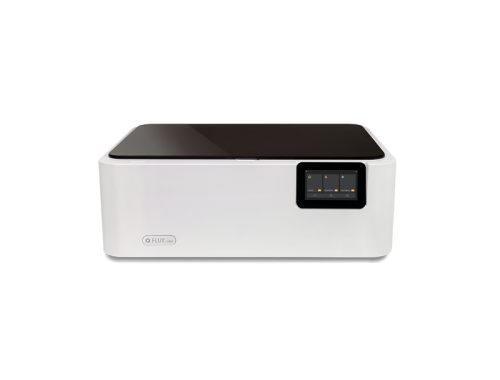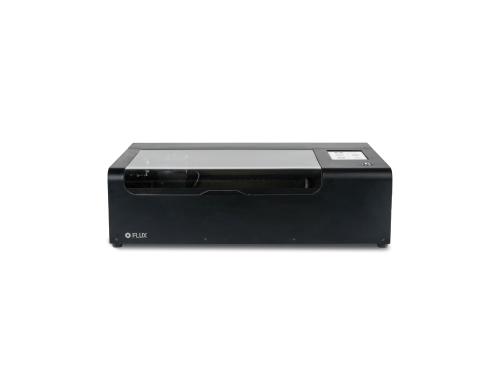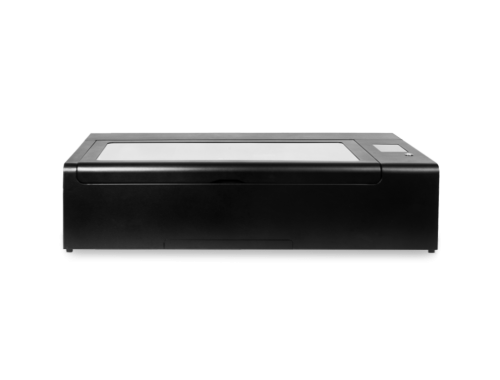

As the new school year approaches, designing lesson plans becomes a significant challenge for every teacher. A great lesson plan not only needs to clearly define learning objectives and establish a well-structured curriculum but also must maintain flexibility and interactivity to keep students engaged while absorbing knowledge. So, how can you create a curriculum that is both rich in content and fosters strong interaction between teachers and students? FLUX laser cutters are here to support you—whether you’re crafting teaching aids or conducting hands-on DIY projects in class, we’ll be with you and your students every step of the way in this exciting new term.
In this article, we’ll share laser engraving courses tailored for different age groups. These courses are perfect for any subject that involves DIY projects, and we even provide free downloadable design files for teaching purposes. We’ve divided the age groups into three stages: kindergarten to third grade, fourth to sixth grade, and junior high to high school. As students advance, the difficulty of the courses increases accordingly. Join us as we explore these fun and engaging laser STEAM courses together!
What is STEAM Education?
In the U.S., there’s a growing emphasis on developing critical thinking and practical skills in students, moving away from rote memorization and focusing instead on fostering independent action, effective communication, and community involvement. This approach aligns closely with the principles of STEAM education—a multidisciplinary method that integrates Science, Technology, Engineering, Arts, and Mathematics. STEAM encourages students to engage in hands-on activities and creative problem-solving, applying their knowledge across these key areas. At FLUX, we embrace the STEAM philosophy by offering rich, interactive courses that challenge both the mind and the hands. All the lesson plans provided in this article are available for free download, and we invite educators to make full use of them!
Laser Curriculum: Kindergarten–Grade 3
Students in grades 1 through 3 typically have shorter attention spans and less patience, so it’s important to design lessons that are both fun and hands-on for this age group. We’ve identified five key factors to consider when creating such lessons and developed three laser engraving projects that are perfect for students at this stage.
- Limited Attention Span: Children in this age group often struggle to focus on a single, abstract concept for extended periods. Engaging activities can help them stay interested and invested in learning. For example, combining scientific concepts with games can allow students to absorb new ideas without even realizing it.
- Hands-On Skills and Experiential Learning: At this stage, kids are in a crucial period for developing their manual dexterity. They love to explore and create with their hands, using hands-on activities to grasp abstract concepts. Practical lessons, like building models or conducting simple experiments, not only make it easier for students to understand and remember information but also help develop their problem-solving skills.
- Sparking Creativity and Imagination: Fun activities can ignite students’ creativity and imagination. Young children are naturally curious and love to explore the unknown. Imaginative lesson plans encourage them to think creatively and learn new things through exploration.
- Cultivating a Love for Learning: The elementary years are critical for fostering a love of learning. Fun and hands-on lessons can make learning enjoyable, boosting students’ motivation and helping them develop good study habits.
- Developing Cooperation and Social Skills: These courses often include elements of teamwork, allowing students to learn through interaction. This not only enhances their social skills but also fosters a sense of teamwork, which is essential for their future learning and growth.
Animal Habitats
FLUX’s laser engraving courses incorporate Design Thinking, a human-centered problem-solving methodology. This approach guides teachers through four steps: Discovering problems, Defining issues, Developing solutions, and Delivering results, to help structure their lessons effectively.
For the “Animal Habitats” laser engraving course, students will need cardboard, glue, and a FLUX laser cutter. In this lesson, students will choose an animal to research, design its habitat based on their findings, and use the laser cutter to create the necessary elements. This course is versatile and can be applied to a wide range of subjects. It’s not only suitable for science classes but also integrates well into language arts lessons, such as those in language courses, where related content is covered. This hands-on approach helps students more effectively absorb the information the teacher aims to convey.
The course can be guided using the following framework:
- Discover: Begin by discussing and showcasing different types of animal habitats. Guide students to understand the characteristics of each habitat and the distribution of animals within them. Introduce the use of the laser cutter and its applications in the project.
- Define: Divide students into groups and assign each group a different habitat. Have the students draw or describe their selected habitat and design a 3D model. Encourage them to use creativity and attention to detail to accurately simulate the real-world environment.
- Develop: Guide students in using the laser cutter to cut out the components of their habitat designs. Assist them in assembling the pieces, checking the functionality of the habitat, and making any necessary adjustments.
- Deliver: Have each group reflect on the strengths and weaknesses of their design, make any needed modifications, and then present their habitat to the class. Encourage them to share their design choices and the process they went through.
This lesson plan also includes instructional videos and free design files, which teachers are welcome to use.
Cardboard Automata Design
FLUX laser engraving lesson plans also include a cardboard automata course designed for math and science-oriented teachers, suitable for students in grades 1 through 3. Through this course, students will learn about the structure and principles of automata, using the laser cutter to create their own cardboard automaton. This allows students to not only absorb knowledge but also express their creativity by extending what they’ve learned into hands-on projects.
A laser cutter is a subtractive technology, which differs from 3D printing in that it forms objects by removing unwanted material with a laser beam, rather than adding material. When teaching with materials like recycled cardboard or acrylic, this technique can serve as a form of sustainable design, indirectly instilling environmental protection principles in students.
The cardboard automata course can be guided using the following framework:
- Discover: Begin by showing students a pre-made automaton model. This will help them understand the concept of automata, spark their design ideas, and encourage them to think of characters that would fit well with the structure of a cardboard automaton.
- Define: Have students choose and design their characters, then sketch out the structure of their automaton. The teacher can assist with cutting out the necessary parts.
- Develop: Students begin assembling their automaton, either following the teacher’s step-by-step guidance or assembling on their own using a template.
- Deliver: Once the assembly is complete, students share their designs with the class, discussing their character choices and the story behind their automaton. This is followed by constructive feedback and any improvements they wish to make.
Laser Curriculum: Grades 4–7
Cardboard Stacking
The course can be guided using the following framework:
- Discover: Begin the lesson by introducing geographic concepts and using contour maps to help students understand the rise and fall of terrain. Students will learn how to read and draw contour lines and explore how these lines represent different topographical features.
- Define: Have students choose a specific area to study its terrain distribution and then draw a contour map of that region.
- Develop: Students will prepare and cut their designs using the laser cutter, learning how to set up and operate the machine’s parameters in the process.
- Deliver: Students will present their contour maps to each other and showcase their work to the class, sharing their design choices and the process they went through.
This lesson plan also includes instructional videos and free design files, which teachers are welcome to use.
Finger Joint Box
The course can be guided using the following framework:
- Discover: Students research different woodworking joints, such as dovetail, box joints, butt joints, miter joints, and mortise and tenon. They evaluate whether these joints can be created using a laser cutter.
- Define: Students select a small item they plan to store in their finger joint box, such as pencils, batteries, or erasers. They then list the requirements the box must meet, including size, engraving, windows, and internal dividers.
- Develop: Students use Makercase to design their storage box, freely adding decorations and new features. The teacher explains the concept of engraving, demonstrates the engraving process, and shows how it differs from cutting. They guide students on how to add new layers in the design software for engraving.
- Deliver: Students use the laser cutter to cut and engrave their wooden storage boxes, assembling the pieces with wood glue if necessary. The teacher reminds students to gently sand the edges to improve glue adhesion.
This lesson plan also includes instructional videos and free design files, which teachers are welcome to use.
Laser Curriculum: Grades 8–12
Car Design
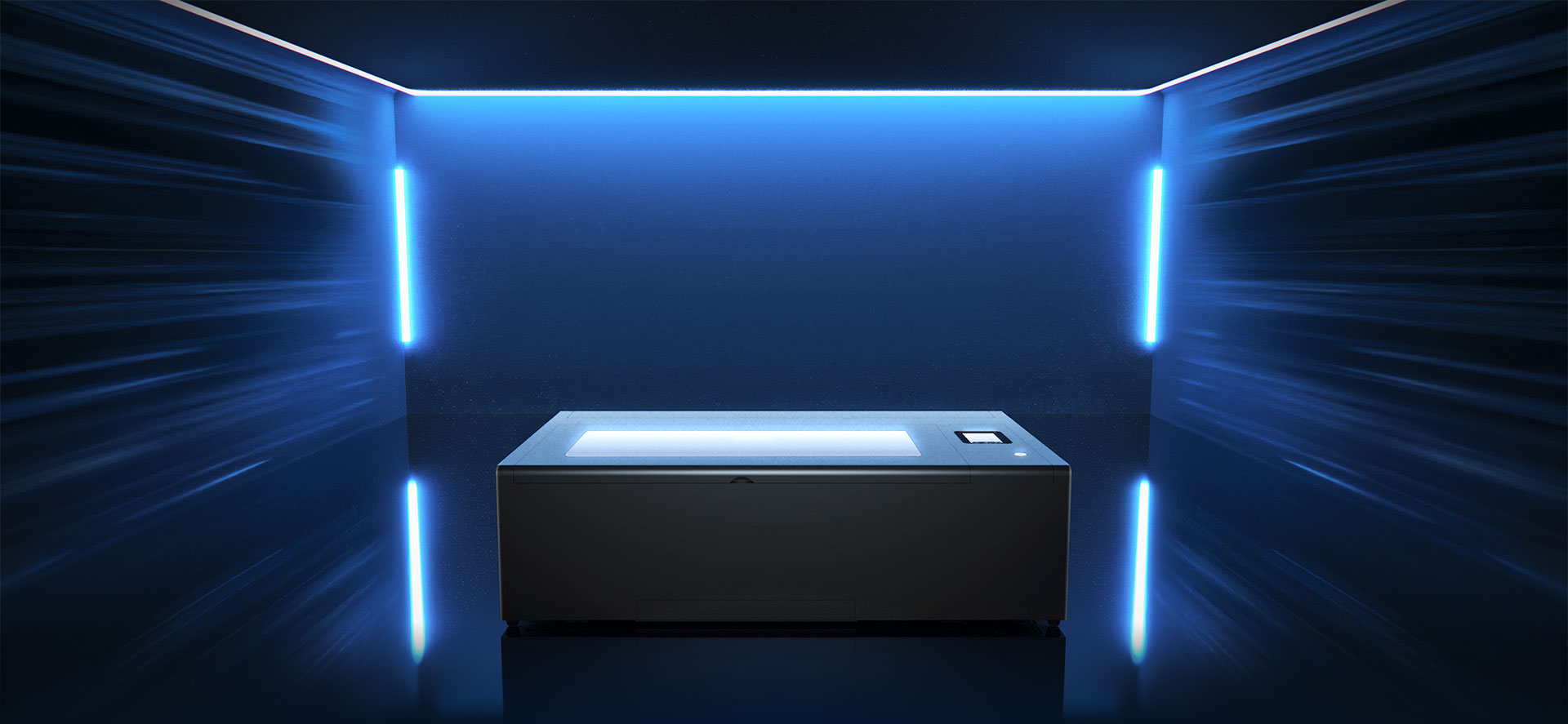
Your Best Teaching Partner - FLUX beamo
Features of beamo
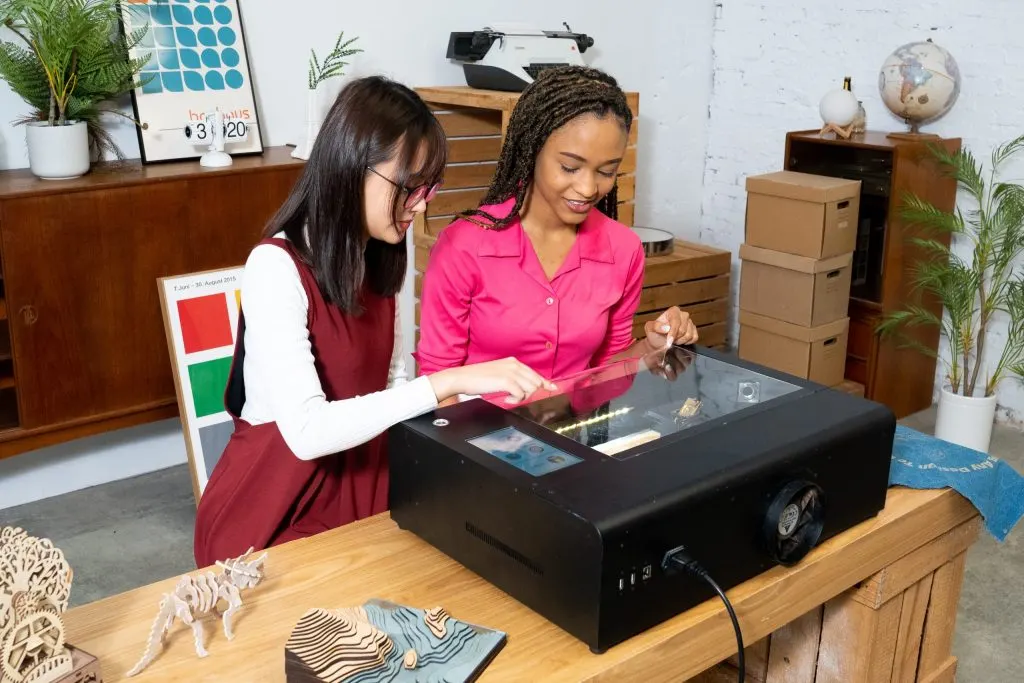
- 30W CO2 laser for engraving and cutting
- HD camera for precise alignment
- 1000 DPI high-resolution laser beam
- Real-time monitoring via smart panel
- Auto shutdown when door is opened
- User-friendly Beam Studio software
- Certified Class 1 Laser Product