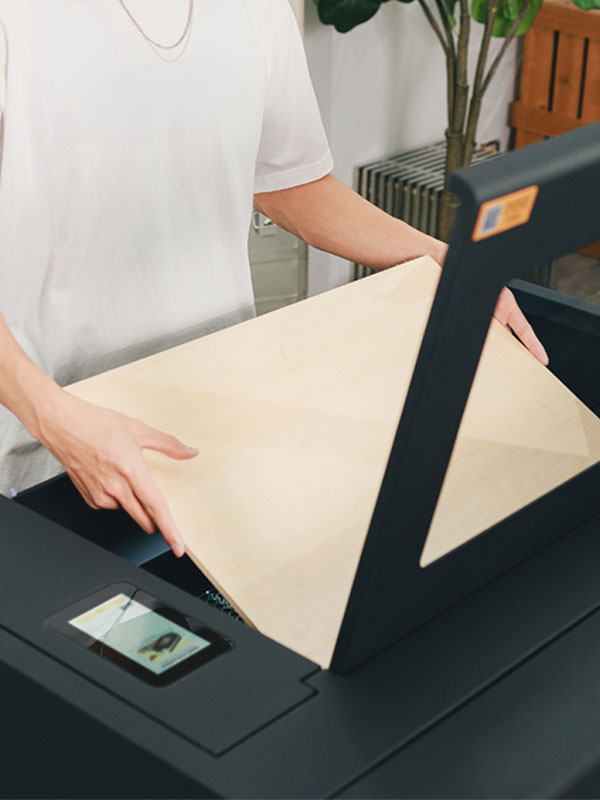
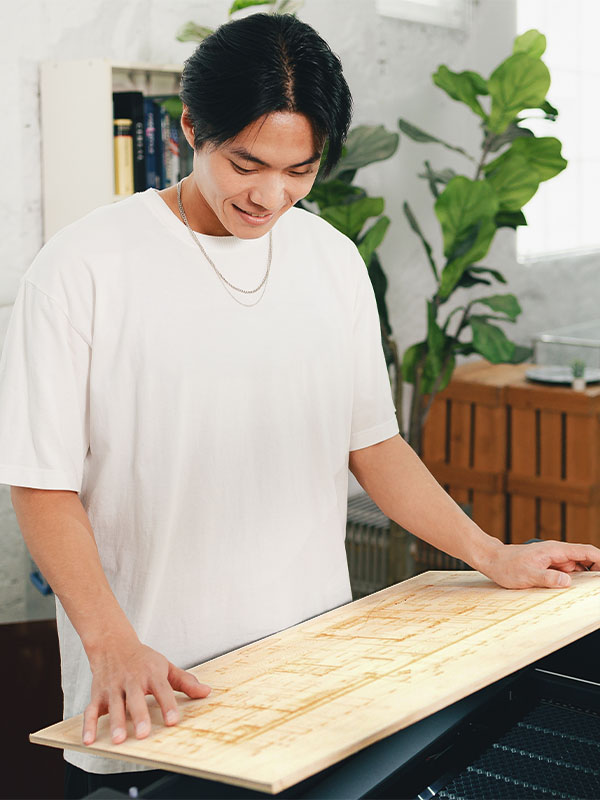
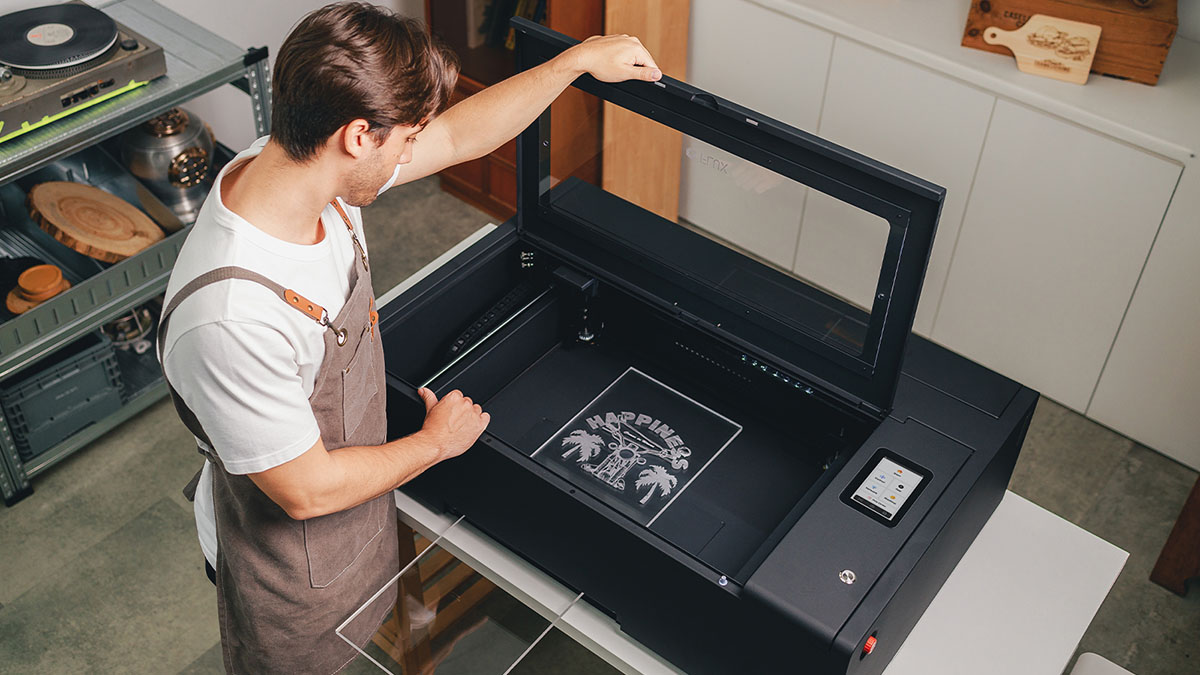
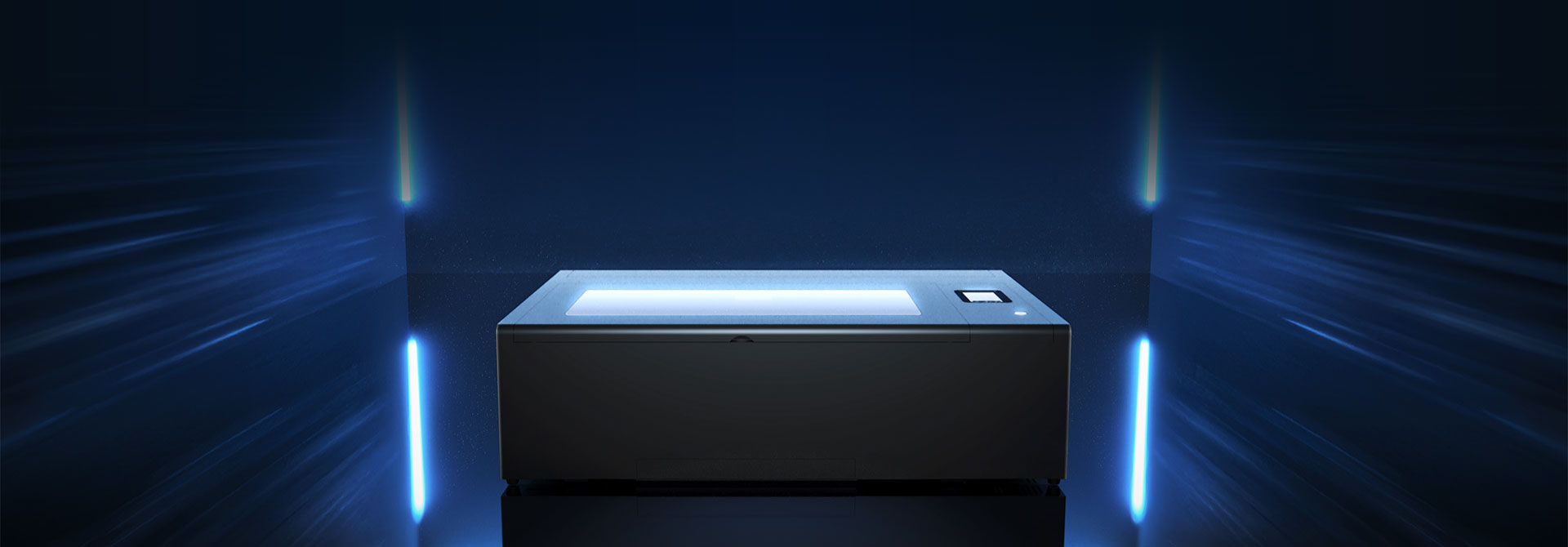
Beambox Ⅱ is upgraded to a 55W CO2 laser, delivering exceptional cutting performance. Effortlessly cut through 20 mm acrylic and 18 mm Japanese cypress—from intricate designs to bold creations, precision is built in.
20 mm (0.79 in) Clear Acrylic Cutting18 mm Japanese Cypress Cutting
900mm/s
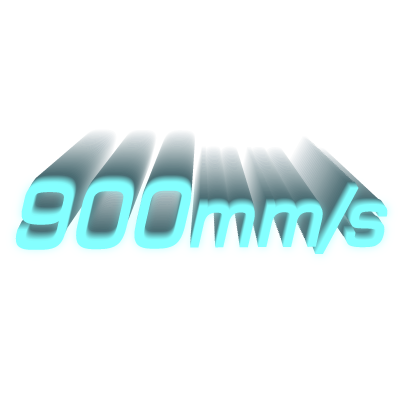
900mm/s Ultra-Fast Engraving. Triple the Efficiency.
Engraving speeds of up to 900mm/s accelerate creation to new heights. The upgrade boosts efficiency by three times, handling intricate patterns and large projects quickly and accurately.
Larger Working Area, Expanded Creative Space.
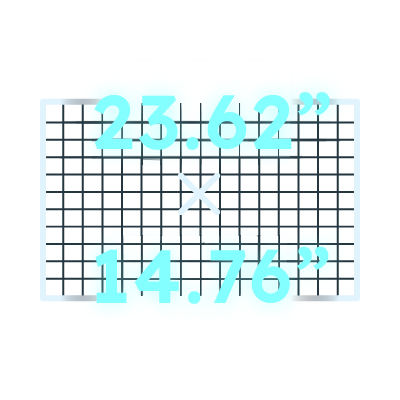
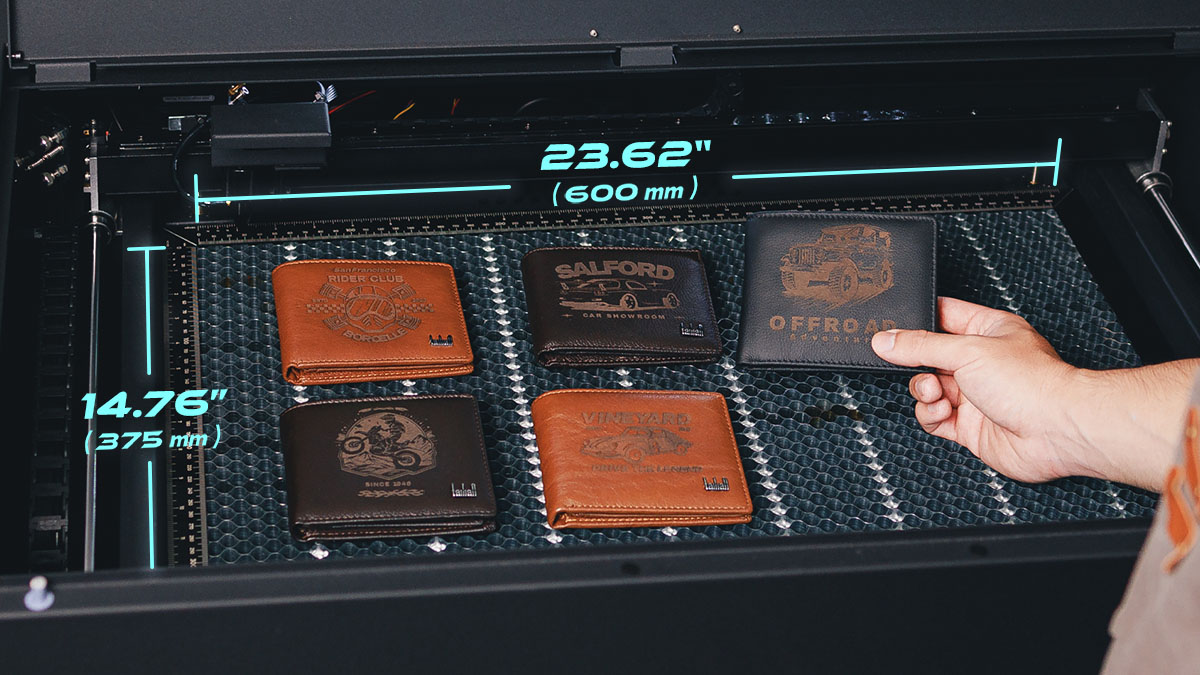
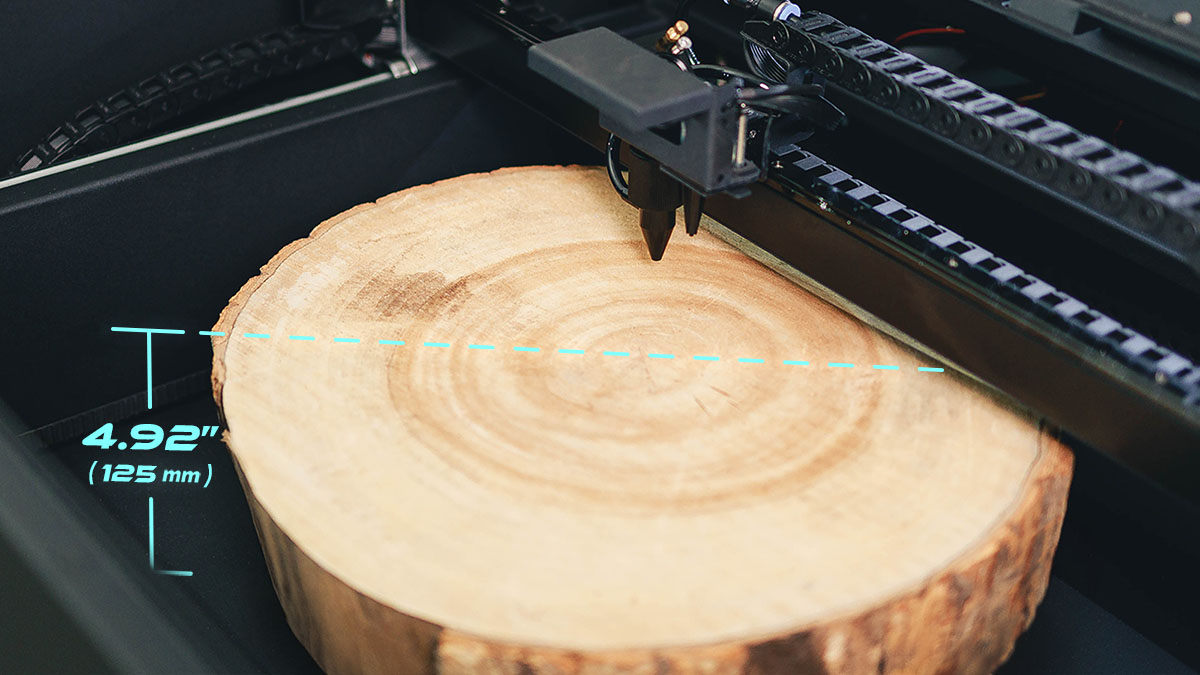
Beambox Ⅱ features an expanded 23.62 × 14.76 in work area with a depth of 4.92 in, extendable to 8.46 in with the optional bottom tray. Handle larger materials or process multiple items in one go.
Deeper Work Depth. Endless Possibilities.
Upgraded from 3.15 to 4.92 in, the deeper work area adds material flexibility. Remove the honeycomb tray to engrave even thicker pieces and unlock new creative possibilities.
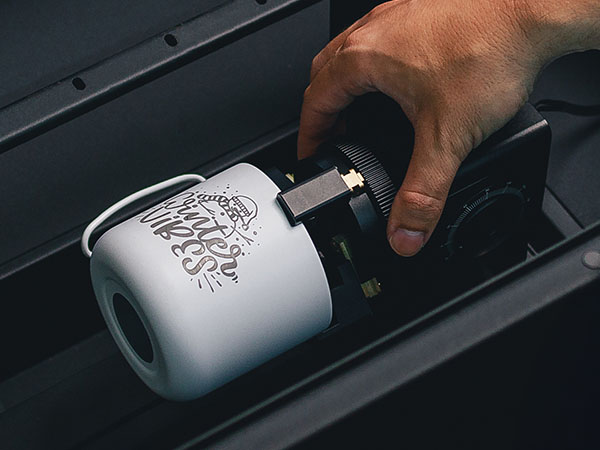
The Extension Pocket handles thicker materials and supports the Chuck Rotary for cylindrical and varied objects, adding a 15.16 × 8.27 in area and up to 8.46 in of depth. Opening the machine bottom changes the classification to Class 4 and requires the additional protections in the safety guidance.
Open ends at the front and back let Beambox Ⅱ handle longer materials with ease. Opening the front or rear passthrough, or the machine bottom, changes the classification to Class 4. Complete operator training and follow the safety SOP, wear compliant laser safety glasses throughout operation, and keep a trained operator continuously present.
Designed for curved objects, this feature measures height with red light and dynamically adjusts the Z-axis throughout engraving. Every curve and detail stays precise beyond the limits of a flat surface.
*Software must be version 2.4.6 or later, and firmware version 6.0.7 or later.
Easily Handle 100+ Materials.
Thoughtfully Designed. Fully Integrated.
Touchscreen Control
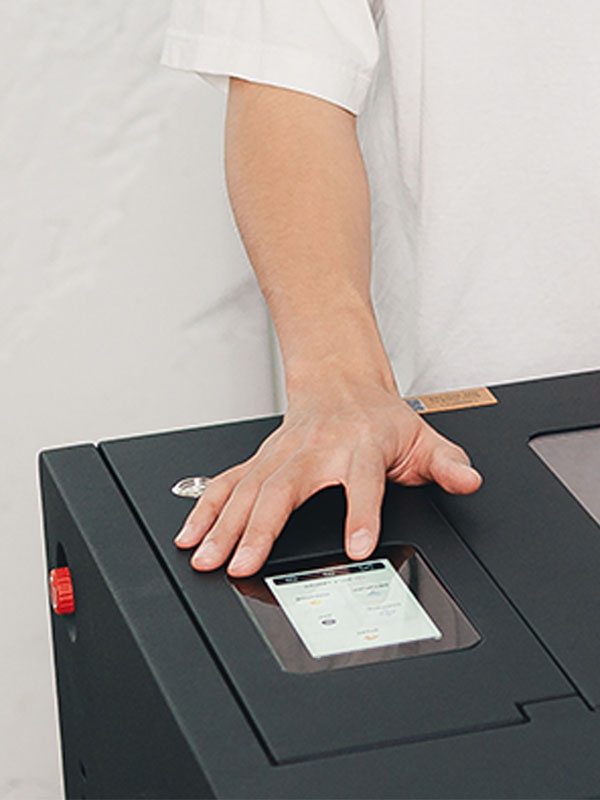
From connecting to Wi-Fi to checking work progress, everything is just a tap away.
Honeycomb Design
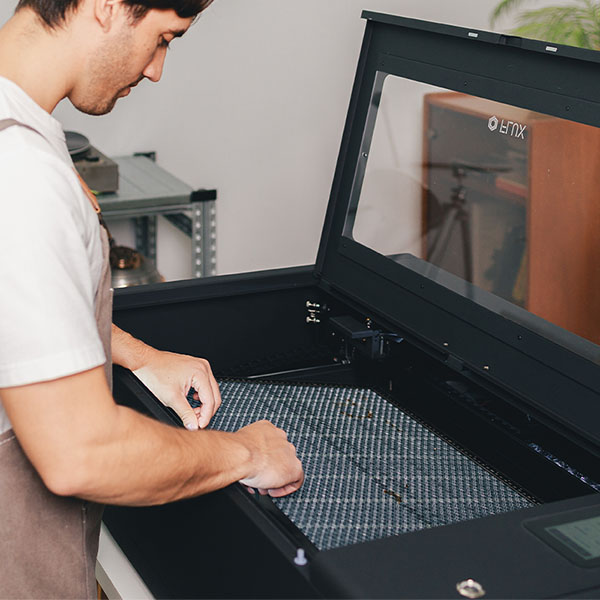
Stable support, airflow and heat dissipation help reduce burn marks; the handled tray is easy to remove.
One-touch Focus
Say goodbye to manual adjustments. With just a tap, auto-focus is complete in 2–3 seconds.
Camera Preview
Quick, accurate previews and positioning make every creation more intuitive and convenient.
Red Light Preview
The red light clearly outlines the engraving area for better alignment and less material waste.
Go to slide 1 / 5
Auto Fit. Auto Arrange.
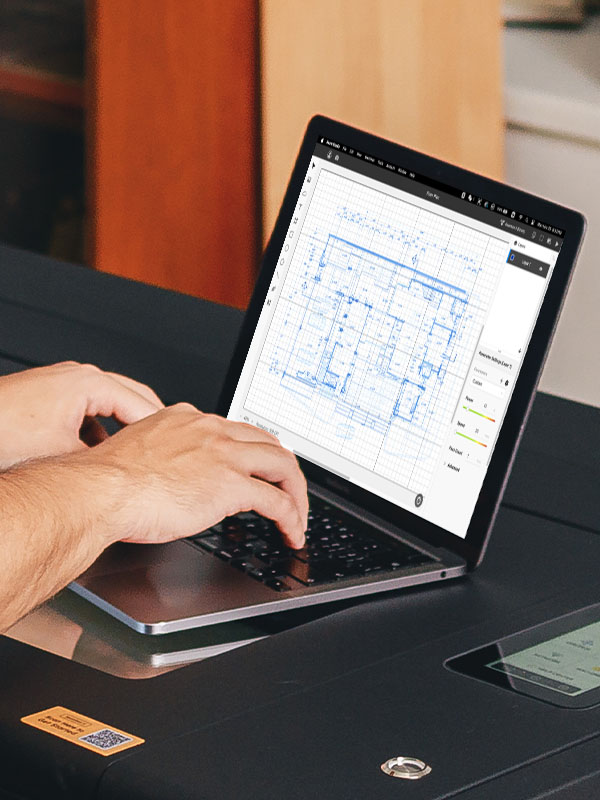
From camera preview and material presets to layer management, Beam Studio brings every step into one intuitive design workflow.
Manage Multiple Layers at Once
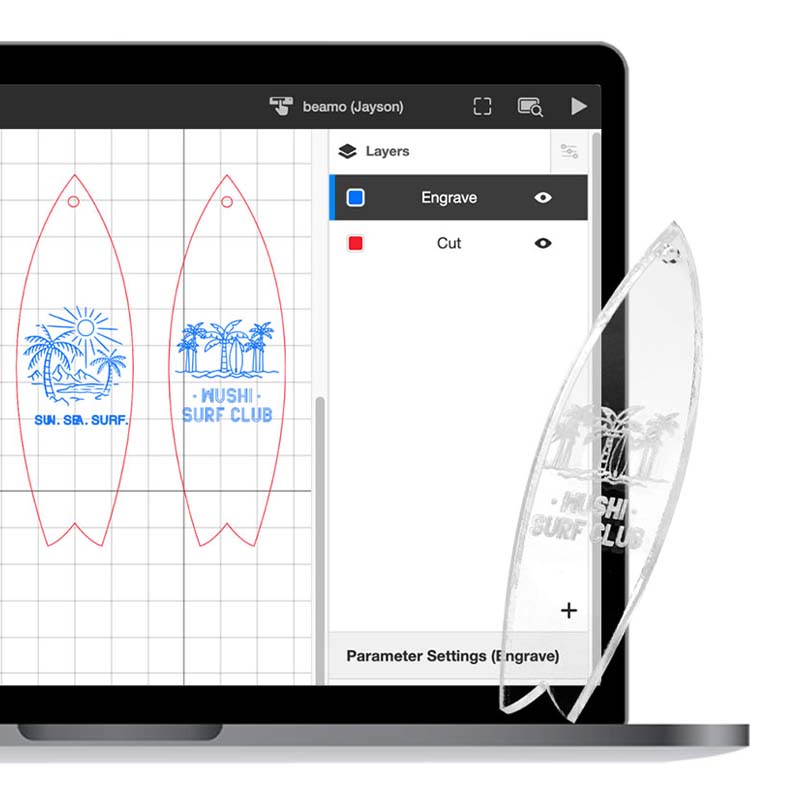
Set different parameters for each layer, then engrave and cut them in a single job.
Millions of Curated Design Assets
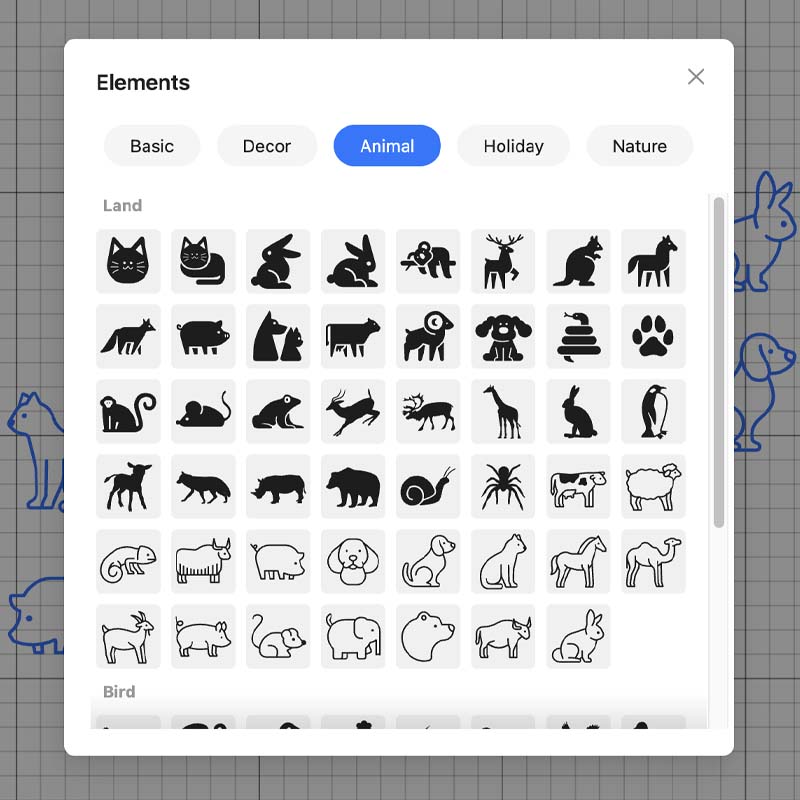
Choose from 7,000,000+ free vector assets in the software, making it easy for beginners to get started.
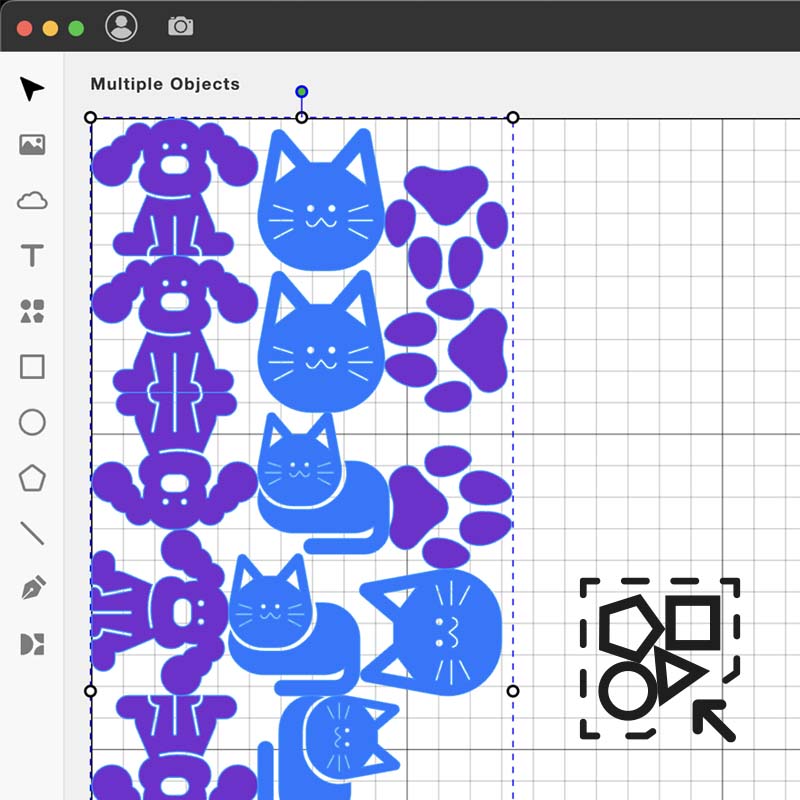
Faster Layouts, Less Trimming
Automatically arrange every design, saving manual adjustment time, speeding up production, and making efficient use of every sheet.
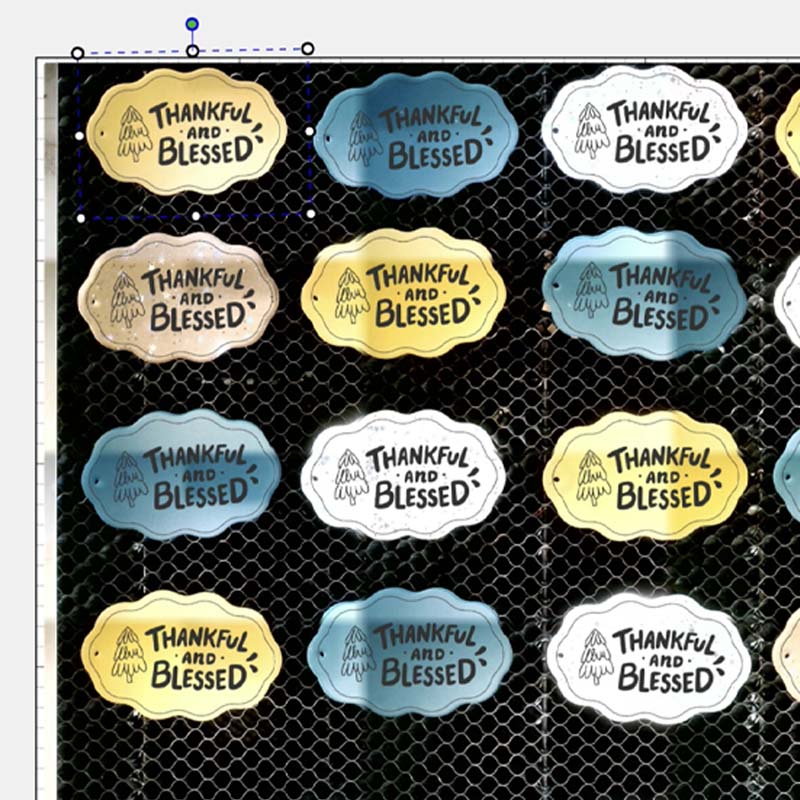
Auto-Align in One Click
Automatically detect the outline of each material and batch-process small items in one click, saving both time and effort.
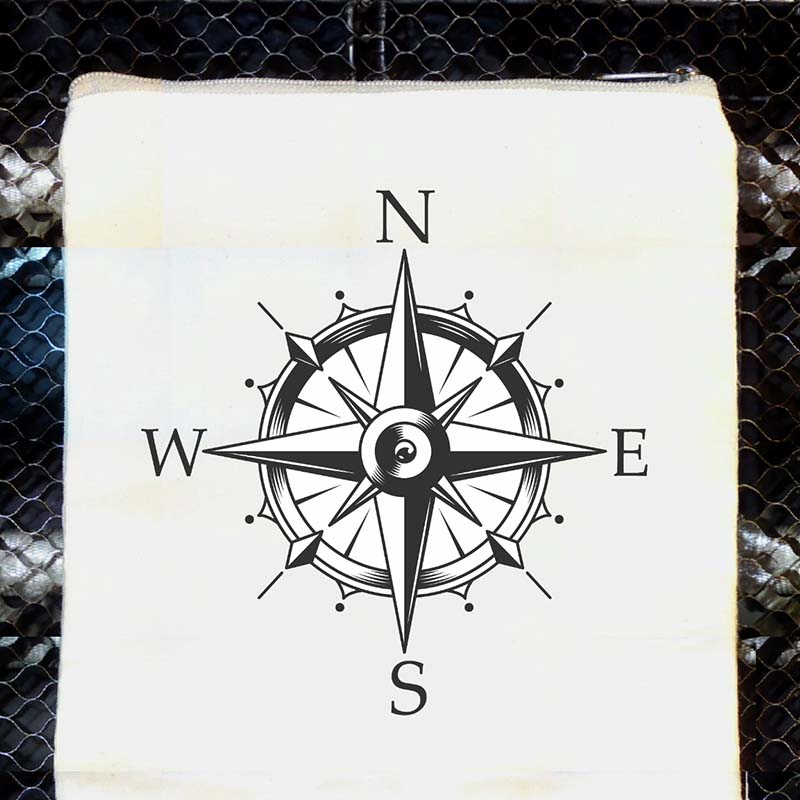
Camera Preview: What You See Is What You Get
Use Beambox Ⅱ’s built-in camera to see item position and size at a glance, then drag files directly into place.
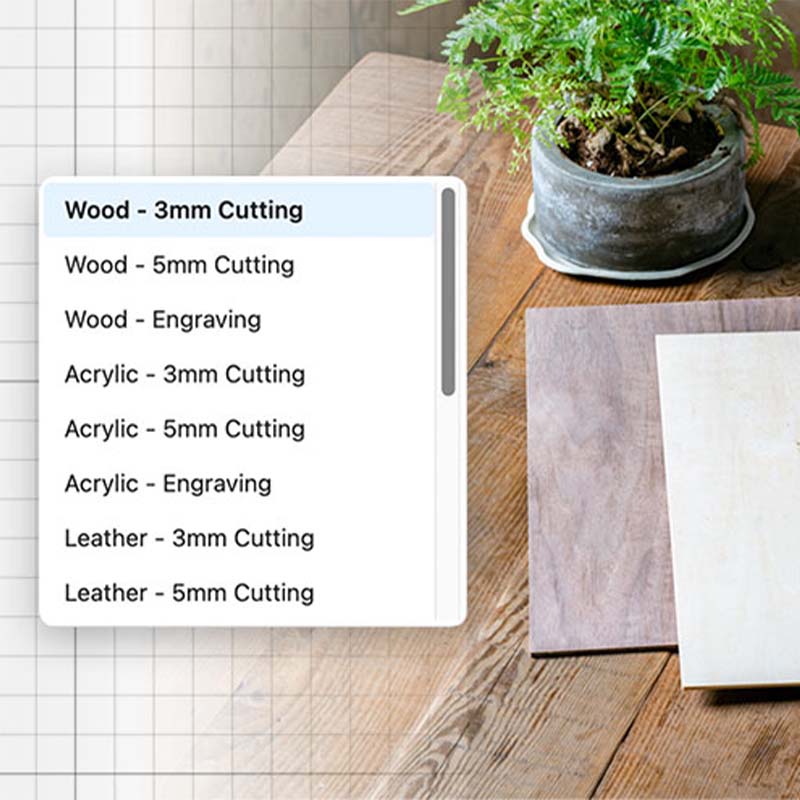
Recommended Settings, Just Right
Beam Studio includes recommended presets for different materials, with power and speed ready to use or freely adjustable.
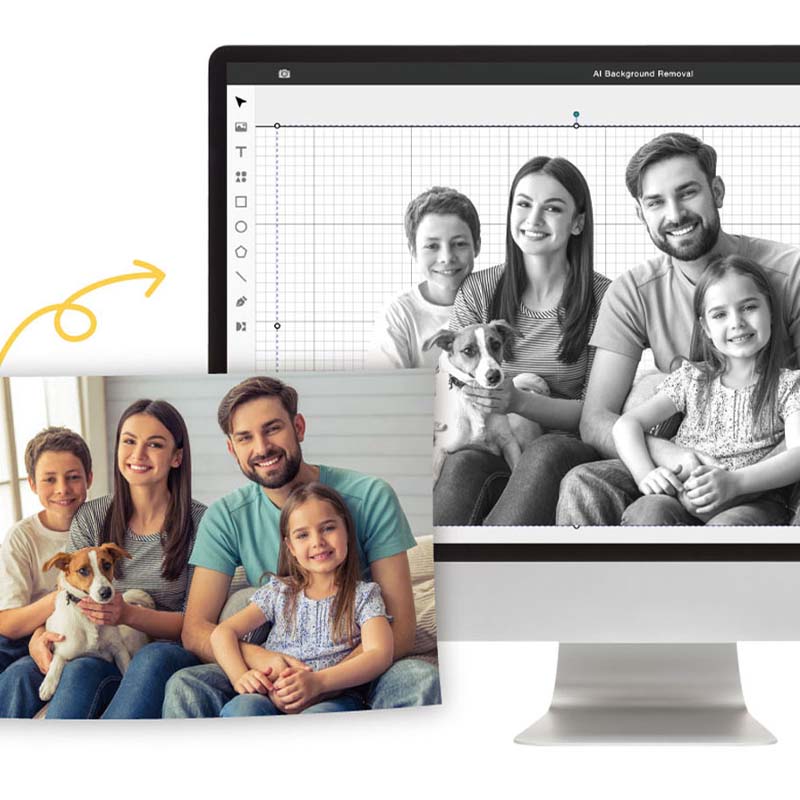
Smart One-Click Background Removal
Built-in AI removes complex backgrounds in one click, giving you clean, high-resolution cutouts directly in the software.
Manage Multiple Layers at Once
Set different parameters for each layer, then engrave and cut them in a single job.
Millions of Curated Design Assets
Choose from 7,000,000+ free vector assets in the software, making it easy for beginners to get started.
Faster Layouts, Less Trimming
Automatically arrange every design, saving manual adjustment time, speeding up production, and making efficient use of every sheet.
Auto-Align in One Click
Automatically detect the outline of each material and batch-process small items in one click, saving both time and effort.
Camera Preview: What You See Is What You Get
Use Beambox Ⅱ’s built-in camera to see item position and size at a glance, then drag files directly into place.
Recommended Settings, Just Right
Beam Studio includes recommended presets for different materials, with power and speed ready to use or freely adjustable.
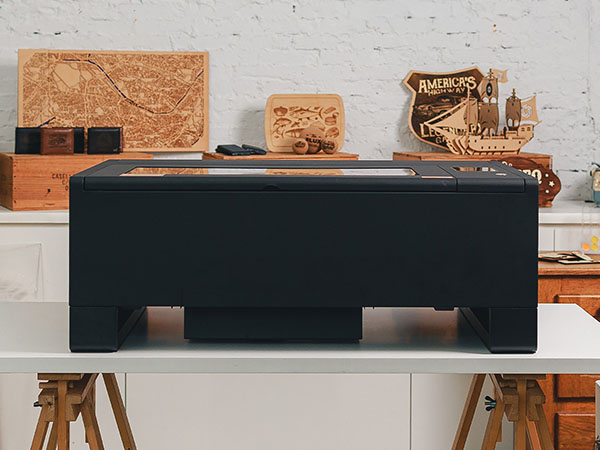
The standard fully enclosed configuration, with passthrough disabled, is Class 1. Opening the front or rear passthrough, or the machine bottom, changes the classification to Class 4. Complete operator training and follow the safety SOP, wear compliant laser safety glasses throughout operation, and keep a trained operator continuously present. Beambox Ⅱ is CE, FCC, FDA and SGS certified and complies with IEC 60825-1.
Fully Enclosed. Complete Protection.
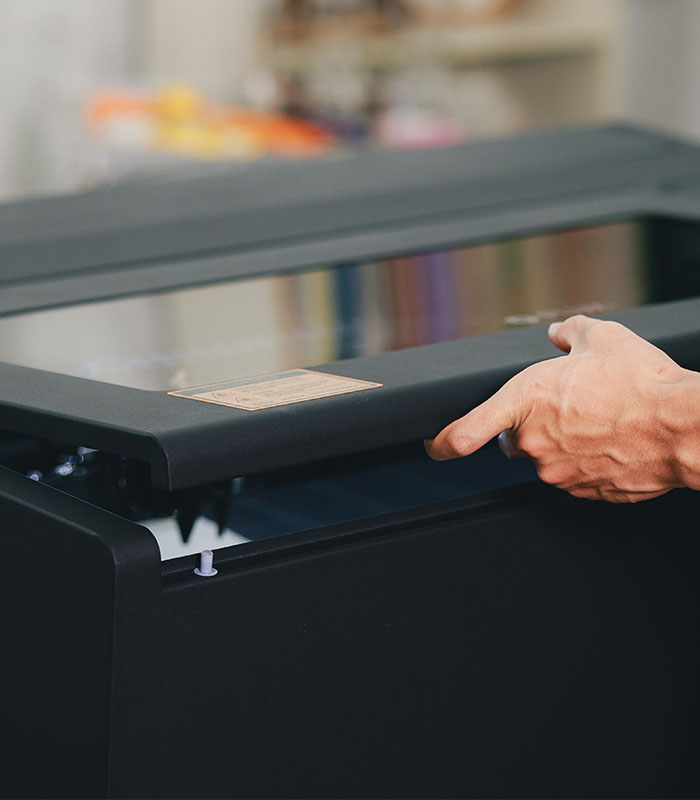
Constructed with a full metal enclosure, the machine stops automatically when the lid is opened.
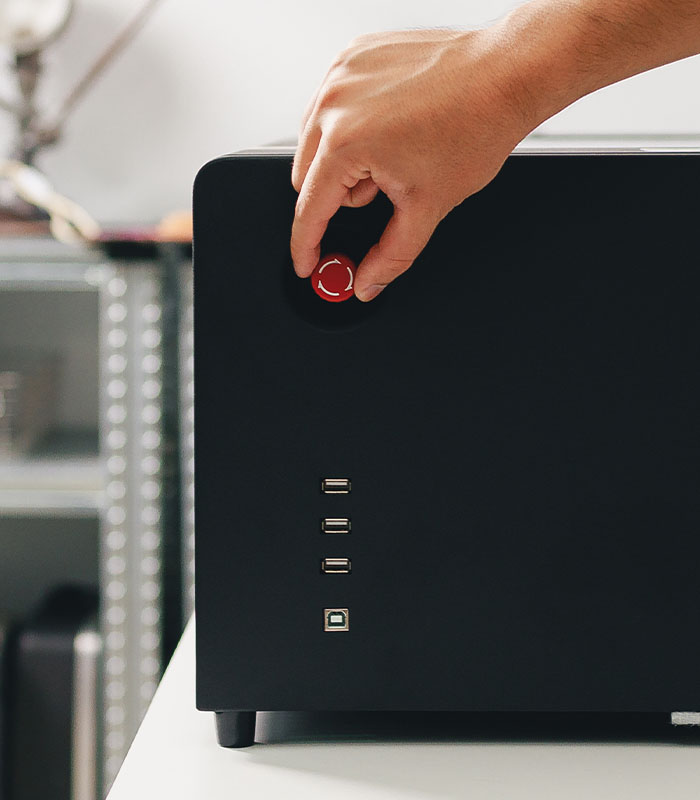
Emergency Stop. Immediate Shutdown.
An emergency stop button on the side of the machine instantly halts operation in case of urgent situations.
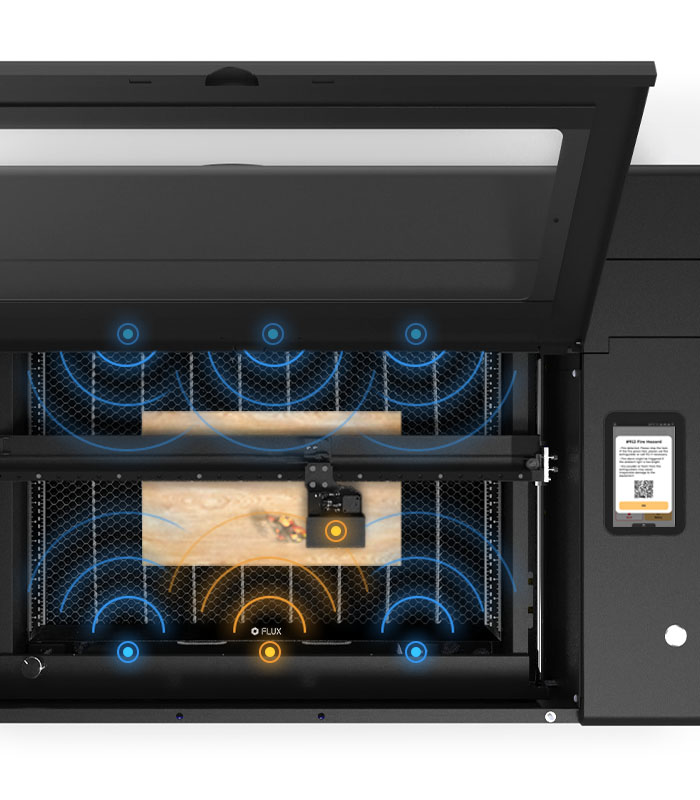
Automatic Flame Sensor
Beambox Ⅱ is equipped with 7 flame sensors within its working area. If a flame is detected during operation, an alarm will immediately sound, ensuring enhanced safety.
Beam Air Pro. Triple Layer Protection.
Equipped with a high-quality three-layer filter, including a pre-filter, HEPA filter, and activated carbon filter.
Leveraging over a decade of unparalleled expertise in the 3D printing and laser cutting industry, we are dedicated to providing top-tier solutions that exceed customer expectations.
Beambox Ⅱ is Class 1 only in its standard fully enclosed configuration. Passthrough or open-bottom operation is Class 4 and requires the protections in the safety guidance.
Leveraging over a decade of unparalleled expertise in the 3D printing and laser cutting industry, we are dedicated to providing top-tier solutions that exceed customer expectations.
Beambox Ⅱ is Class 1 only in its standard fully enclosed configuration. Passthrough or open-bottom operation is Class 4 and requires the protections in the safety guidance.
Leveraging over a decade of unparalleled expertise in the 3D printing and laser cutting industry, we are dedicated to providing top-tier solutions that exceed customer expectations.
* : With Extension Pocket Add-on & Auto Feeder Extension Pocket.
Passthrough
Material Depth
0.55" (14 mm)
Material Width
13.78" (350 mm)
Opening the front or rear passthrough changes the classification to Class 4. Complete operator training, follow the safety SOP, wear compliant laser safety glasses throughout operation, and keep a trained operator continuously present.
Chuck Rotary
Cylinder Diameter
0.04" to 5.71" (1 - 145 mm)
Ring Diameter
0.43" to 5.71" (11 - 145 mm)
Sphere Diameter
0.98" to 5.12" (25 - 130 mm)
FAQ
General
What is Beambox Ⅱ?
Beambox Ⅱ is the second-generation laser cutter of Beambox, featuring an upgraded 55W laser. It can cut and engrave common materials such as wood, leather, acrylic, and paper. With comprehensive hardware and software upgrades, it offers a more intuitive user experience.
What are the differences between Beambox Ⅱ, Beambox, and Beambox Pro?
Each machine was released at different times and features different laser power levels. Beambox has a 40W laser, capable of cutting up to 0.47” (12mm) thick materials, depending on the material type. Beambox Pro features a 50W laser, allowing for a maximum cutting thickness of 0.55” (14mm). Beambox Ⅱ is the latest model in the Beambox series, equipped with a 55W laser that can cut up to 0.79” (20mm) thick materials. It also comes with further hardware and software upgrades. We recommend choosing the model that best suits your needs.
About Hardware
Do I need to learn any skills before using Beambox Ⅱ?
Before using a laser cutter, it's recommended to have basic design knowledge and an understanding of laser cutting machine operations. You can quickly learn the basics through FLUX’s official YouTube channel or social media platforms like Instagram, Facebook, or the FLUX Facebook Group. For more details, please refer to the Beambox Ⅱ Help Center.
Does Beambox Ⅱ come with a warranty? How long is the coverage?
Beambox Ⅱ and its 55W laser tube are each covered by a 12-month limited warranty. For more details, please refer to the Beambox Ⅱ Warranty Terms & Disclaimer.
What materials can Beambox Ⅱ cut and engrave?
Beambox Ⅱ precisely cuts wood, acrylic, leather, and cardboard, with a maximum cutting thickness of 0.79 inch (20 mm) (depending on the material). It can engrave a wide range of materials, including stone, anodized metal, glass, and rubber.
Can Beambox Ⅱ cut deeper than the material specifications?
By reducing the speed in the software or performing multiple passes, you can achieve deeper cuts.
Does the camera preview area of Beambox Ⅱ fully cover the working area?
Yes, the camera preview area perfectly matches the working area.
How do I align materials on Beambox Ⅱ?
You can use the camera preview function in the top left corner of Beam Studio software or by using the red light preview function in the top right corner of Beam Studio software.
How do I focus the material on Beambox Ⅱ?
Beambox Ⅱ has built-in auto focus. Simply press and hold the AF button on the bottom left of the touchscreen for 2–3 seconds to complete the focusing process.
Laser sounds dangerous. What safety precautions should I take?
Beambox Ⅱ is Class 1 in its standard fully enclosed configuration with passthrough disabled. Opening the front or rear passthrough, or the machine bottom, changes the classification to Class 4. Complete operator training and follow the safety SOP, wear compliant laser safety glasses throughout operation, and keep a trained operator continuously present. The machine also includes a lid-open safety stop and an emergency stop button, is CE, FCC, FDA and SGS certified, and complies with IEC 60825-1.
Can Beambox Ⅱ cut metal?
Beambox Ⅱ is a CO2 laser cutter and can only engrave on anodized or painted metal. However, it can cut wood, acrylic, leather, and cardboard.
Does Beambox Ⅱ have built-in air assist and exhaust functions?
Yes, Beambox Ⅱ has a built-in air pump and a powerful exhaust fan. The air pump prevents materials from burning or leaving scorch marks, while the exhaust fan removes cutting fumes from the machine.
Does Beambox Ⅱ come with a honeycomb cutting platform?
Yes, Beambox Ⅱ includes a honeycomb platform. With the honeycomb platform installed, the maximum material thickness is 2.36 inches (6 cm). If you remove the honeycomb platform, the maximum material thickness is 4.92 inches (12.5 cm). If you remove the honeycomb platform and install the Extension Pocket Add-on, the maximum material thickness is 8.46 inches (21.5 cm).
What is the recommended installation environment?
We recommend installing Beambox Ⅱ in a well-ventilated area with a window. Laser cutting generates combustion fumes and dust, so use the included vent hose to direct fumes outside. Some fumes may escape when opening the lid, so ensure proper indoor ventilation or use an Air Filter.
What maintenance does the machine require?
All CO2 laser machines require regular maintenance. Clean the mirrors and focus lens regularly based on usage and material type—typically about once a week. Apply lubricant to the linear rails periodically for smooth operation. If the water level in the cooling tank drops after long-term use, refill it with distilled water.
What consumables does Beambox Ⅱ require? How long do they last?
Under normal use, the laser tube lasts about 6–12 months, depending on power settings and usage frequency. If replacement is needed, refer to our laser tube replacement guide.
About Software
Is Beam Studio free?
Yes, it’s completely free! Even if you haven’t purchased a machine, you can freely download and try it out or use the web version. Visit the Beam Studio page to learn more about its features.
What file formats does Beam Studio support?
Beam Studio supports SVG, JPG, PNG, PDF, DXF, AI, and WEBP.
Which design software is compatible with Beam Studio?
Beam Studio is compatible with Adobe Illustrator, Adobe Photoshop, Affinity Designer, Autodesk AutoCAD, SketchUp, and various other design software.
What is the function of the touchscreen panel?
The high-resolution touchscreen panel, embedded in the machine’s casing, allows users to directly check the machine’s status and progress.
How can Beambox Ⅱ connect to a network?
Beambox Ⅱ can connect via Wi-Fi or Ethernet.
Which operating systems support Beam Studio?
Beam Studio supports Windows 10+, macOS 13+, Ubuntu 20+, and ChromeOS.