
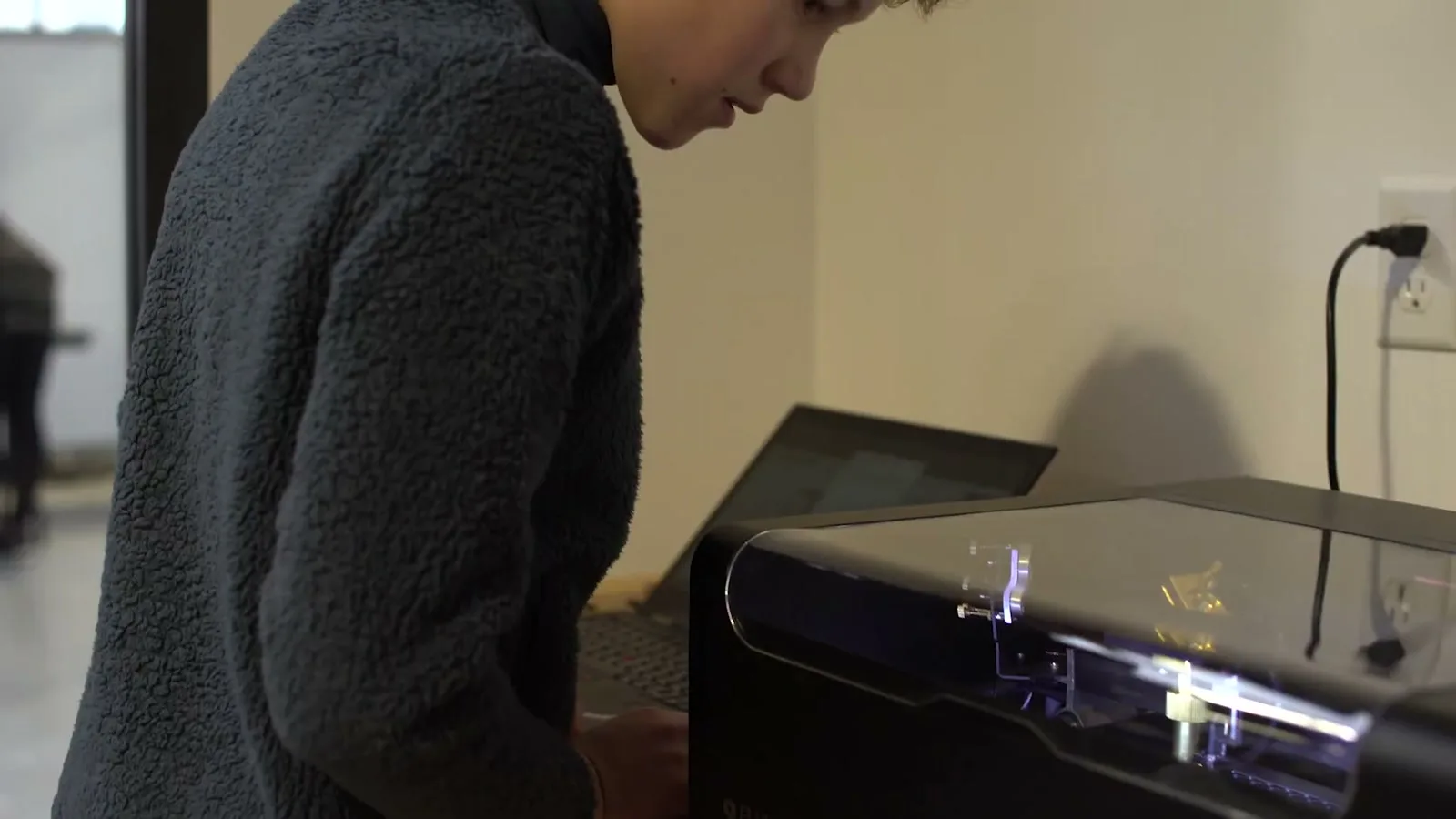

Chapter 1
Introduction of FLUX Laser
Get to know your FLUX laser cutter, the essential safety rules, and how the machine turns a digital design into a finished cut or engraving.
Laser Cutter 101 is a free, five-chapter video curriculum made for complete beginners. Starting from the very basics, it walks you through laser safety, machine preparation, the camera workflow, Beam Studio, and parameter setting—so anyone can go from unboxing to confidently cutting and engraving their first projects.
FLUX teams up with Flux Space to revolutionize STEAM education through CO2 laser cutters. Together, we've developed a curriculum for K-12, merging hands-on projects with foundational STEAM concepts. Our CO2 lasers transform classrooms, bridging theory and tangible learning, and preparing students for a future filled with innovation.
Get to know your FLUX laser cutter, the essential safety rules, and how the machine turns a digital design into a finished cut or engraving.

Learn to prepare a job the right way—material setup, focusing, and using the camera preview so your artwork lands exactly where you want it.

Follow a clear, teachable sequence for tracing, cutting, and engraving your first design from start to finish.

Master Beam Studio—layers, boolean operations, and layout tools—so you can prepare artwork confidently for any project.

Understand power, speed, and material settings, then learn to fine-tune parameters and troubleshoot common cutting and engraving issues.

Playful first projects that introduce shapes, colors, and safe making for the youngest learners.

Guided builds that connect design thinking with real cutting and engraving skills.

Project-based challenges that grow into prototyping, packaging, and problem solving.
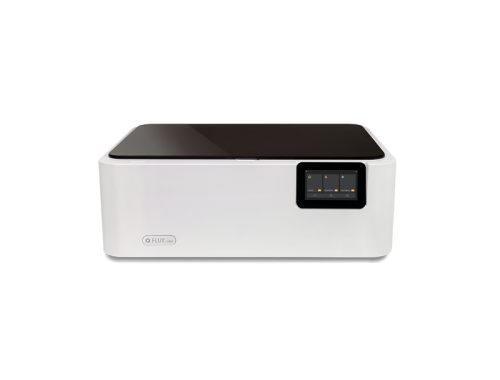
Laser cutting meets color inkjet printing.
Learn More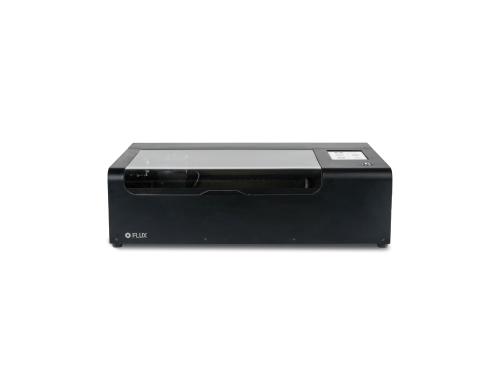
The world's smallest desktop CO2 laser cutter.
Learn More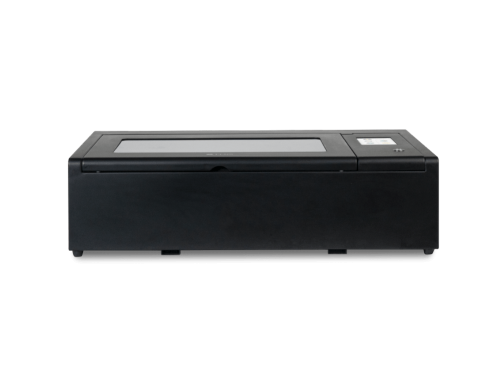
A versatile 40W desktop CO2 laser cutter.
Learn More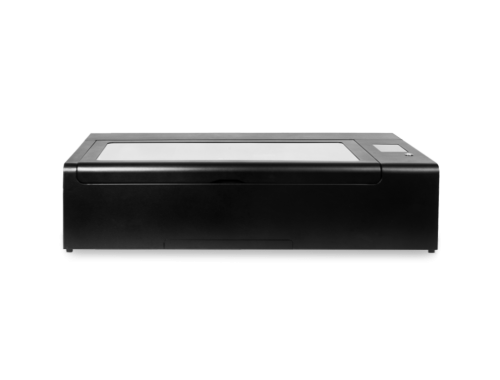
60W high-speed laser cutter built for production.
Learn More