

Efficient Laser
Powerful, high resolution CO2 and diode laser ranging from 10W to 60W.

Powerful, high resolution CO2 and diode laser ranging from 10W to 60W.
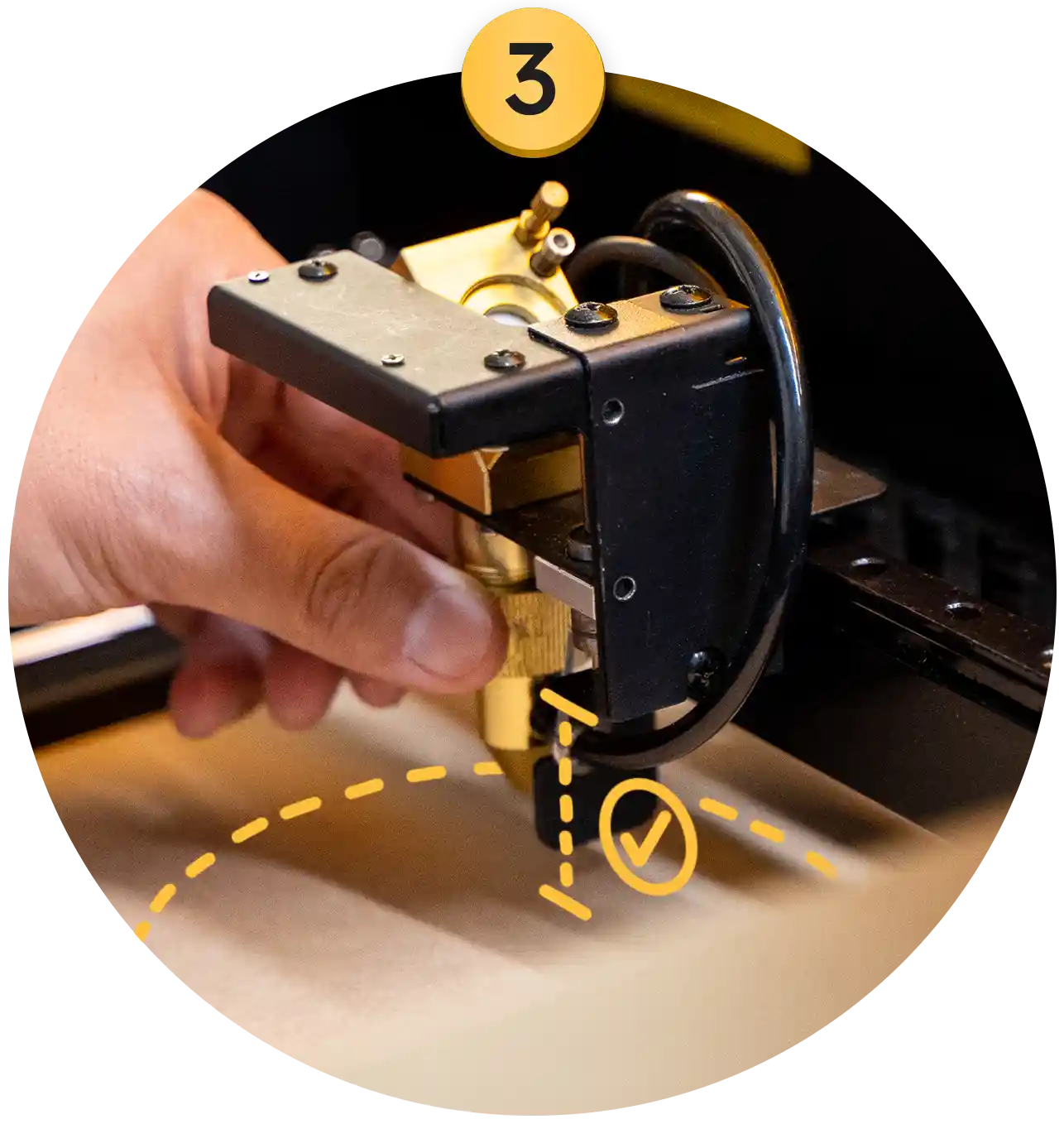
The built-in camera makes aligning materials with artwork effortless.
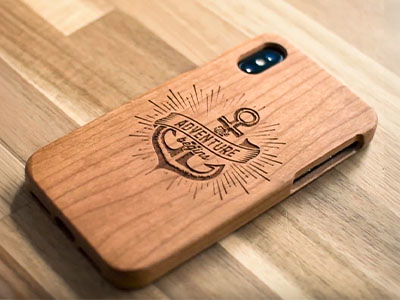
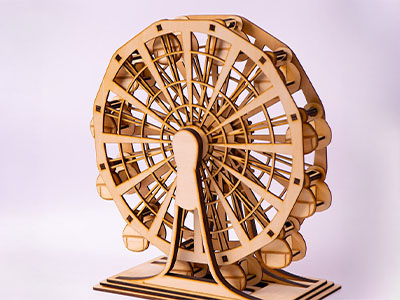
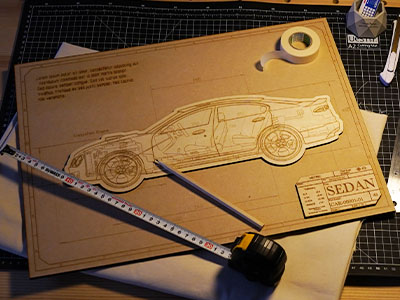
Works on 100+ materials, including wood, acrylic, leather, rubber, & more.
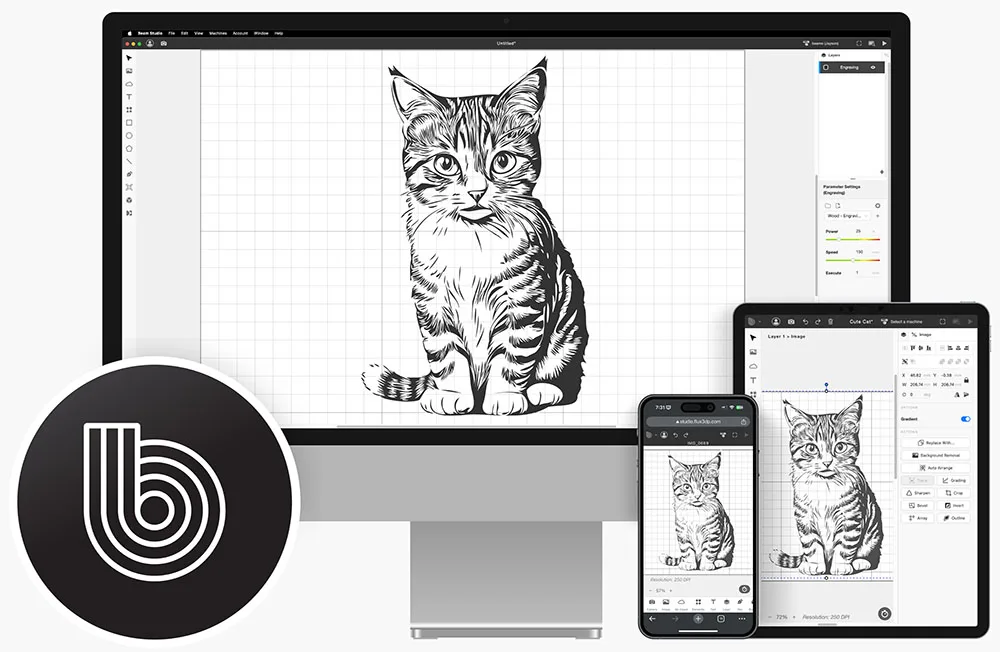
Compatible with desktop, mobile, and web using our Beam Studio software.
Class 1 Safety - suitable for all ages and perfect for indoor or at-home use.
For more information, view material lists of all machines.
Want to be featured here? Message Us.

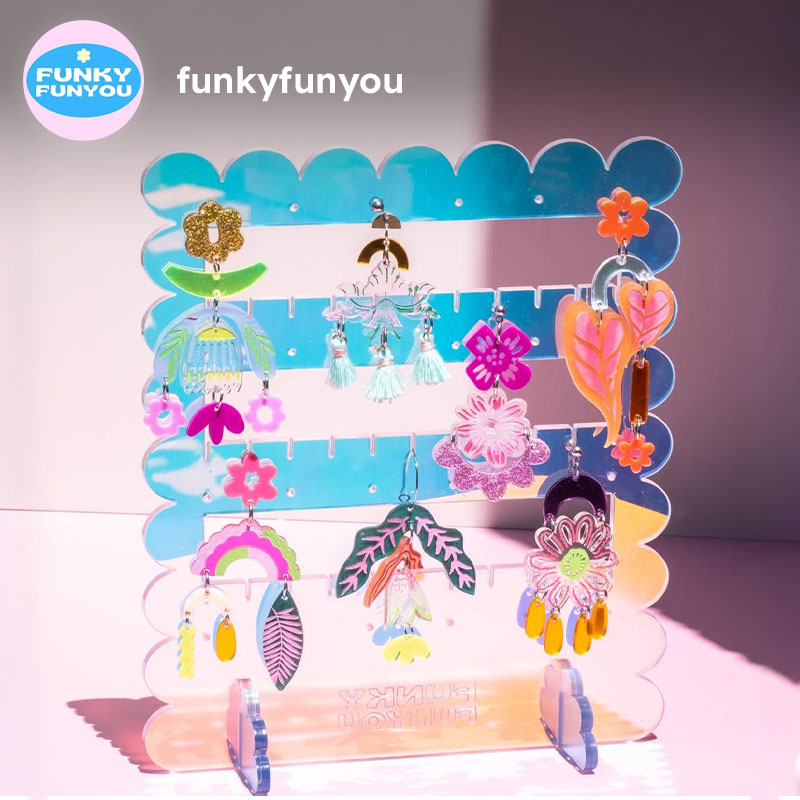
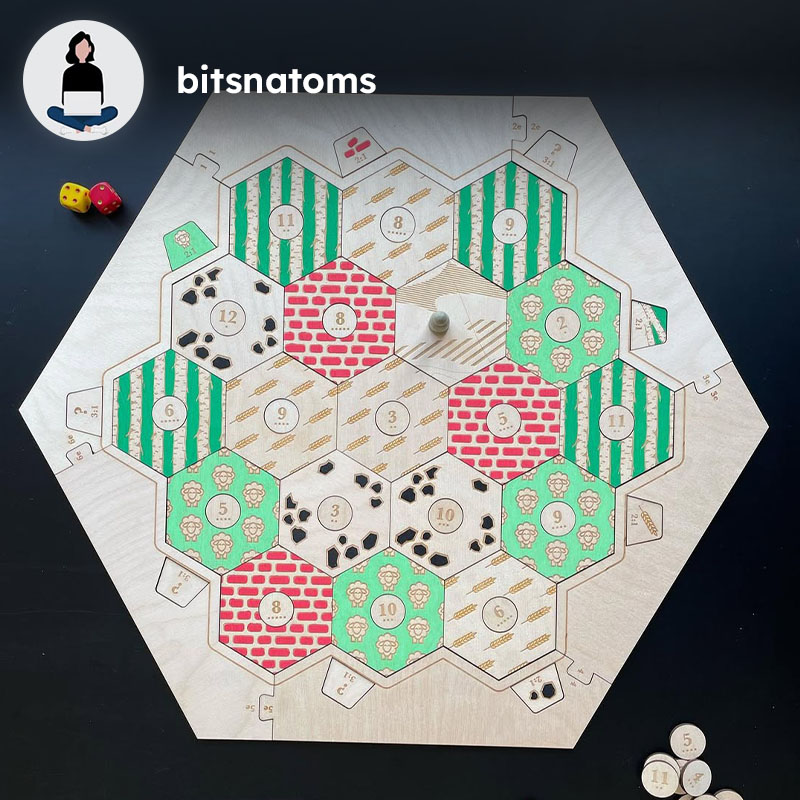
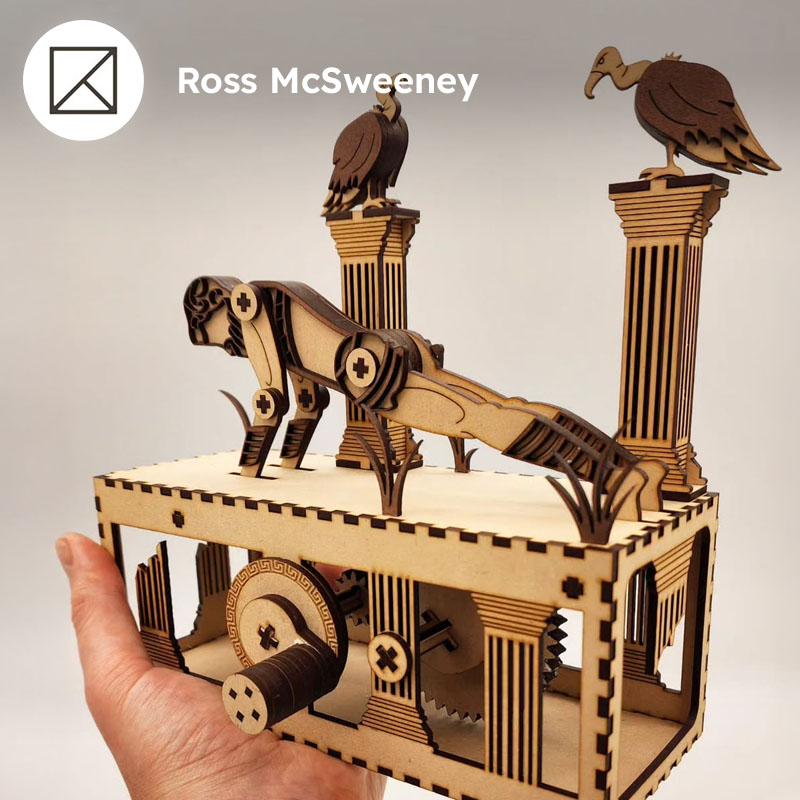
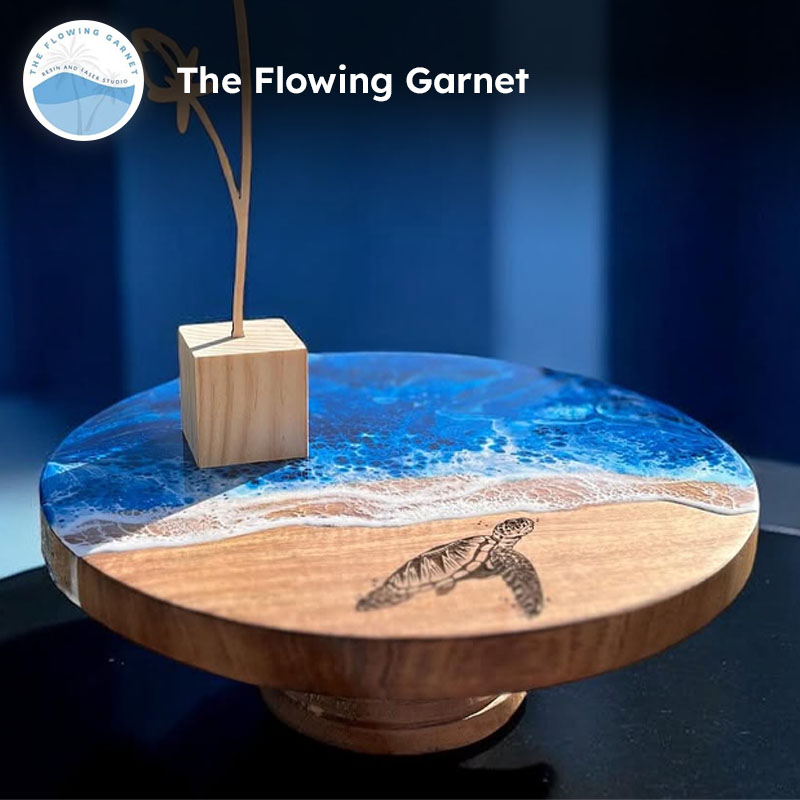
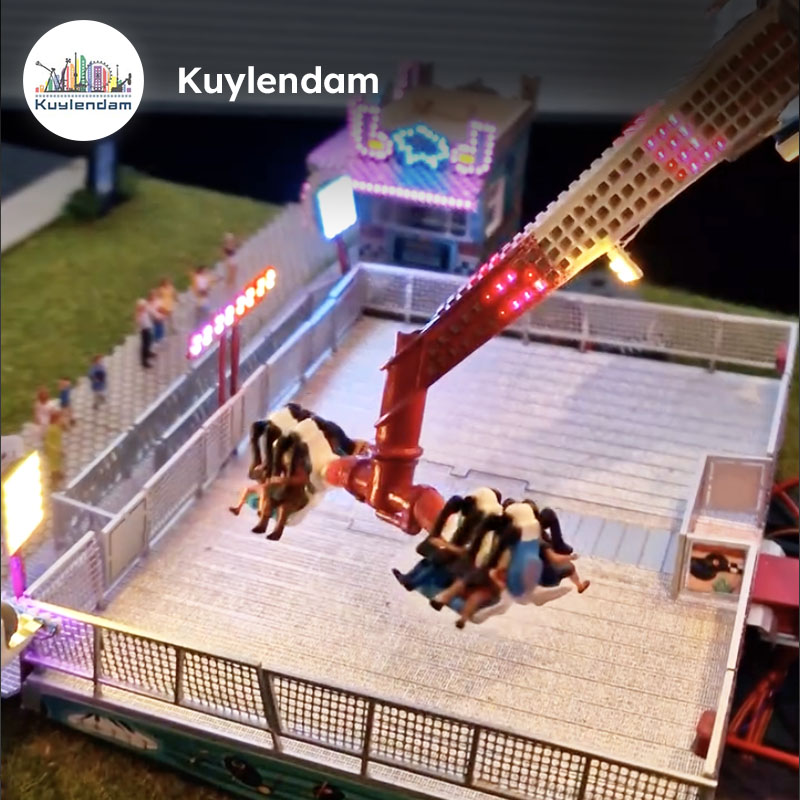
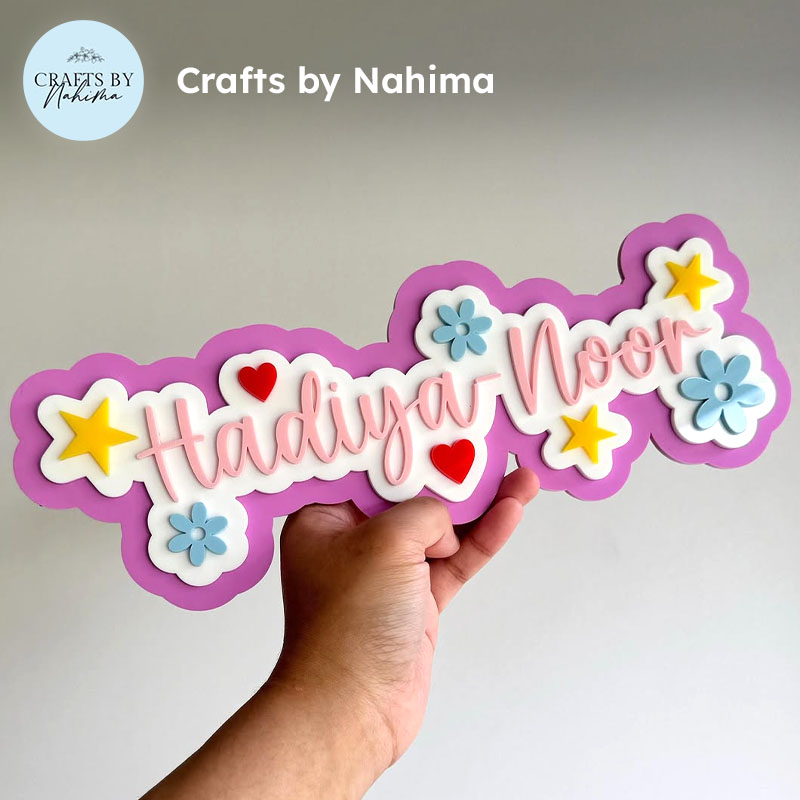
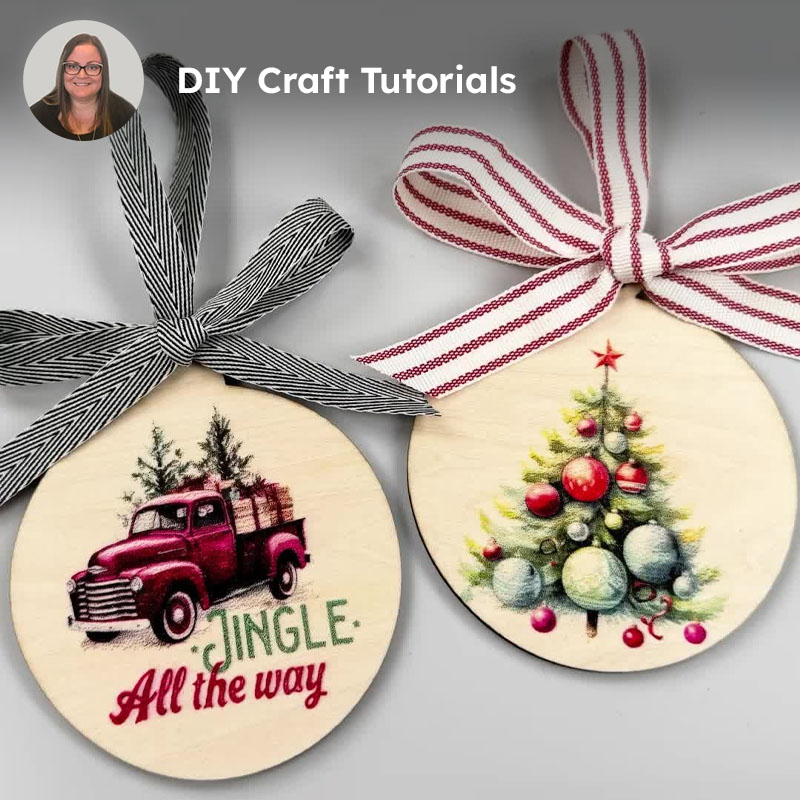
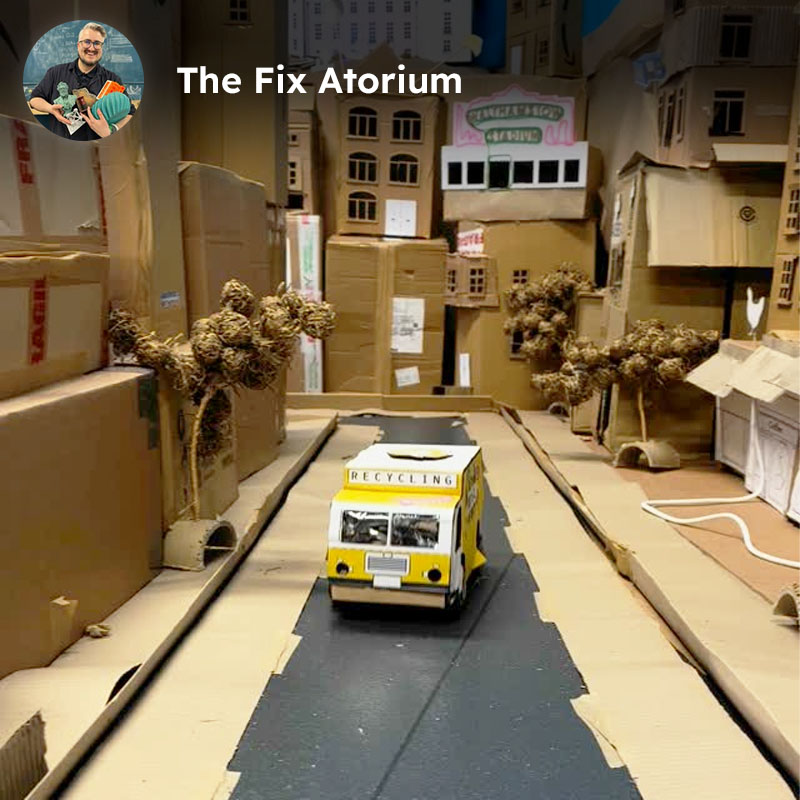
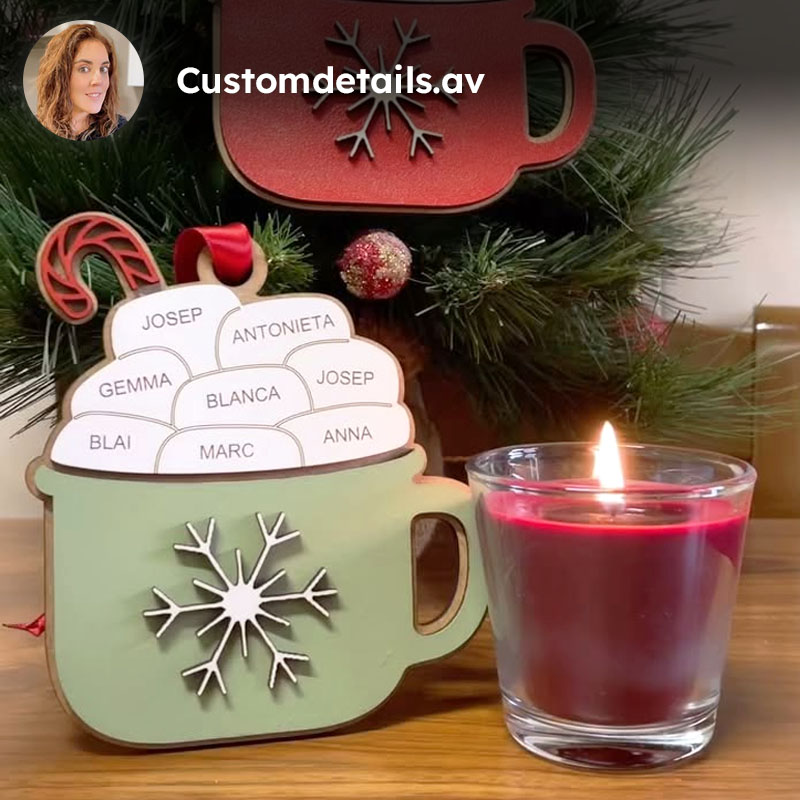
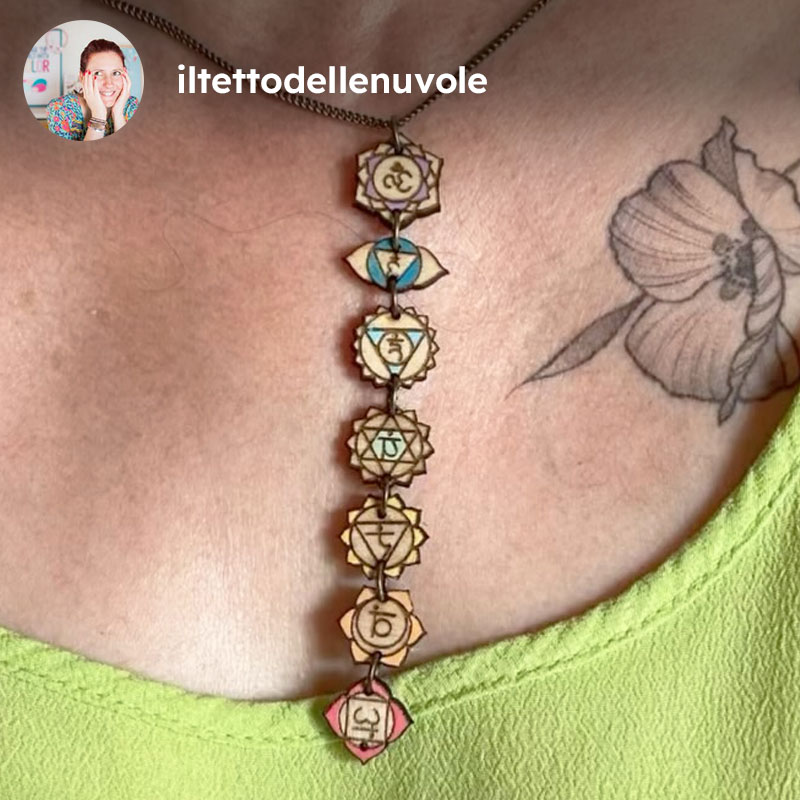
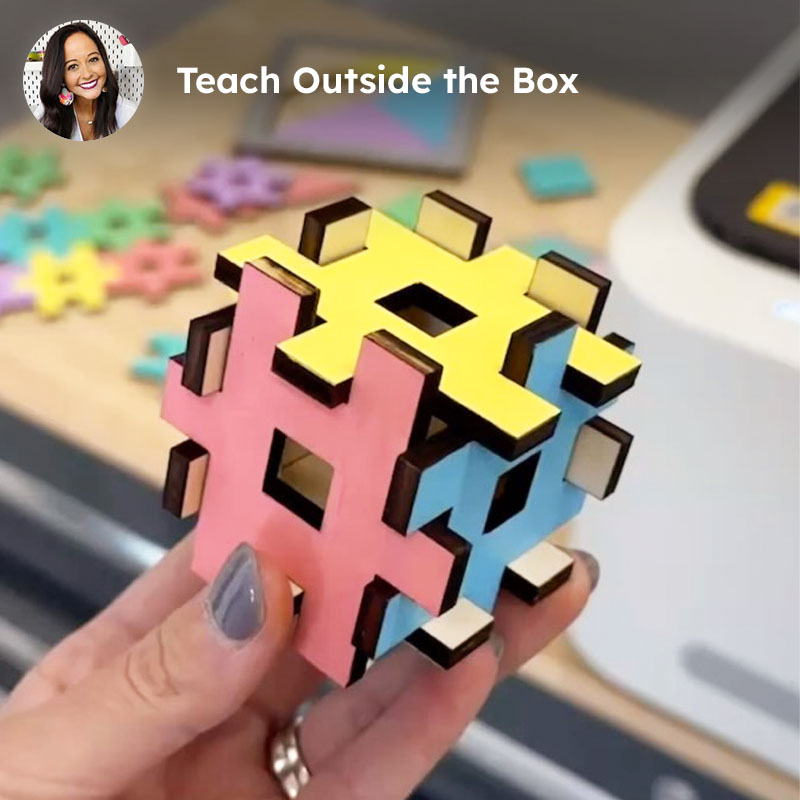
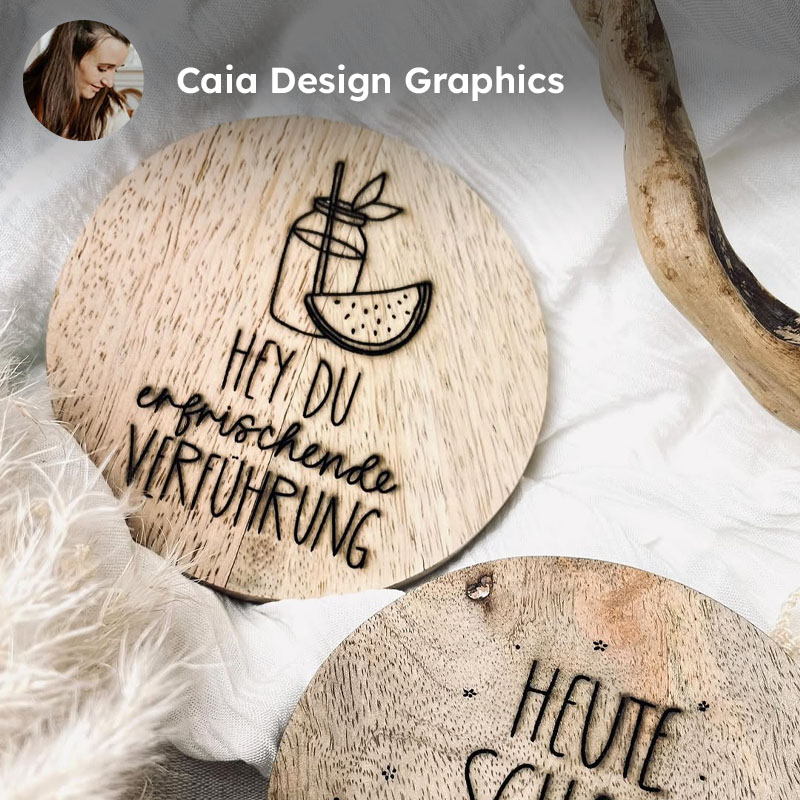
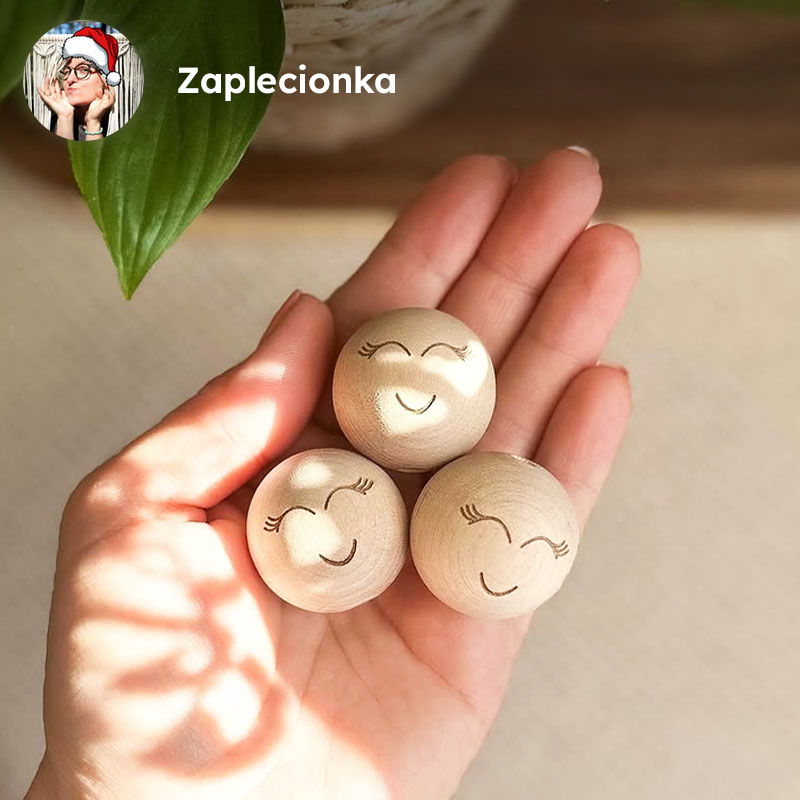

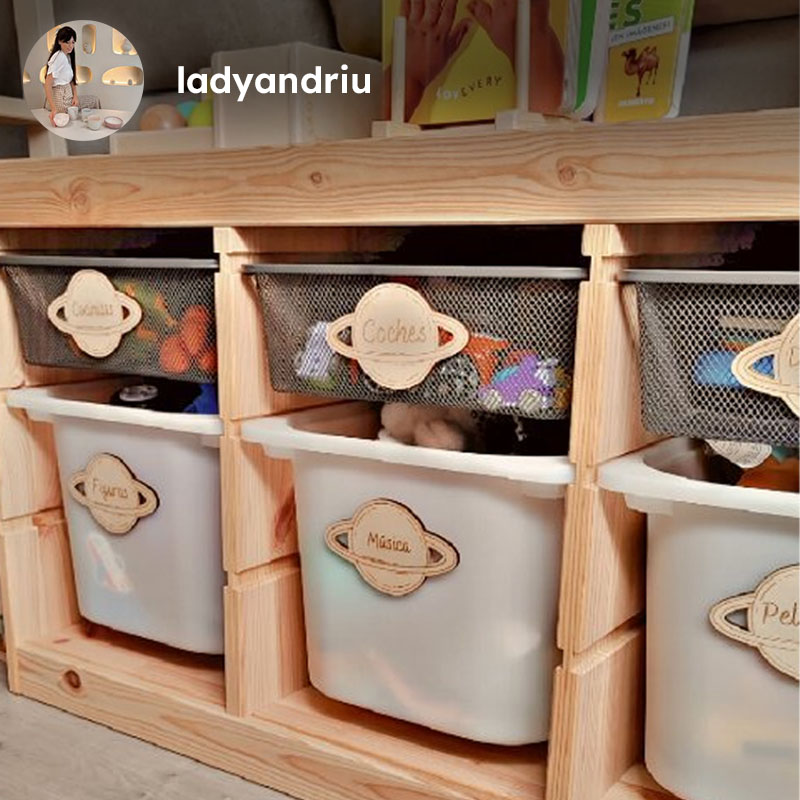
Tag @fluxinc and #CreatewithFLUX on Instagram and we'll share your work.











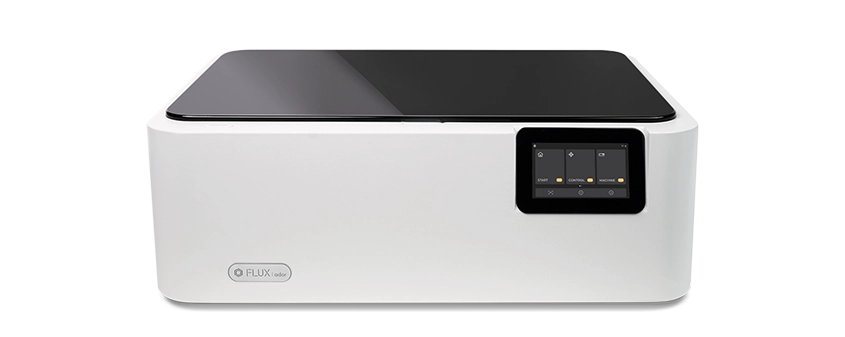
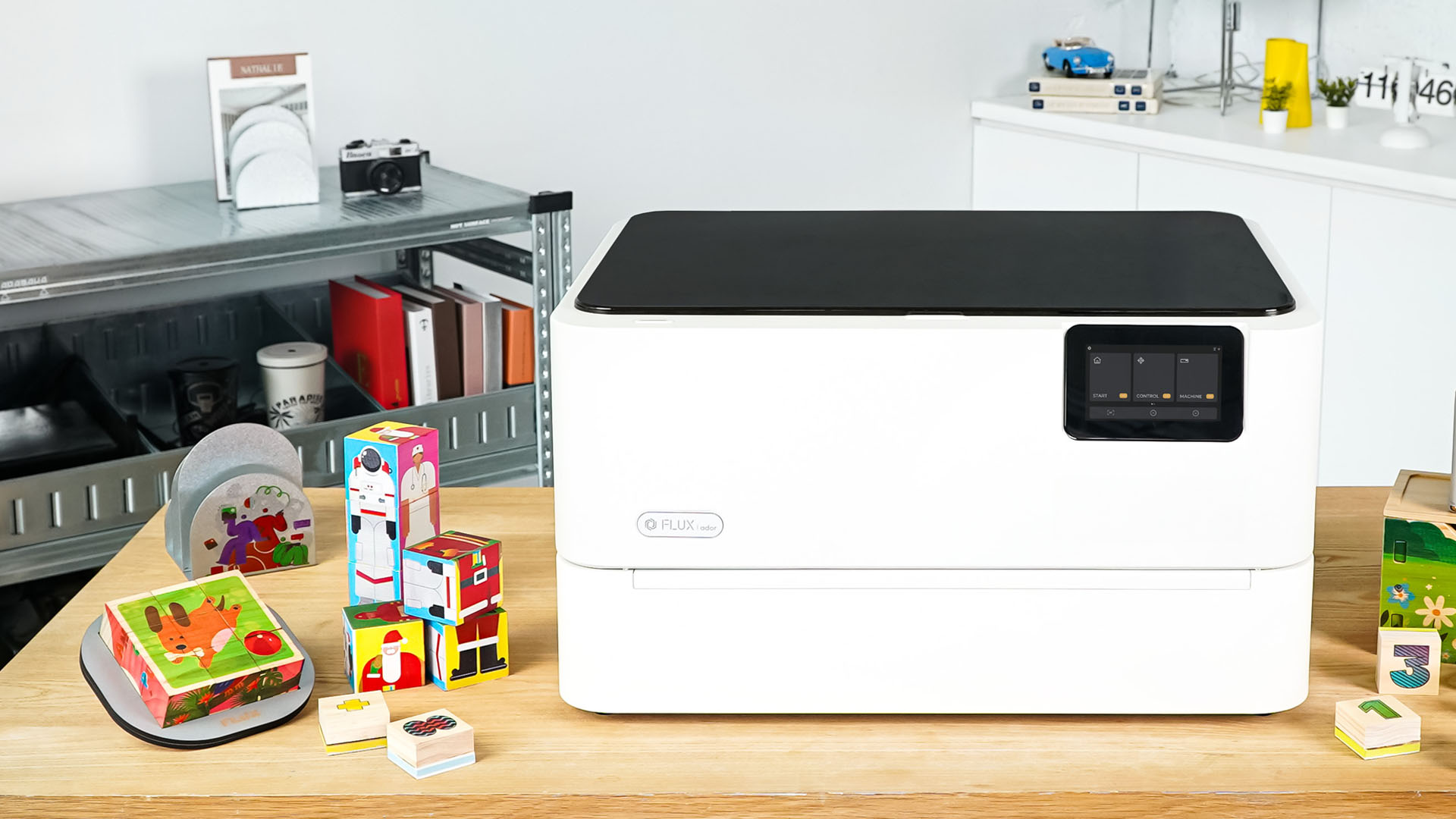
The World's First Color Printing Laser Cutter
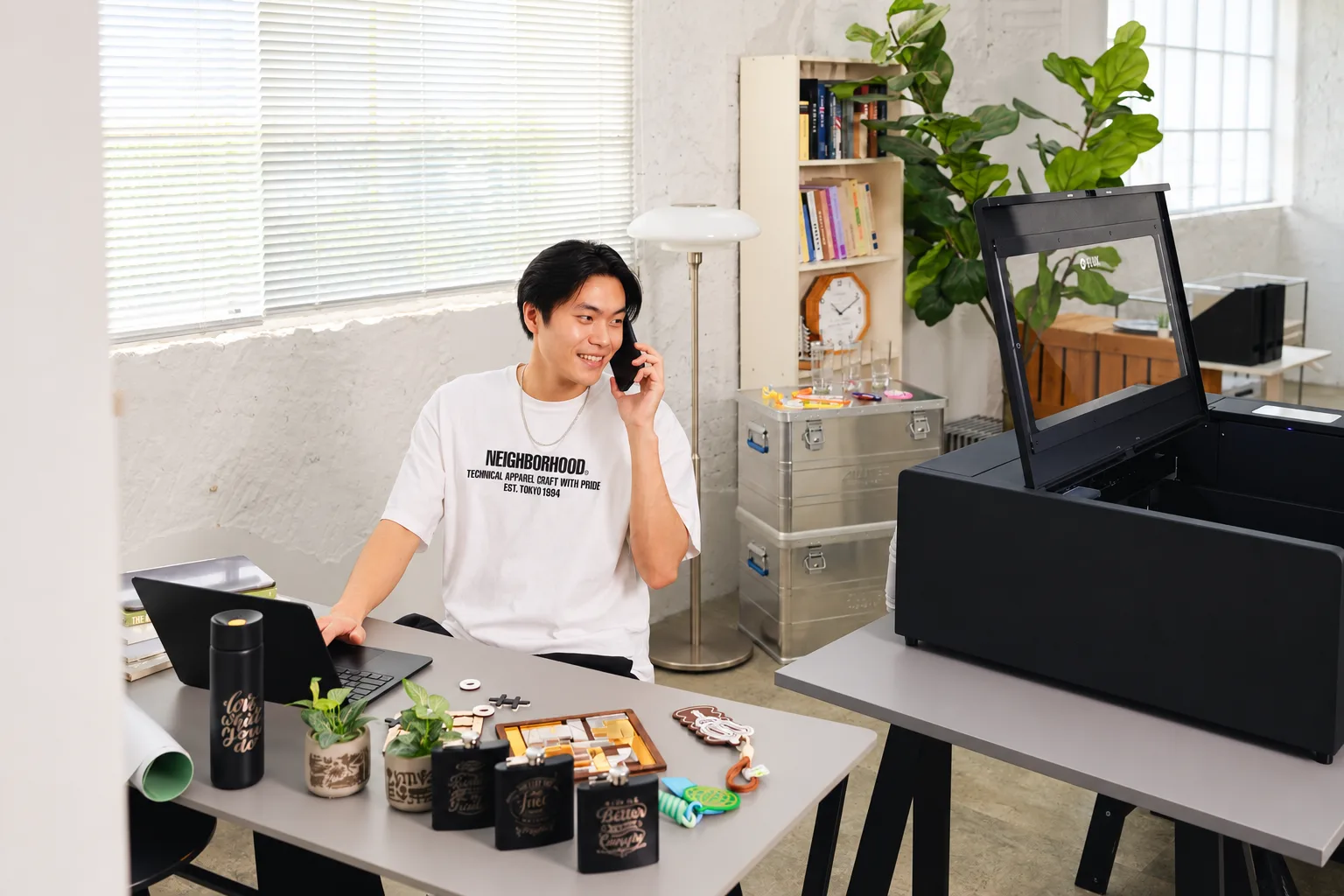
Look for compact hardware, simple setup, intuitive software, a touchscreen, and camera preview. FLUX desktop models support common materials and help first-time users start cutting and engraving confidently.
A CO2 laser cuts and engraves non-metals such as wood, acrylic, leather, paper, cardboard, and rubber. FLUX Beam Series and HEXA machines use a consumable CO2 tube that may need replacement after long-term use.
A diode laser is compact, low-maintenance, and does not need a CO2 tube. It suits detailed engraving and everyday creative projects.
A fiber laser marks and engraves metal precisely. FLUX Promark models suit metal products, tools, tags, jewelry, and industrial parts.
Choose CO2 for versatile cutting of clear acrylic, wood, leather, and paper. Diode lasers suit basic engraving but are more limited with transparent or light acrylic.
Choose by material, workspace, and output: Beam Series or HEXA for non-metals, diode models for low-maintenance engraving, and Promark fiber lasers for metal marking. Schedule a demo if you need help comparing them.
Diode and fiber lasers avoid CO2 tube replacement and generally need less maintenance. Every setup may still require periodic cleaning and filter or accessory replacement.
FLUX laser cutters can cut and engrave a wide range of materials depending on the laser type. CO2 laser models are ideal for non-metal materials such as wood, acrylic, leather, paper, cardboard, rubber, and fabric. Diode lasers are suitable for detailed engraving and everyday creative projects, while fiber laser models are designed for metal marking and engraving.
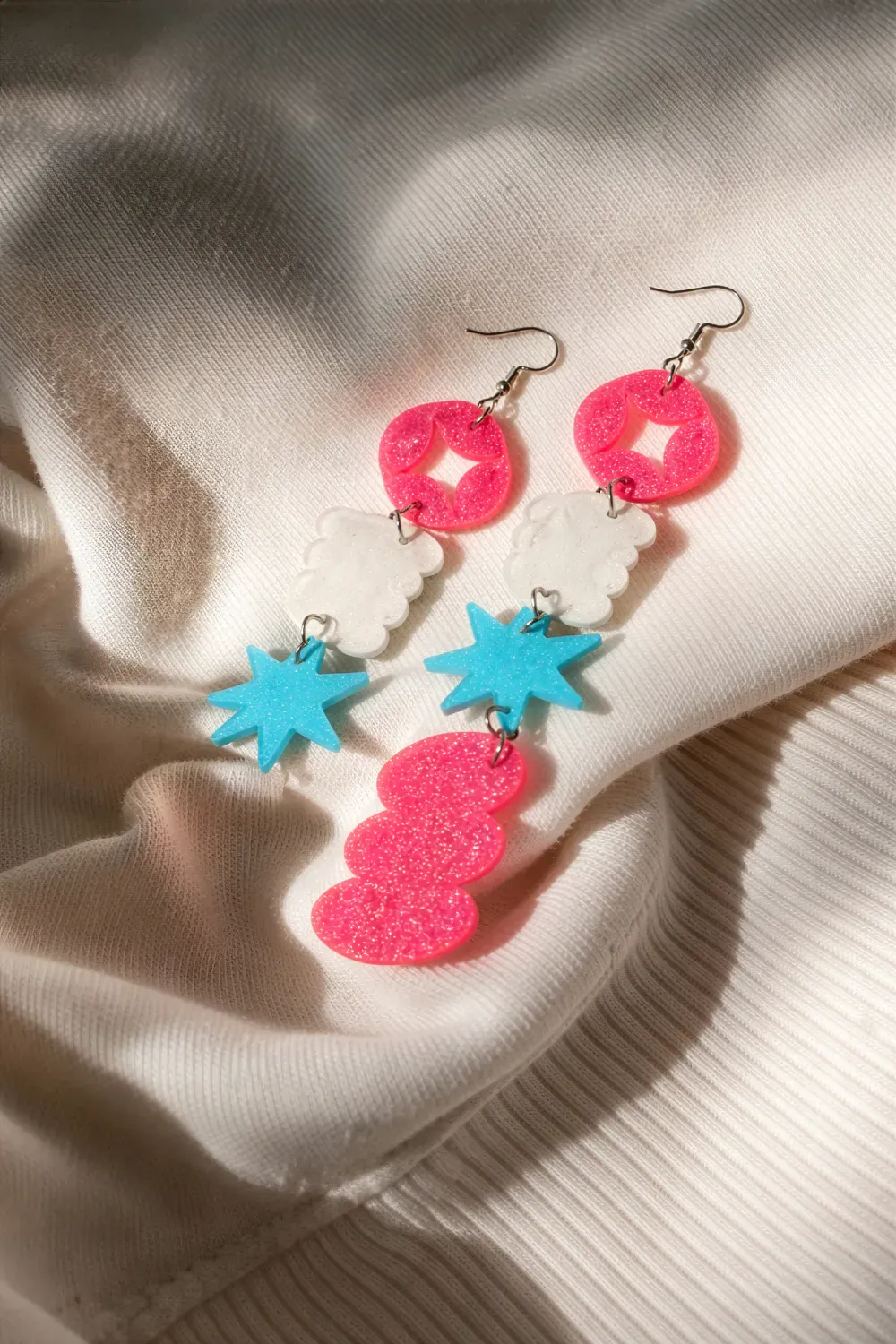
Yes. A CO2 laser cutter is one of the best options for cutting acrylic, including clear, colored, and specialty acrylic sheets. FLUX CO2 laser cutters can create clean shapes and smooth edges, making them suitable for acrylic signs, earrings, keychains, displays, awards, and other custom products.
For acrylic products, a CO2 laser cutter is usually the best choice because it can cut and engrave acrylic with clean edges and precise details. FLUX CO2 laser cutters are ideal for creators and small businesses making acrylic jewelry, signage, display pieces, custom gifts, and premium handmade products.
PVC and generic vinyl must not be laser-cut because they can release toxic fumes or corrosive gases. This rule applies to cutting; check a material-specific safety rule before using any other material or process.
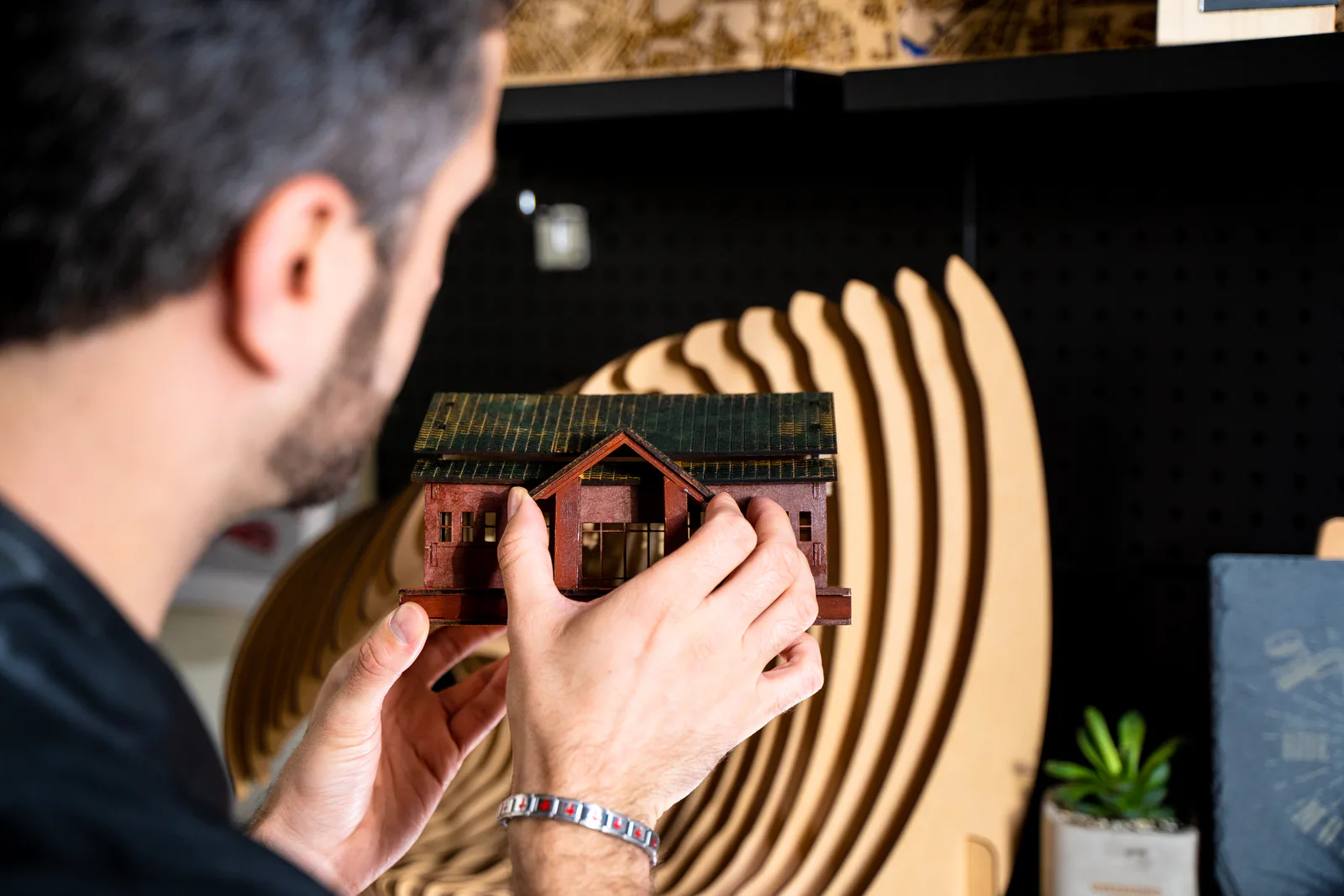
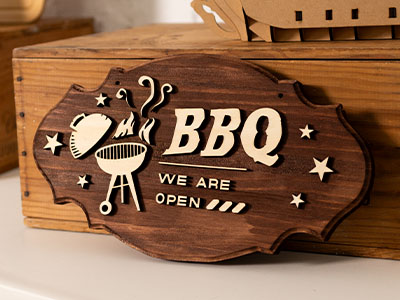
Yes. A laser cutter can cut and engrave many wood-based materials, including plywood, MDF, and natural wood, depending on the machine power and material thickness. FLUX laser cutters are suitable for wood crafts, signs, home décor, packaging prototypes, educational projects, and small-batch product making.
Yes. A laser cutter can engrave and cut many types of leather, making it useful for tags, patches, wallets, accessories, labels, and personalized gifts. Since leather types and treatments can vary, users should test settings first and make sure the material is safe for laser processing.
Metal engraving depends on the laser type. CO2 laser cutters are mainly designed for non-metal materials and may require special marking agents for certain metal surfaces. For direct metal marking and engraving, a fiber laser such as the FLUX Promark series is the better choice.
Cutting thickness depends on the laser type, wattage, material, and settings. Both CO2 and diode laser cutters can cut selected materials, but the ideal thickness range varies by material and machine model. For detailed cutting capabilities, recommended materials, and model comparisons, visit our material list and product comparison page.
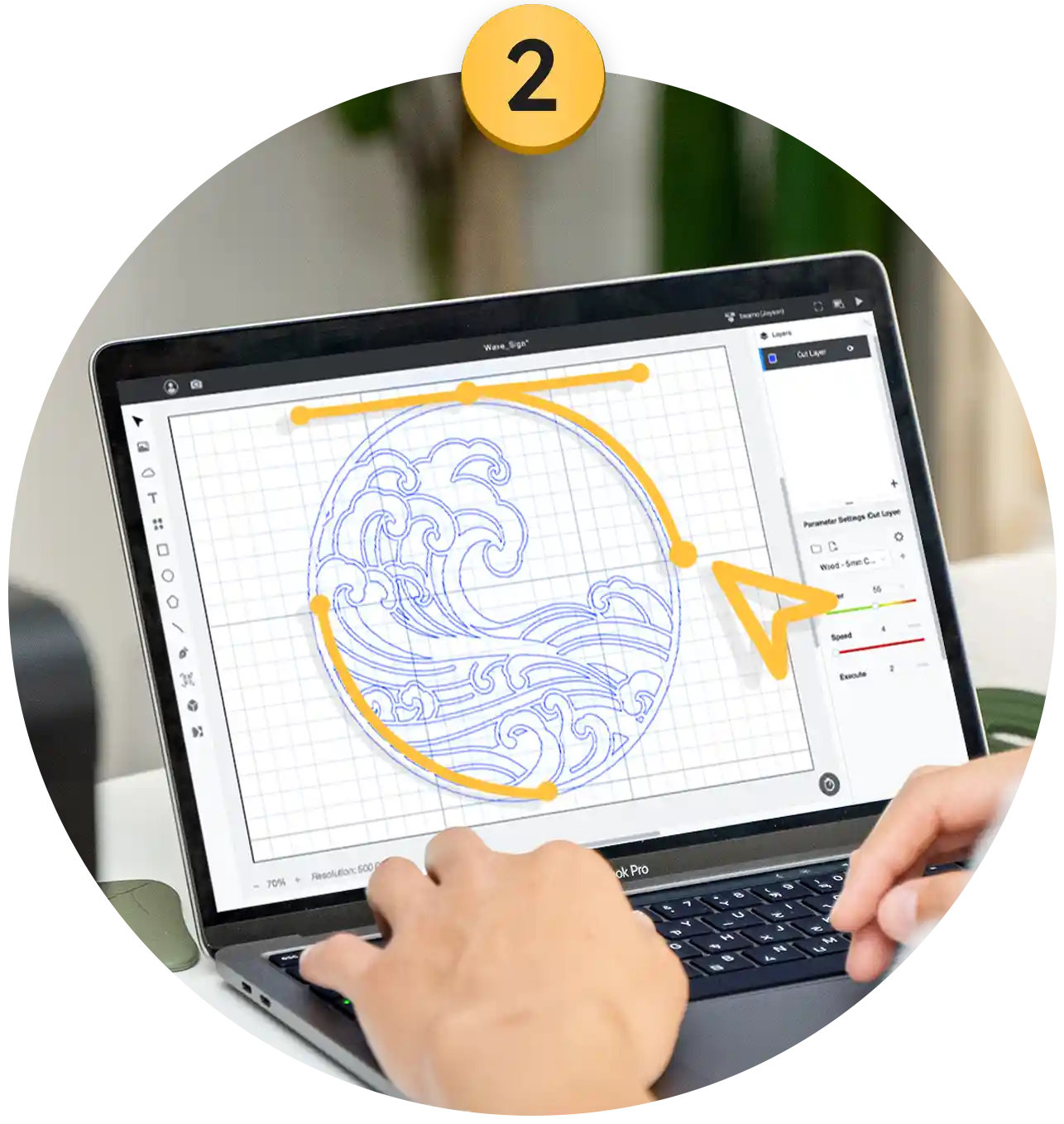
FLUX laser cutters are designed to be beginner-friendly, even for users without professional design experience. You can start with simple shapes, text, icons, or ready-made design files, then use Beam Studio to import your artwork, adjust settings, preview the work area, and send the job to the machine.
FLUX laser cutters use Beam Studio, an intuitive software designed for laser cutting and engraving. Beam Studio allows users to import design files, create basic shapes and text, adjust layer settings, preview the work area, and control cutting or engraving jobs with a simple workflow.
Beam Studio supports commonly used design file formats for laser cutting and engraving, including SVG, DXF, PNG, JPG, and PDF. This makes it easy to work with designs created in tools such as Adobe Illustrator, Inkscape, Canva, or other design software.
FLUX laser cutters include camera preview features that let users see the work area and position designs more accurately before cutting or engraving. This helps reduce setup time, improve alignment, and make the laser cutting workflow easier for beginners and experienced users.
Yes, it’s completely free. Even if you haven’t purchased a machine, you can download and try it or use the web version. Visit the Beam Studio page to learn more about its features.
Beam Studio is compatible with Adobe Illustrator, Adobe Photoshop, Affinity Designer, Autodesk AutoCAD, SketchUp, and various other design software.
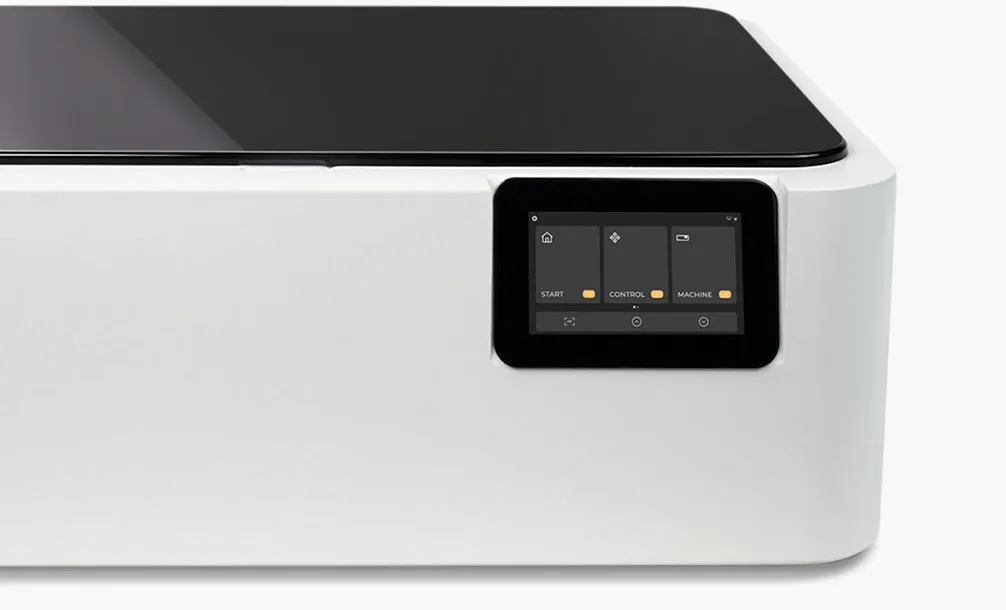
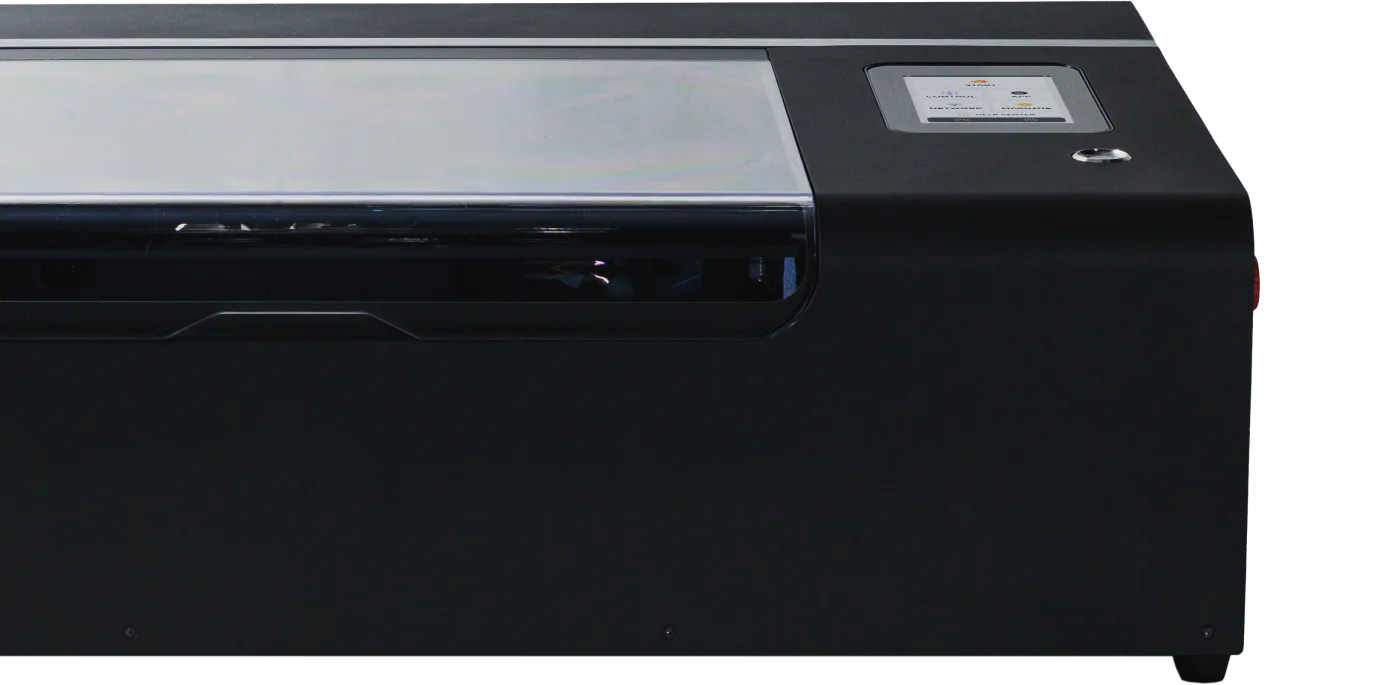
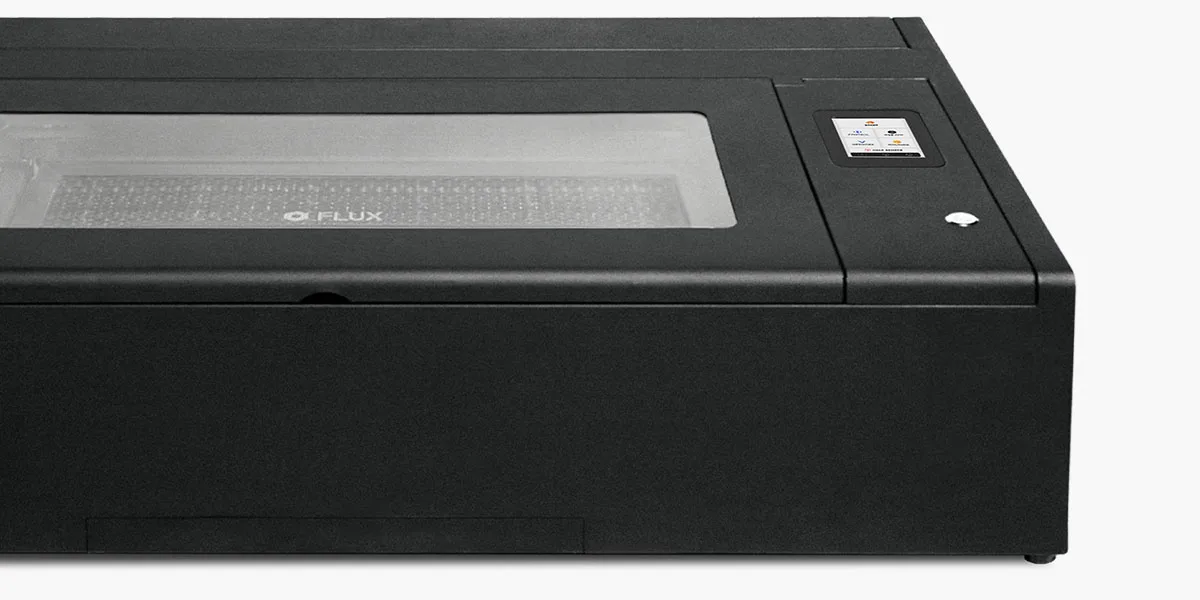
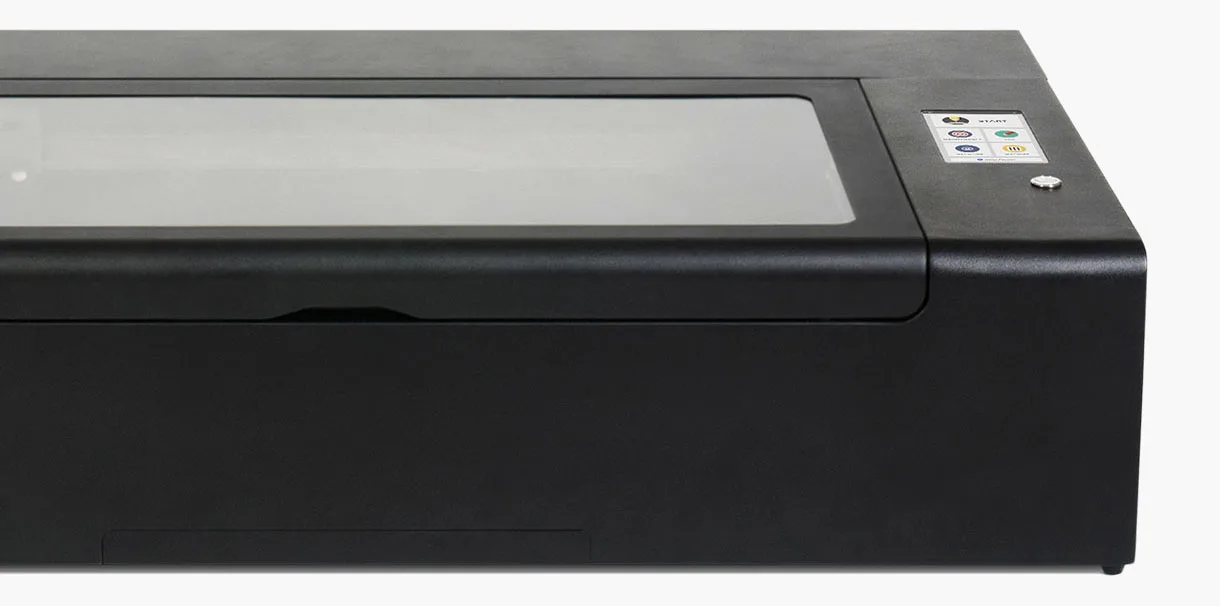
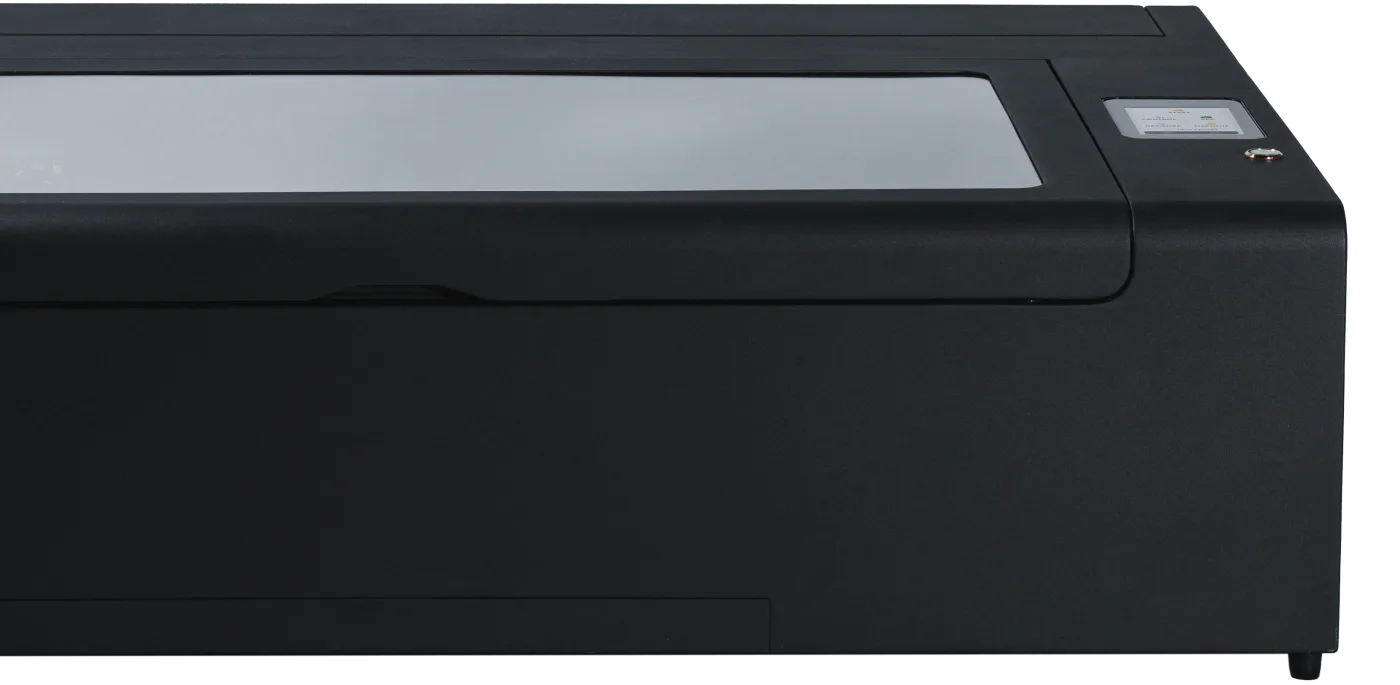
The high-resolution touchscreen panel, embedded in the machine’s casing, allows users to directly check the machine’s status and progress.
Beam Studio is available for Windows 10+, macOS 11+, Linux 20+, and ChromeOS.
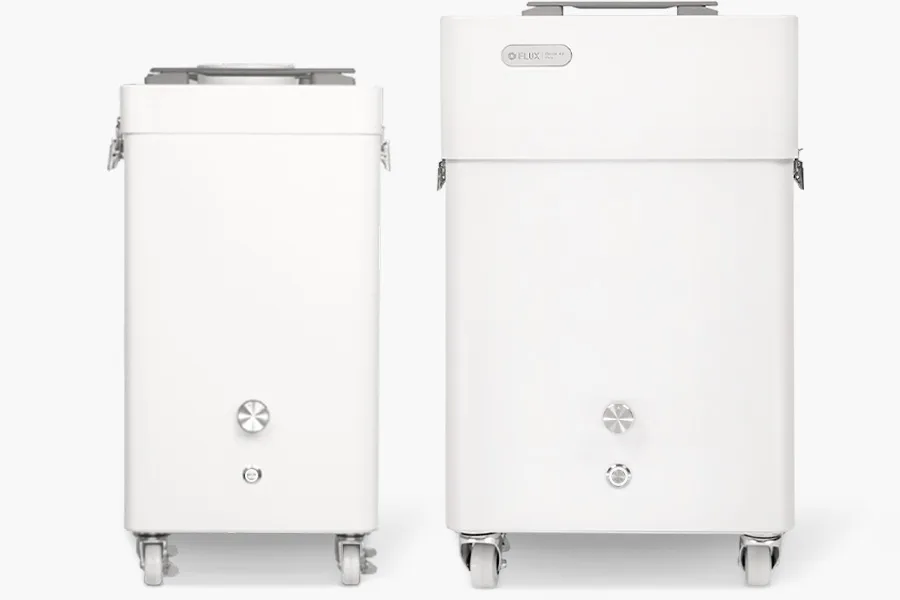
An air filter is recommended when using a laser cutter indoors, especially in homes, classrooms, offices, studios, or shared spaces. It helps reduce smoke, odor, and particles created during cutting and engraving. For indoor setups, a compatible filtration system can help create a cleaner and more comfortable working environment.