
How a Laser Tube Works
Think of the tube as a clear discharge cylinder with gas inside (CO2 with helpers such as N₂ and He) and cooling water circulating around it. A high-voltage DC supply excites the gas, and the excited CO2 emits invisible mid-infrared light, mainly near 10.6 µm and sometimes 9.6 µm. The light builds up between an internal mirror and an output window. A portion exits, then travels through the machine's mirrors and focusing lens to the material. The built-in reservoir and pump circulate distilled or deionized water through the tube's water jacket to carry heat away and keep the temperature stable.
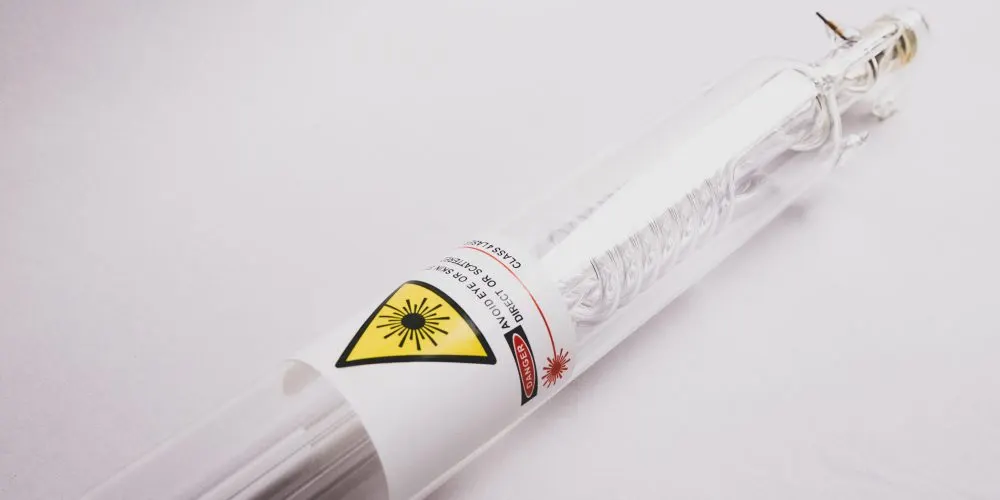
What FLUX CO2 Lasers Use
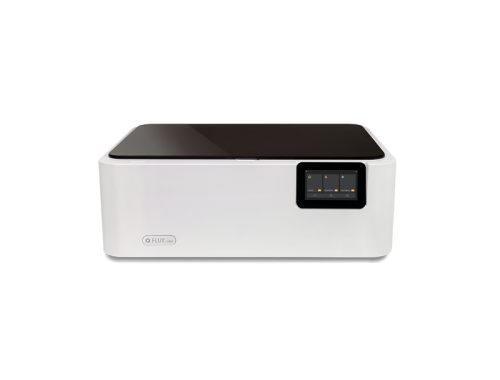
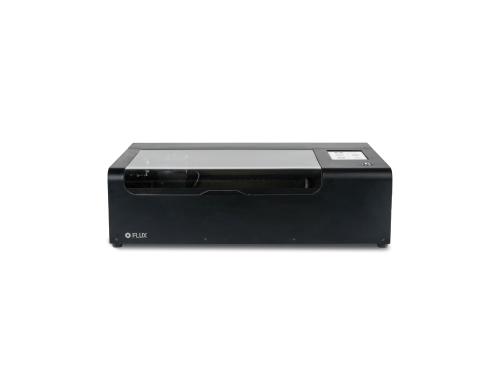
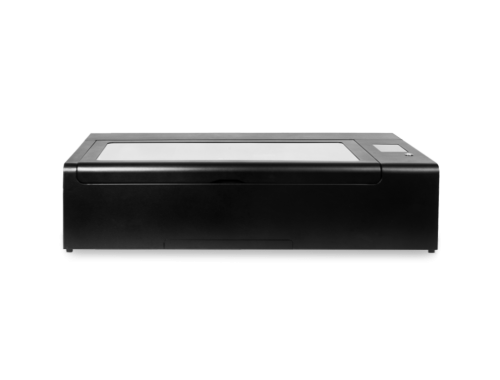
FLUX CO2 models—beamo, the Beambox Series, and HEXA—use a DC-excited, water-cooled glass CO2 tube. Each tube has a water-cooling inlet and outlet plus anode and cathode leads. The high- and low-voltage connections are arranged to simplify end-user replacement. Cooling uses a closed loop driven by the machine's built-in reservoir and pump. Fill the pump tank with distilled or deionized water, purge air from the control panel, and keep the tank around 80% full to prevent bubbles and maintain flow.
Why Temperature Is the #1 Lifespan Killer
- Hot gas means lower efficiency. When the tube runs hot, you need more power to get the same cut, accelerating wear.
- Temperature swings create stress. Glass, adhesive, and metal expand differently. Repeated hot-cold cycles can cause micro-cracks or slow leaks.
- Water that is too cold is also risky. If it falls below the room's dew point, condensation can form on the tube or output window, increasing the risk of arcing and dirty optics.
The Sweet Spot: Water Temperature, Flow & Power
Water Temperature
- A practical target range for CO2 tubes is about 18-22 °C (64-72 °F). Many vendor guides suggest approximately 16-21 °C; choose a setpoint that stays above the dew point in your room.
- Avoid setting the water far below ambient temperature because of condensation risk. A common rule is not to go more than approximately 5 °C below room temperature.
Flow Rate
- Use the panel's Flow Speed Test. A reading of at least 3 L/min displays Good, indicating smooth circulation and a healthy pump.
- Steady, bubble-free flow matters more than the exact number. Bubbles create hot spots and sensor errors.
- Keep the reservoir around 80% full and avoid hose kinks. At startup, let the water circulate for one to two minutes to purge air.
- For long runs or hot rooms, consider an external chiller to hold a stable setpoint.
- If flow fluctuates, the pump gets noisy, or bubbles appear in the return line, check in this order: low water level → loose fittings or an air leak → a clogged filter or line → a pump issue.
Power Usage
For daily work, aim for 60-80% of maximum power and avoid long runs at 100%. This reduces heat and electrical stress for better long-term stability.
Monthly Checklist
If you're unsure how often to inspect or maintain the laser tube and water-cooling system, use this maintenance checklist. It covers the control panel, work area, back cover, and optical path. Regular inspection and cleaning keep the machine in good condition, extend its lifespan, and help maintain consistent cutting and engraving results.
Early Warning Signs Your Tube Is Aging
- The same job needs more power or a slower speed.
- Edges char more, or engraving looks patchy despite clean optics.
- Output flickers or seems inconsistent when everything else is normal.
If cooling, flow, and focus are correct and these symptoms persist, plan for a replacement tube.