In this article
- 016 Must Consider Before Getting Your Laser
- 02Laser Sources
- 03Materials
- 04Software
- 05Consumable Requirements
- 06Applications
- 07Add-ons
- 08Get a Grip on All Four Laser Sources
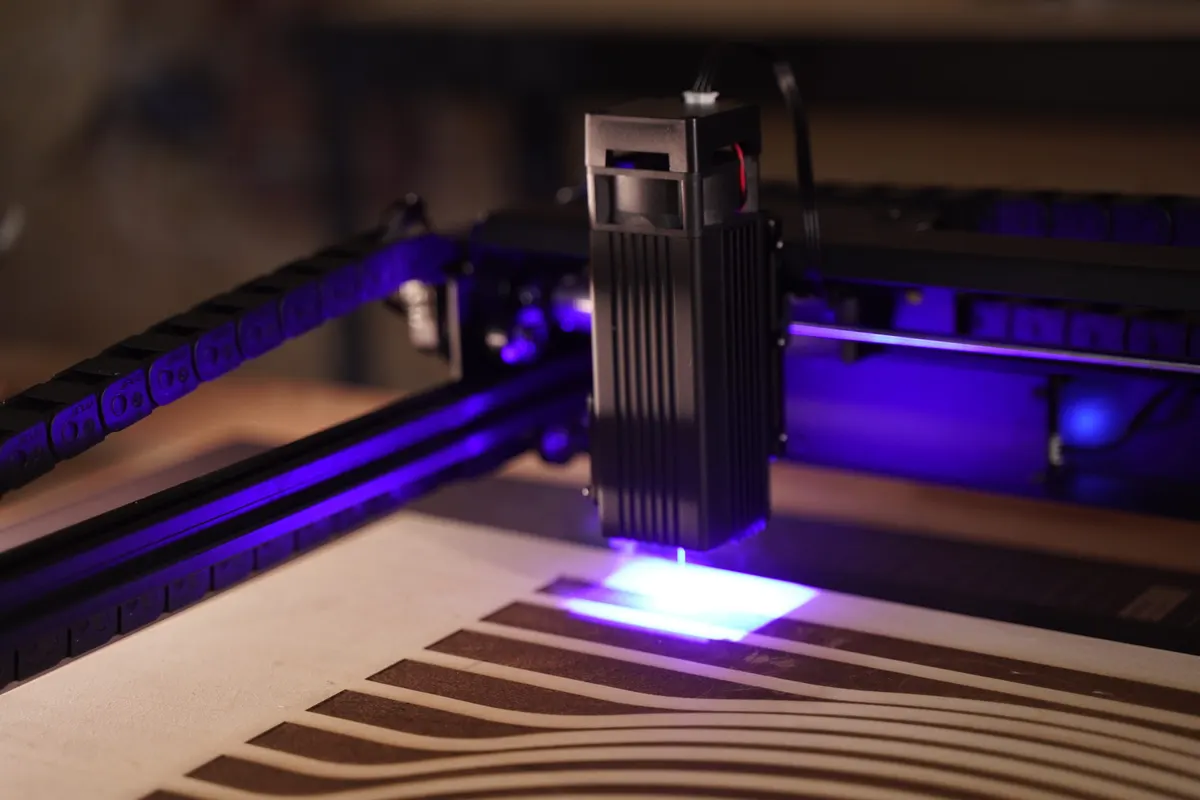
- 09Diode Laser
- 10Infrared Laser
- 11CO2 Laser
- 12Fiber Laser
- 13Materials
- 14Compatible Software
- 15Work with LightBurn
- 16Consumable Requirements
- 17What’s Your Creative Niche?
- 18Add-Ons

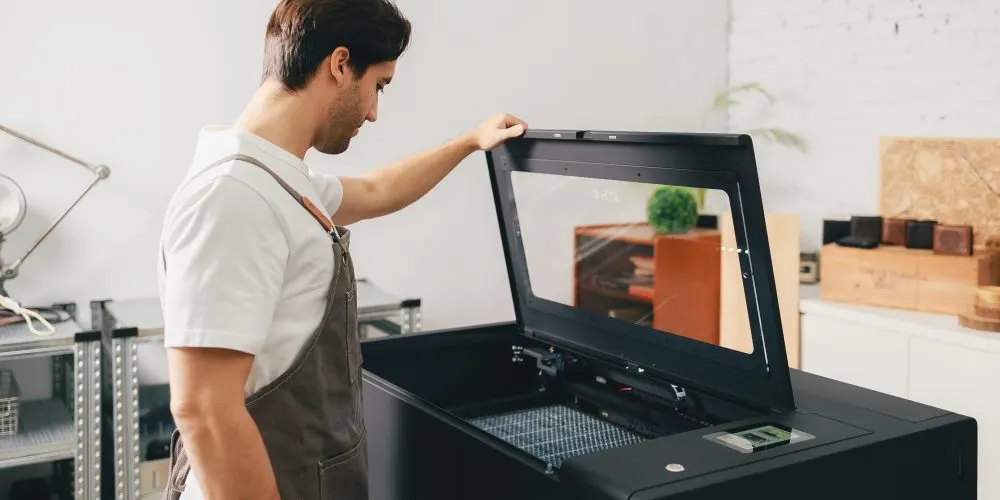
6 Must Consider Before Getting Your Laser
Laser Sources
Each laser source is tailored for specific materials. Select the one that best fits your material requirements.
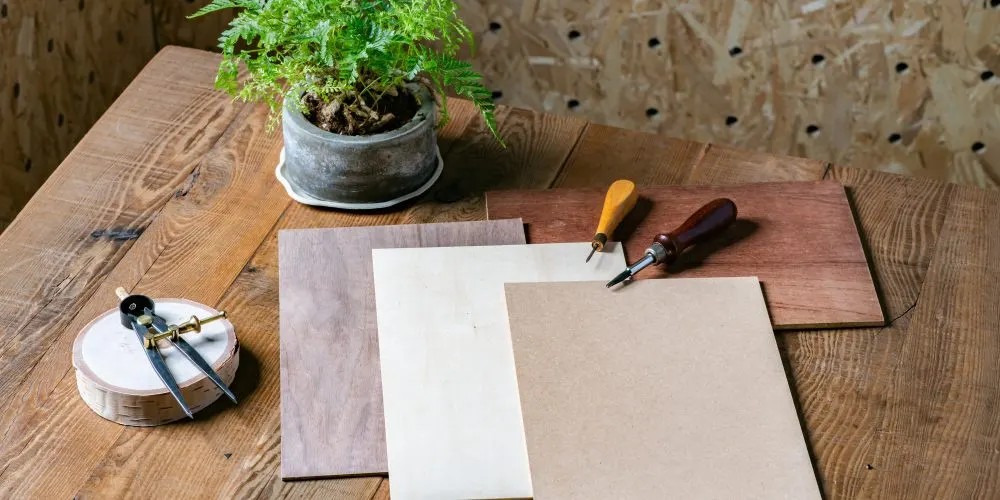
Materials
Select the laser wattage based on your material thickness. Higher wattage cuts thicker materials.
Software
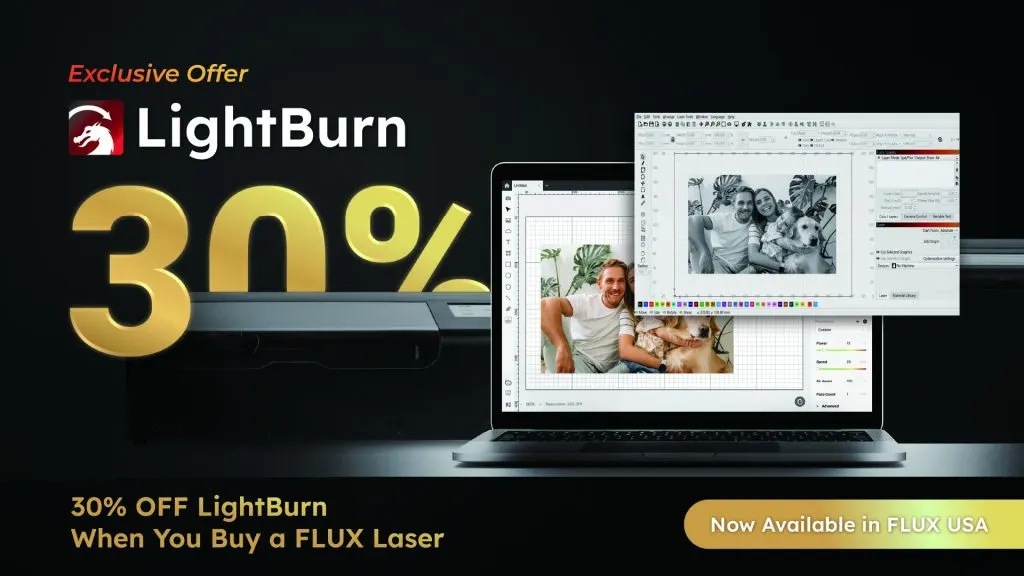
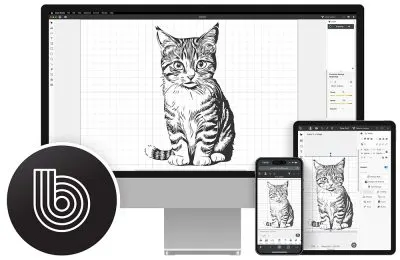
FLUX lasers feature intuitive, user-friendly software that's easy to use, even without a design background
Consumable Requirements
Beyond laser materials, each laser cutter has specific consumable needs depending on the laser source. This is a key consideration before purchasing.
Applications
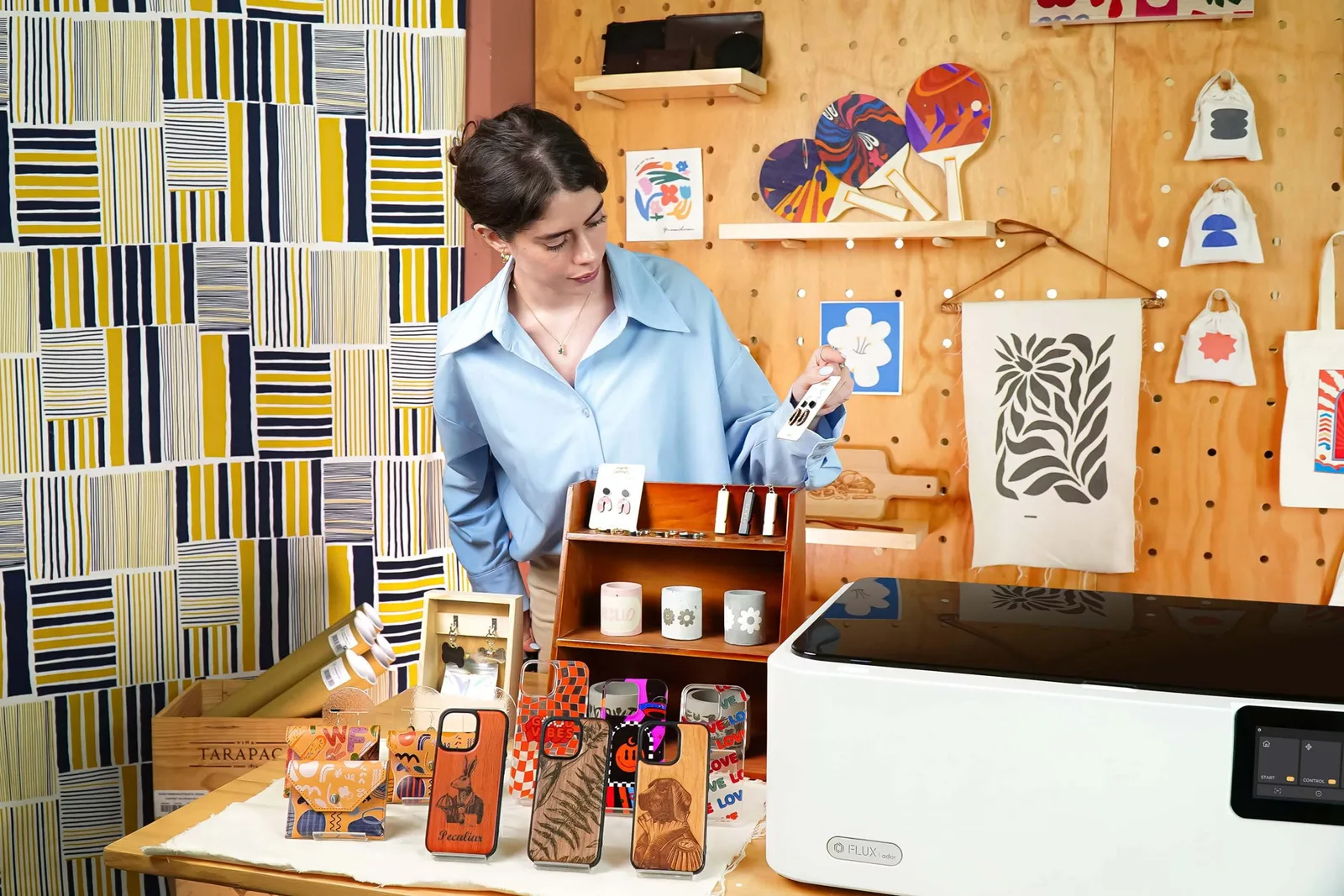
Over the past ten years, FLUX has excelled in creative industries like laser cutting, custom design, and prototyping, amassing a vast user base.
Add-ons
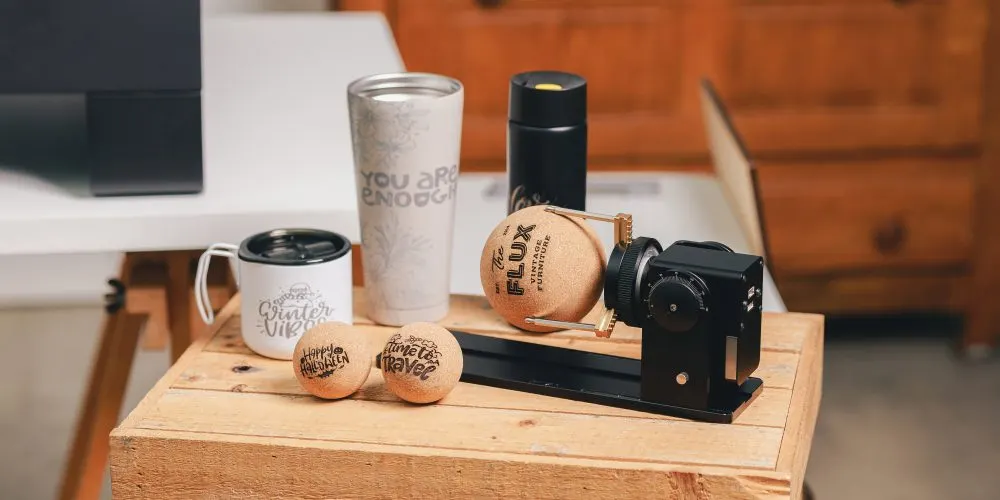
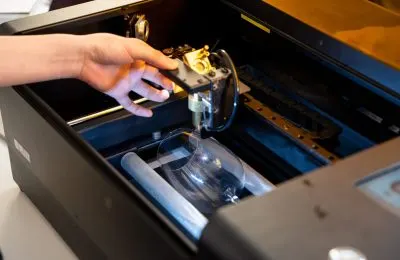
Even though FLUX Lasers handles most creations, special shapes like cylinders, cones, handled tumblers, or extra-large, extra-thick materials require FLUX Laser Add-ons for optimal support.
Get a Grip on All Four Laser Sources
Match Your Needs with the Right Laser Source

Diode Laser
Diode lasers are ideal for engraving and cutting materials such as wood, leather, and paper. They offer a low-maintenance, beginner-friendly solution with no need for consumables. However, they are not suitable for cutting transparent materials; for such applications, a CO2 laser is recommended.

Infrared Laser
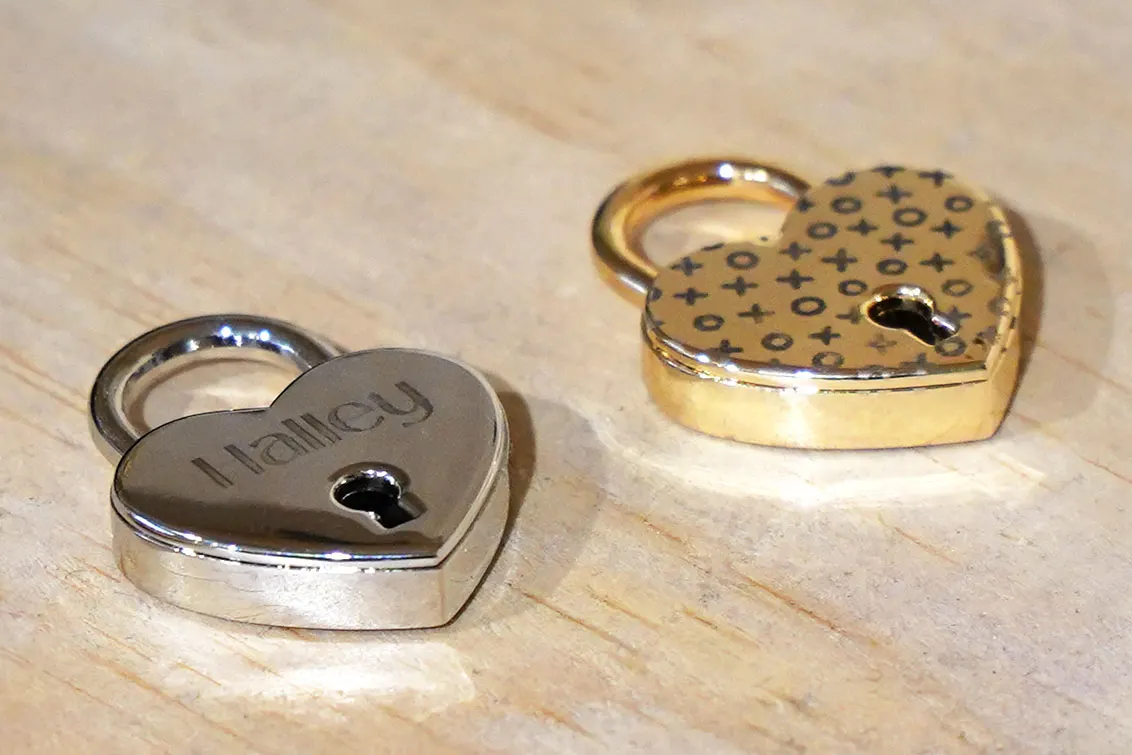
Infrared lasers are designed for engraving pure metals, including gold, silver, and copper, and are also effective on materials like dark acrylic and ABS. This makes them well-suited for professionals engaged in metalworking projects, such as jewelry engraving and custom dog tags.

CO2 Laser
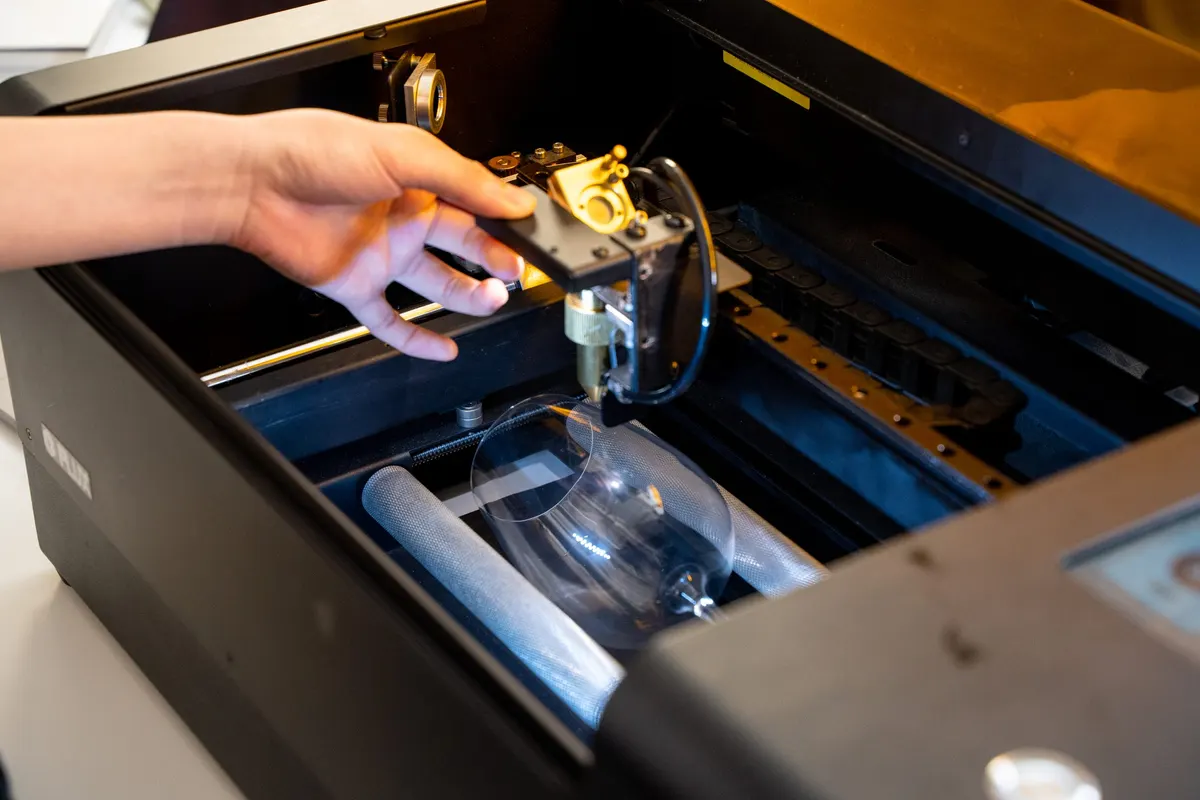
CO2 lasers, known for their high power density and precision, are versatile enough to engrave on a wide range of materials, including wood, leather, paper, and transparent materials like acrylic and glass. This makes them an excellent choice for both industrial and creative applications.

Fiber Laser
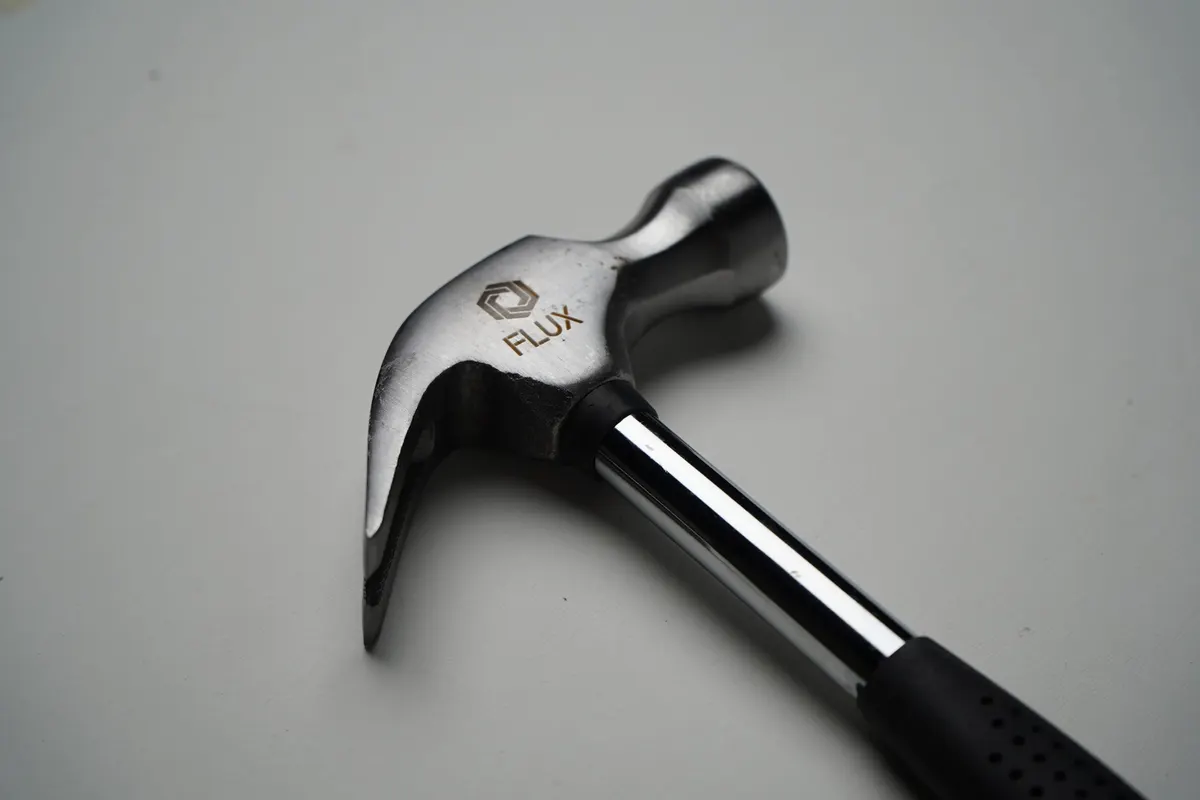
Fiber lasers offer precise, stable marking and engraving on metals, delivering high-quality results with minimal maintenance—ideal for modern metalworking.
Materials
Align the laser source with your specific creative needs.
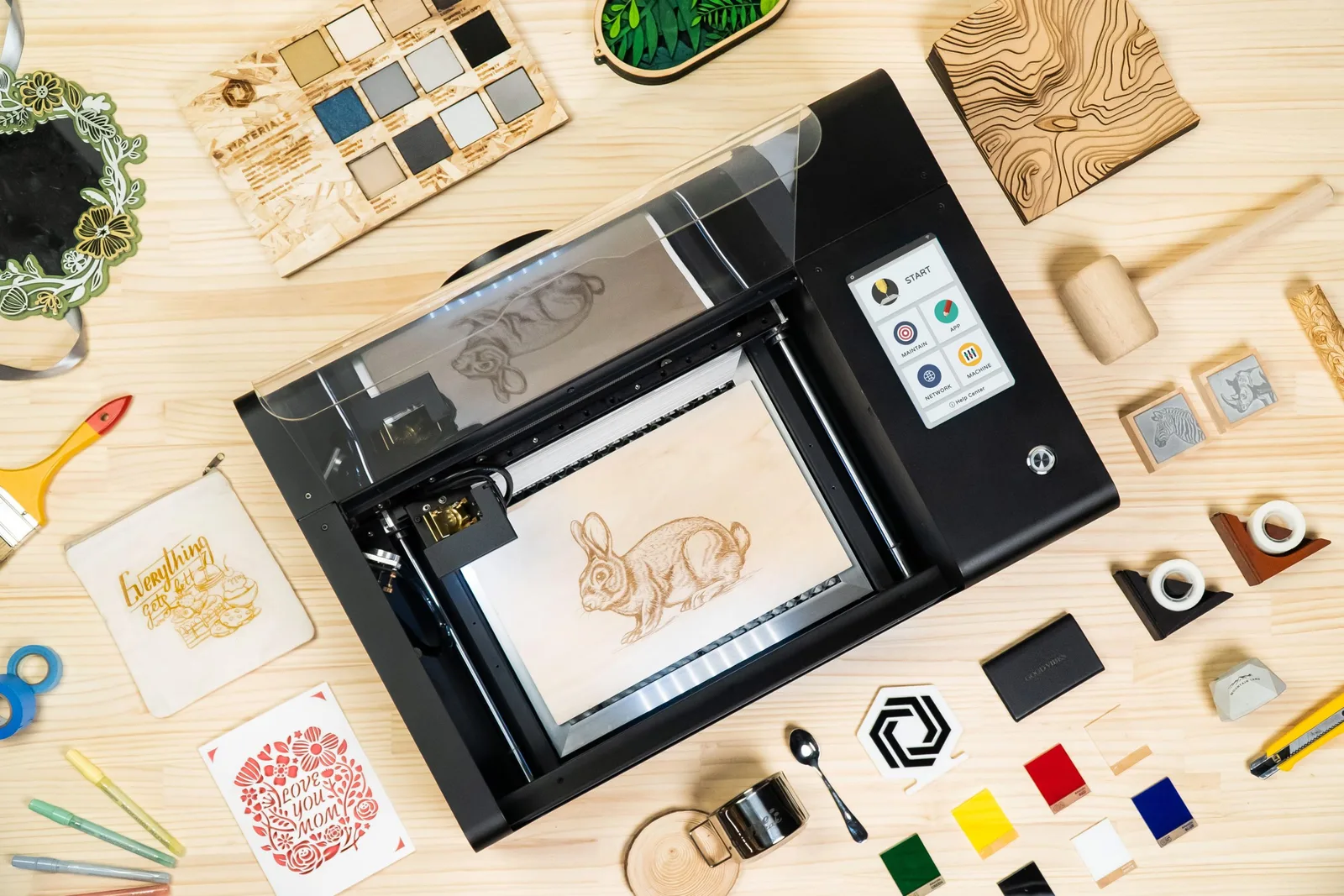
beamo 30W Laser Cutter
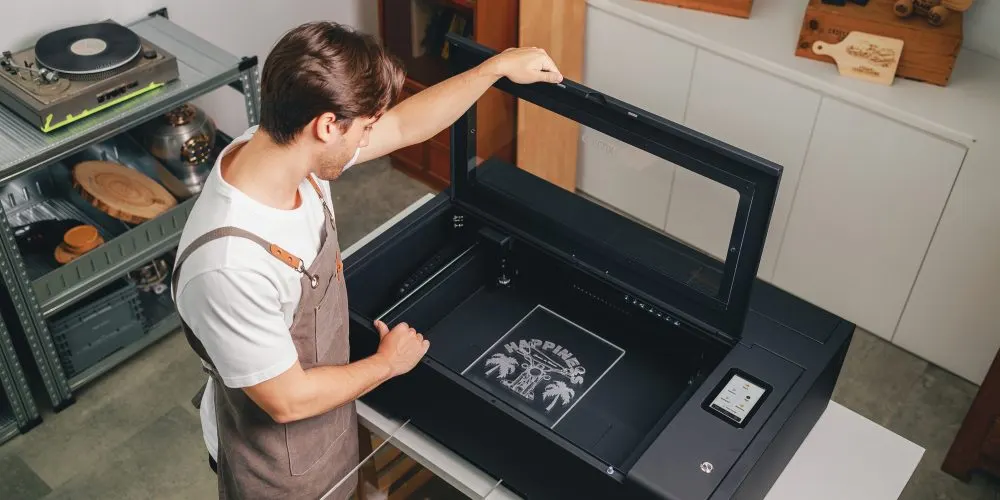
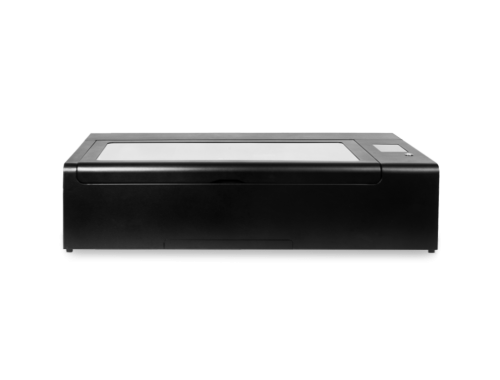
beamo is compact with an A4 work area, powered by a 30W CO2 laser. It cuts up to 7mm hinoki wood and 6mm acrylic. For more materials, see the beamo material guide.
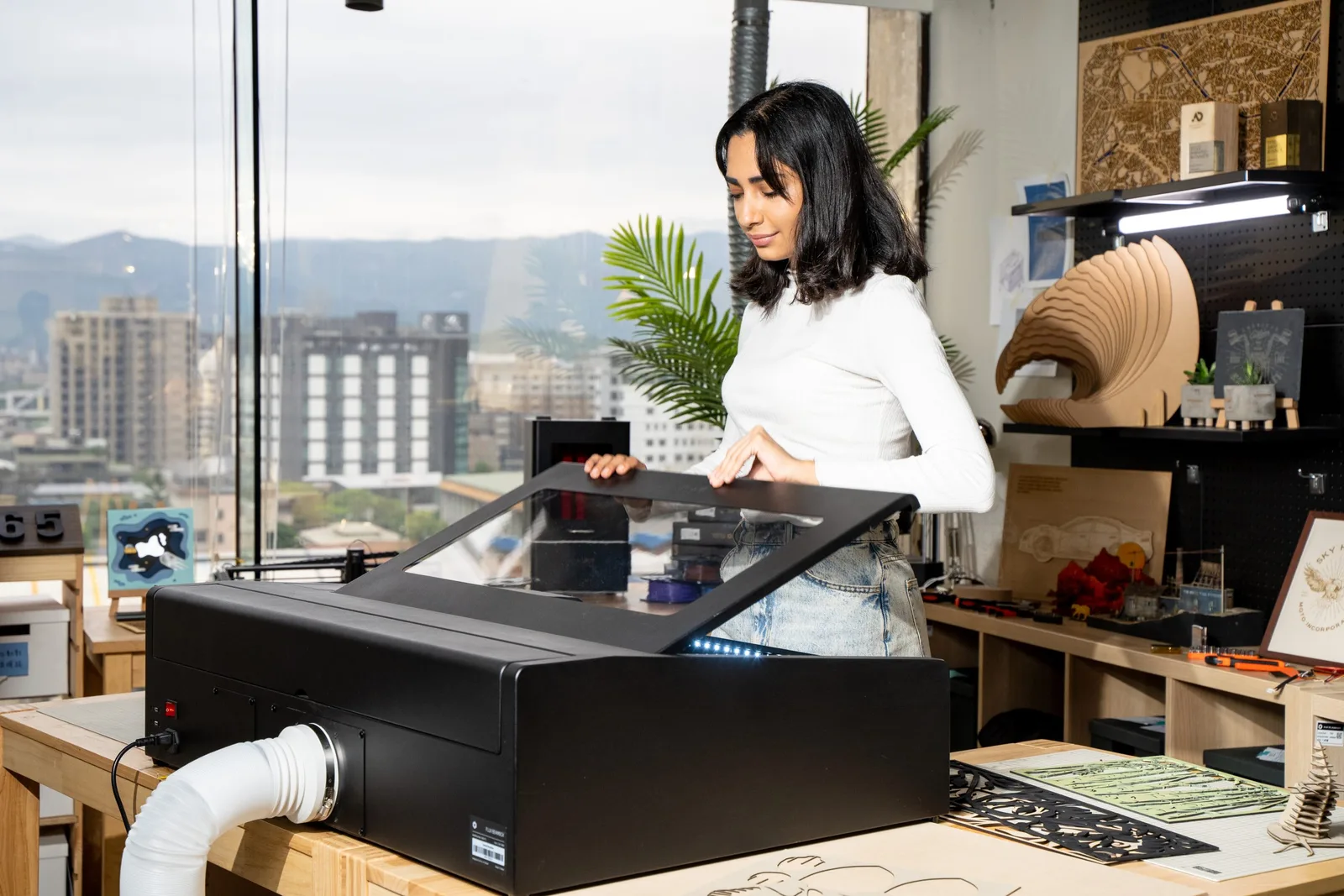
Beambox 40W Laser Cutter
Beambox offers a large work area of 40 x 37.5 cm², capable of engraving and cutting large sheets, including up to 12mm hinoki wood and acrylic. For more materials, see the Beambox material guide.
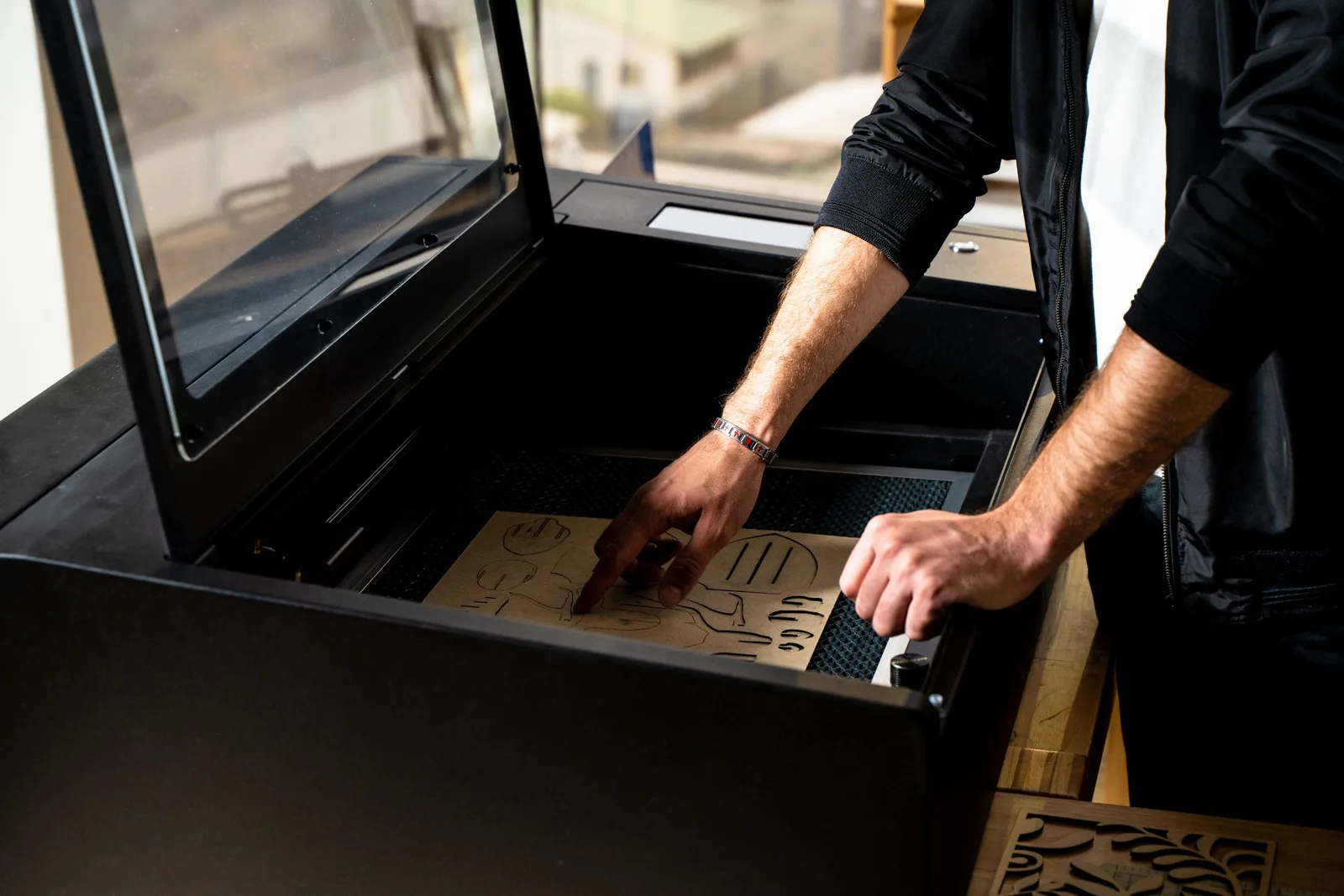
Beambox Pro 50W Laser Cutter
Beambox Pro features a 60 x 37.5 cm² work area, ideal for small-scale production. It can cut up to 14mm hinoki wood and acrylic. For detailed material options, see the Beambox Pro material guide
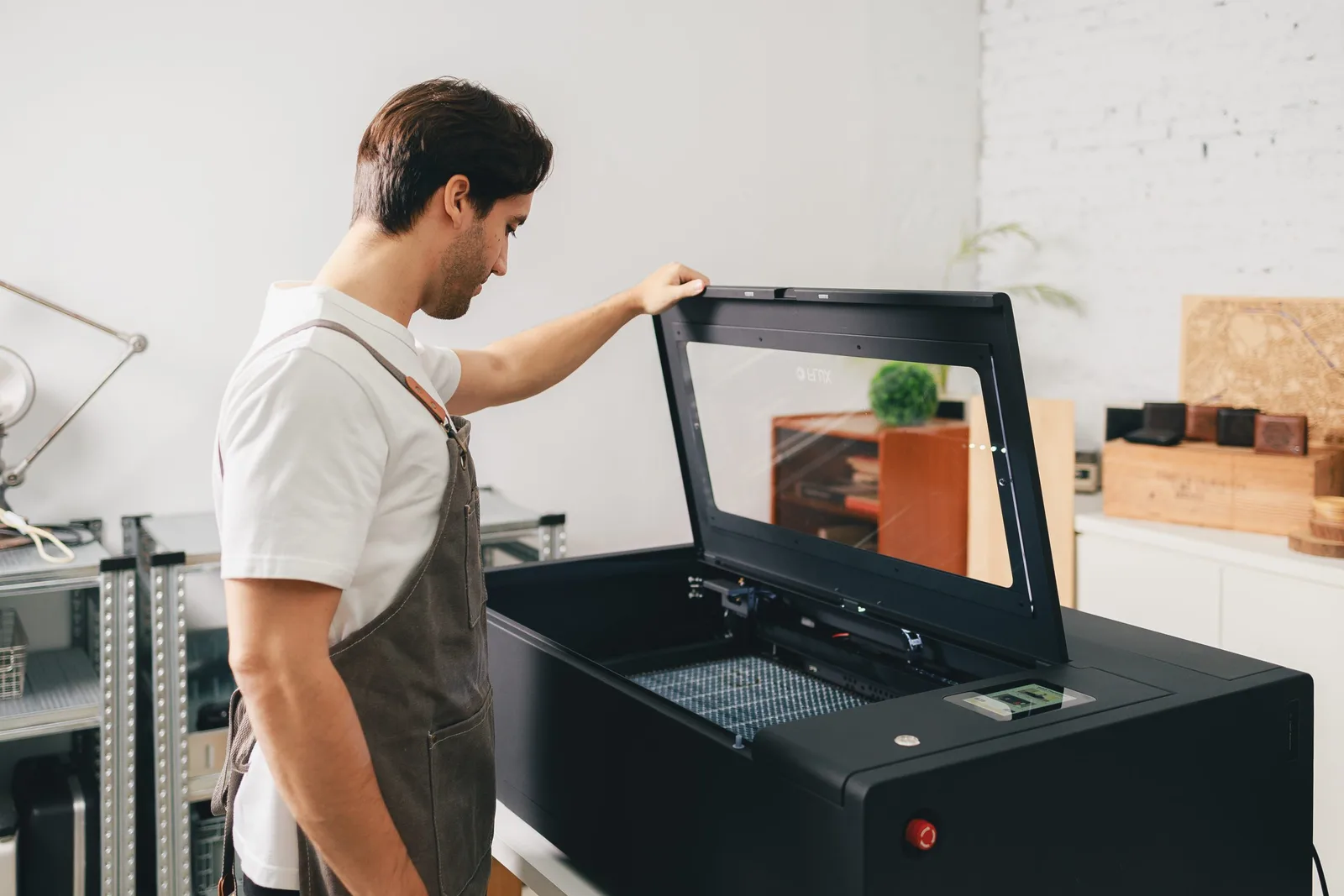
Beambox II 55W Laser Cutter
Beambox II is now upgraded to 55W CO2 Laser, delivering exceptional cutting performance. Now, you can effortlessly cut through 20mm acrylic and 18mm Japanese cypress, whether it's intricate designs or bold creations—precision is guaranteed. Elevate your creative freedom and bring every idea to life without limits.
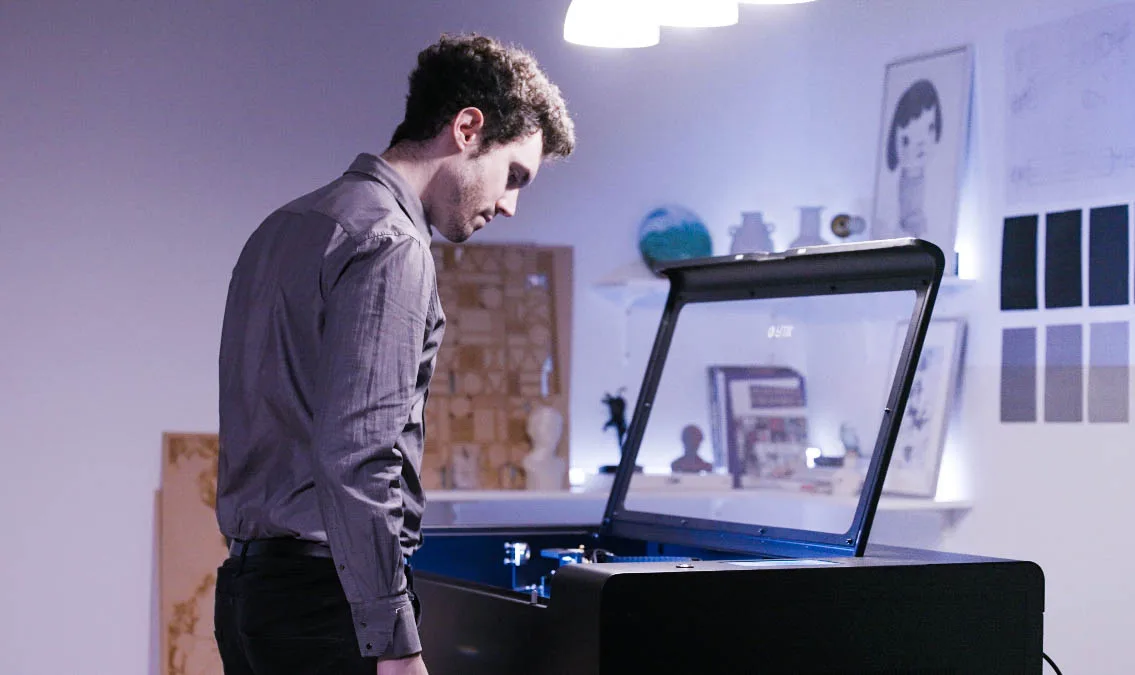
HEXA 60W Laser Cutter
HEXA's 60W industrial CO2 laser is built for mass production, cutting up to 20mm hinoki wood and 21mm acrylic. For more details, see the HEXA material guide.
Ador Color Printing Laser Cutter
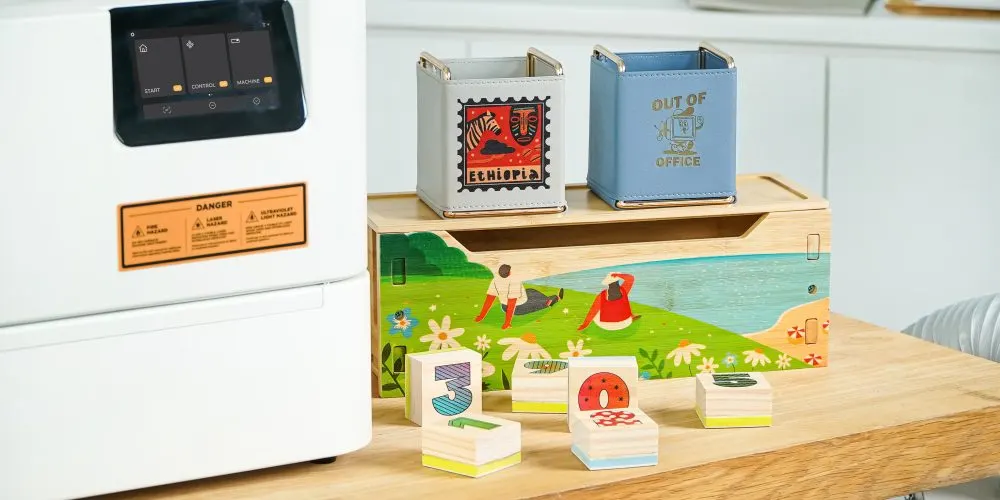
Ador’s 10W/20W diode laser cuts up to 15mm hinoki wood and 7mm fabric. Its 2W infrared laser engraves gold, silver, and copper. The color printing module supports CMYKW printing, even on thick materials. See the material guide for details.
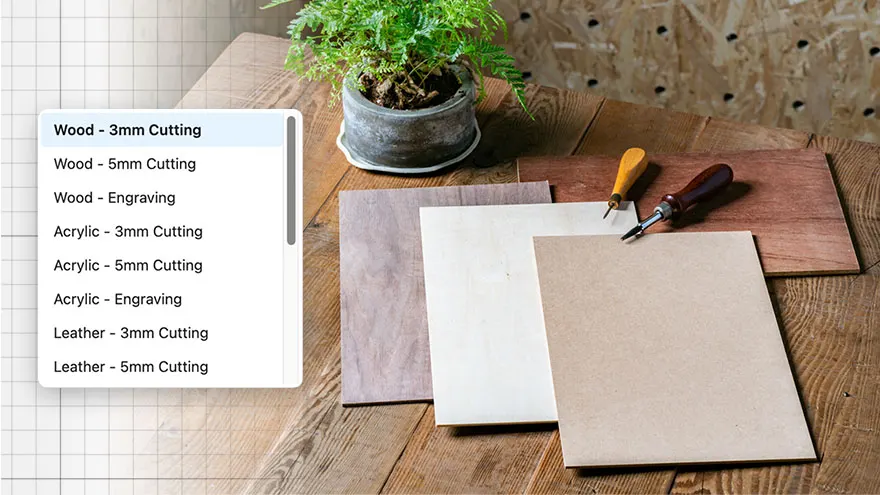
Meet Beam Studio
Camera Preview
Real-time preview through your FLUX Laser’s built-in camera.

Preset Parameters
Select fine-tuned cutting and engraving settings for common materials.

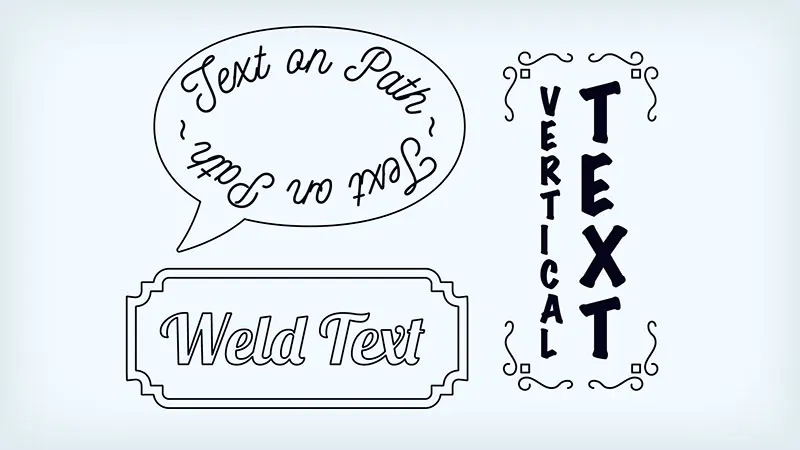
Versatile Text Tools
Text on path, weld text, vertical text, and more for every typographic need.
Curated Clipart
Choose from over 400 vector elements to start your design.

Consumable Requirements

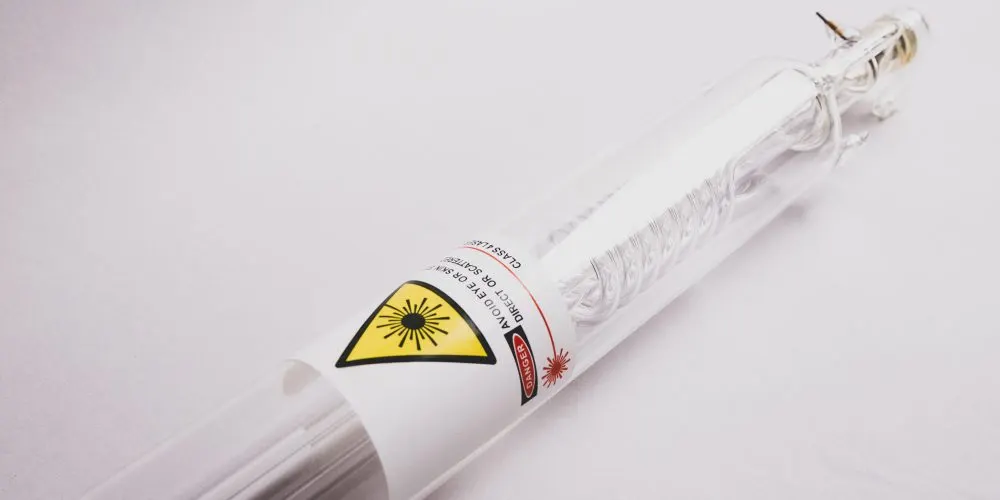
CO2 Laser Tube
As CO2 gas in the laser tube depletes with use, laser power diminishes. Regular tube replacement is crucial to ensure consistent performance.

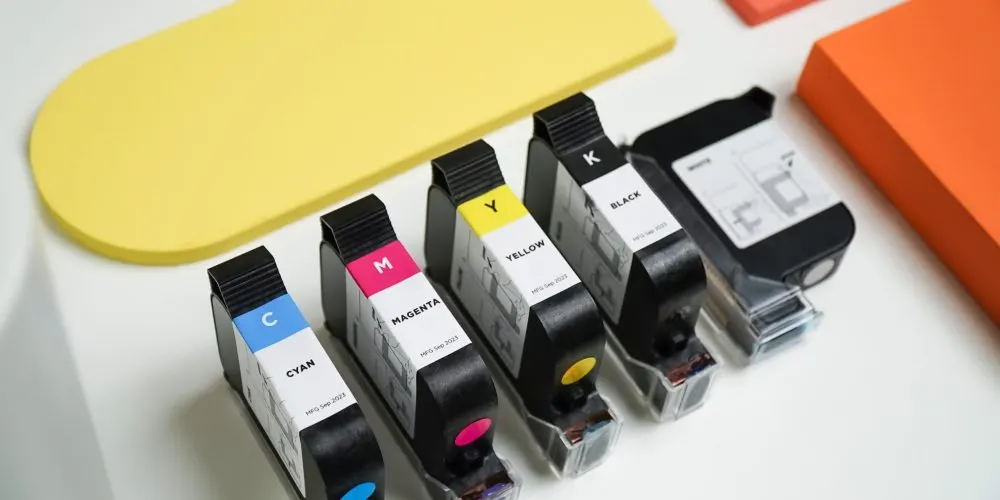
Ador Printing Ink
Ador's color printing module utilizes CMYKW eco-friendly inks, designed to meet the demands of color processing for creators.
Compatible Models: Ador

Consumables
Starting now, all machine consumables and accessories are available on the FLUX Official Shop, ensuring a seamless fit for your maintenance needs.

Materials
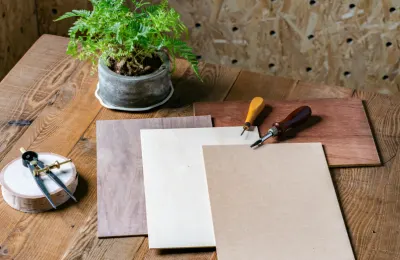
Materials essential for your creations, such as wood and acrylic, are all available at the FLUX Official Shop. Get what you need and start creating right away!
What’s Your Creative Niche?
The Right Laser Cutter for Every Creative Project

Custom Jewelry
Ideal Laser Sources: CO2 Laser, Diode Laser, Fiber Laser
For crafting jewelry, earrings, or pet tags, the compact beamo and Ador provide the perfect solution, offering convenience for both home studios and on-the-go customization.
Compatible Models: Ador / beamo

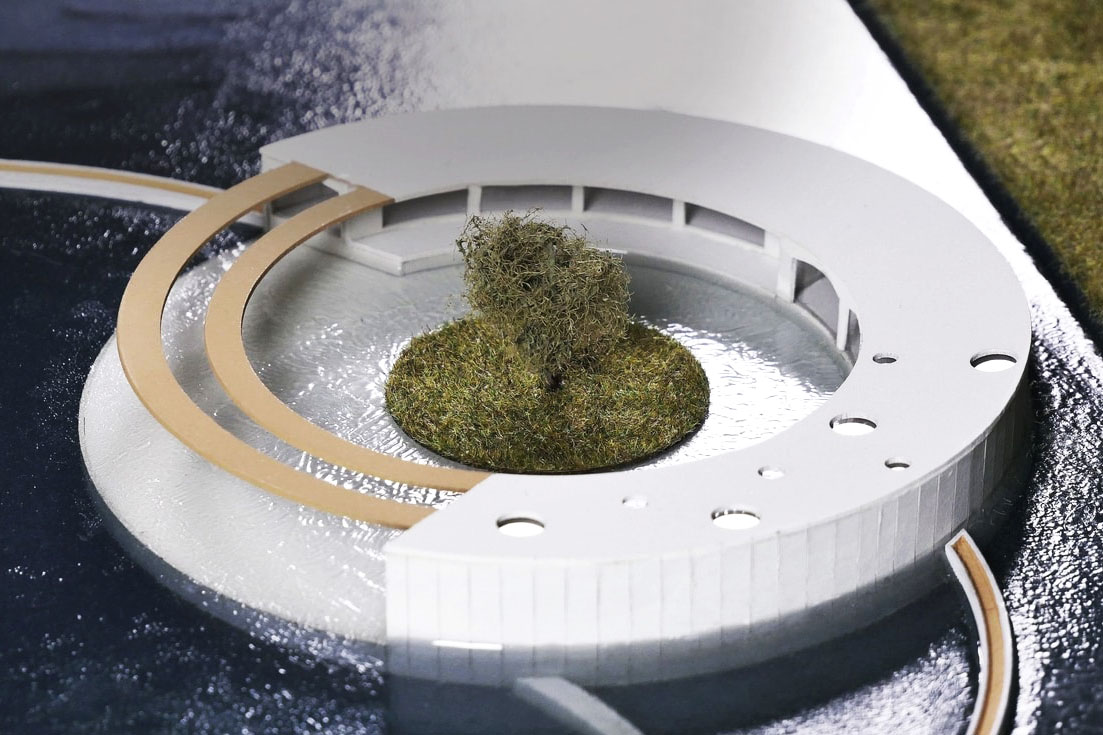
Miniature / Automata
Ideal Laser Sources: CO2 Laser / Diode Laser
Miniature and model creation demands precise engraving and cutting of small components, and the Beambox series and HEXA are perfectly suited for the task.
Compatible Models :Beambox (Pro) / HEXA

Prototyping
Ideal Laser Sources: CO2 Laser / Diode Laser / Infrared Laser
For creators requiring simultaneous laser engraving, cutting, and coloring, the modular Ador and FLUX CO2 product lines deliver high-efficiency, cost-effective prototyping and processing across a wide range of materials.
Compatible Models: Ador / beamo / Beambox (Pro) / HEXA

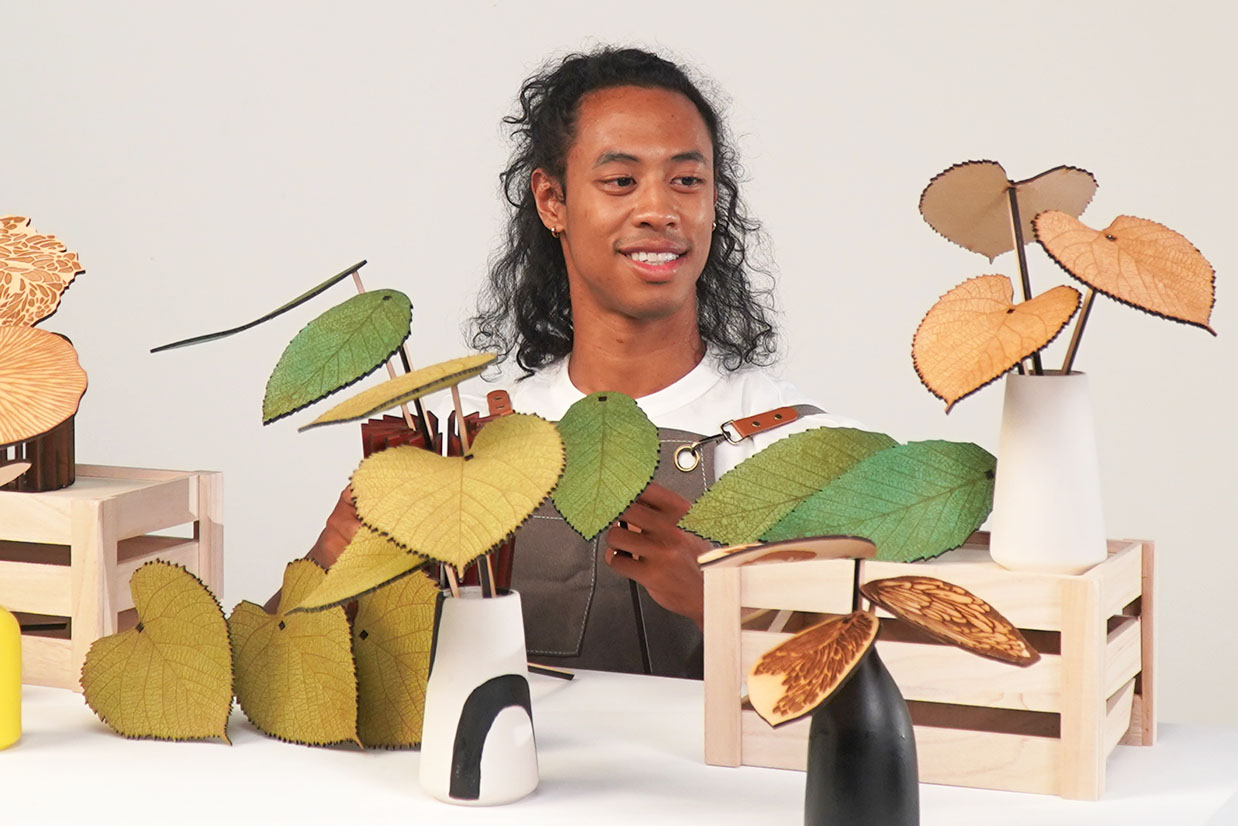
Personalized Crafts
Ideal Laser Sources: CO2 Laser / Diode Laser / Infrared Laser / Fiber Laser
The diverse FLUX laser cutter product line offers versatile material compatibility, effortlessly handling everything from wood, leather, and acrylic to metal.
Compatible Models:Ador / beamo / Beambox (Pro) / HEXA
Add-Ons
Expand Your Creativity—Beyond the Flat Surface

For Cylindrical Objects
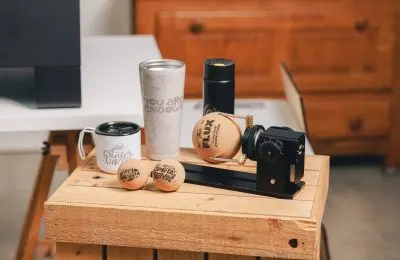
With the Chuck Rotary, you can expand beyond flat surfaces, create more diverse products, and unlock even greater profits.
Compatible Models: Ador / beamo / Beambox II / HEXA

For Extra Thick Materials
Explore FLUX Laser’s Open Bottom, Extension Base, and Extension Pocket Add-on—designed to handle thick materials with ease.
Compatible Models: Ador / beamo / Beambox II

For Extra Long Objects
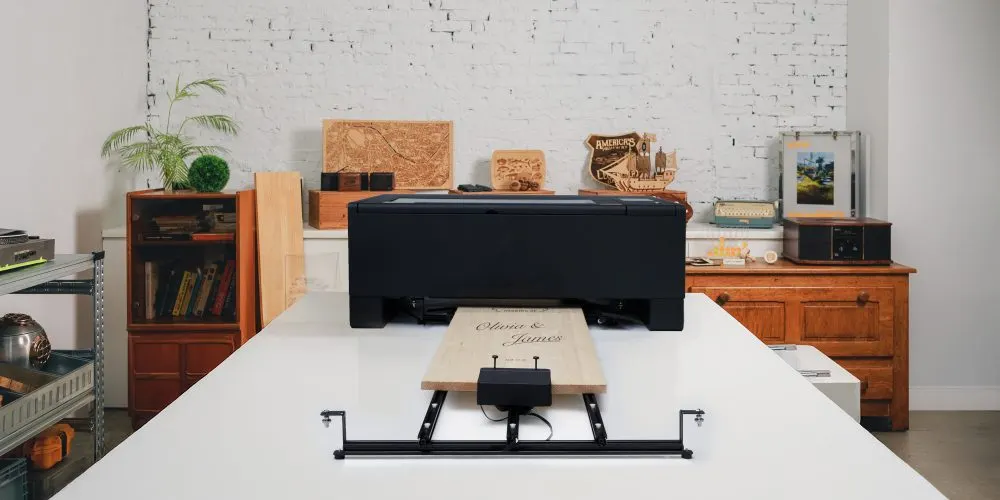
If you're looking to take on extra-long custom orders like house number signs, store signs, or skateboards, the Pass-Through Add-on is your must-have companion.
Compatible Models: Ador / Beambox II