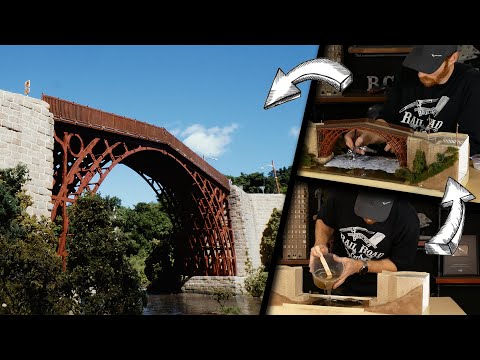

Built-in HD Camera
Cutting and engraving is hassle free with our preview mode. Place your material, preview the area on screen and engrave. Your design comes out exactly as shown in the preview.
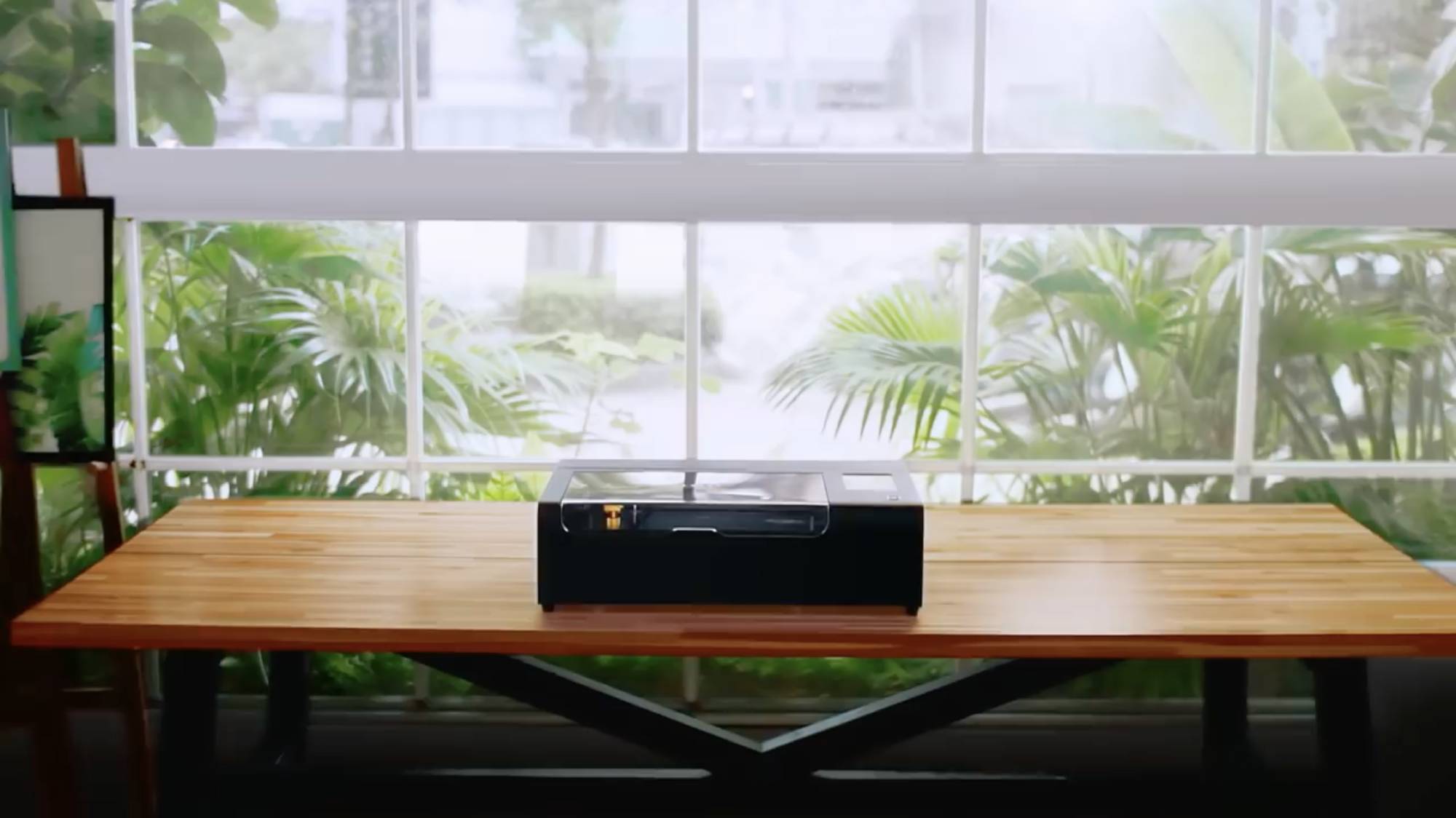

“FLUX’s beamo is both the most compact and least expensive dedicated laser cutter and engraver we’ve seen”PC Magazine
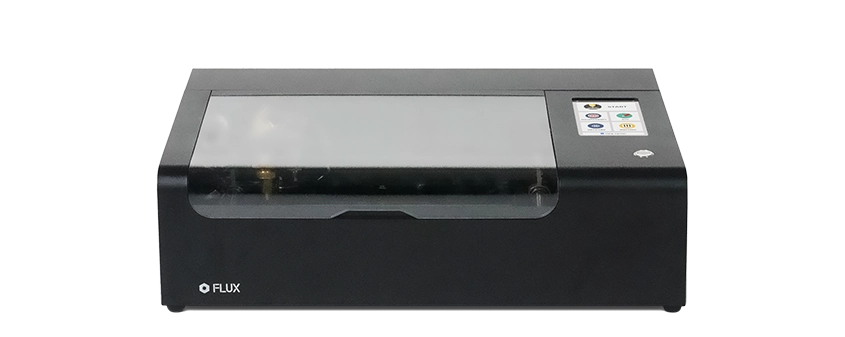
Powerful Functionality with Intuitive Features
Cutting and engraving is hassle free with our preview mode. Place your material, preview the area on screen and engrave. Your design comes out exactly as shown in the preview.

If left opened, auto pause ensures the laser stops. The internal water cooling system provides a stable cutting process. Plus, you can stop production, with a single switch, at any time.
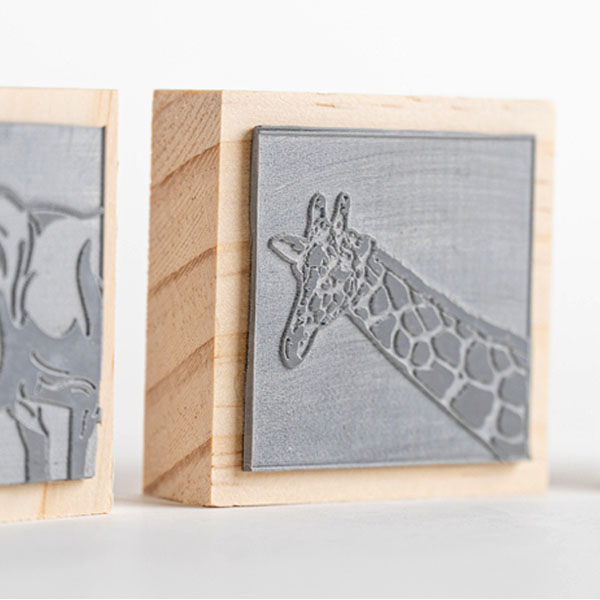
The beamo ultra-thin laser engraves at an exceptional spacing down to 0.05 mm layer with a clear resolution of 1,000 DPI fitting for any craft or small business project.
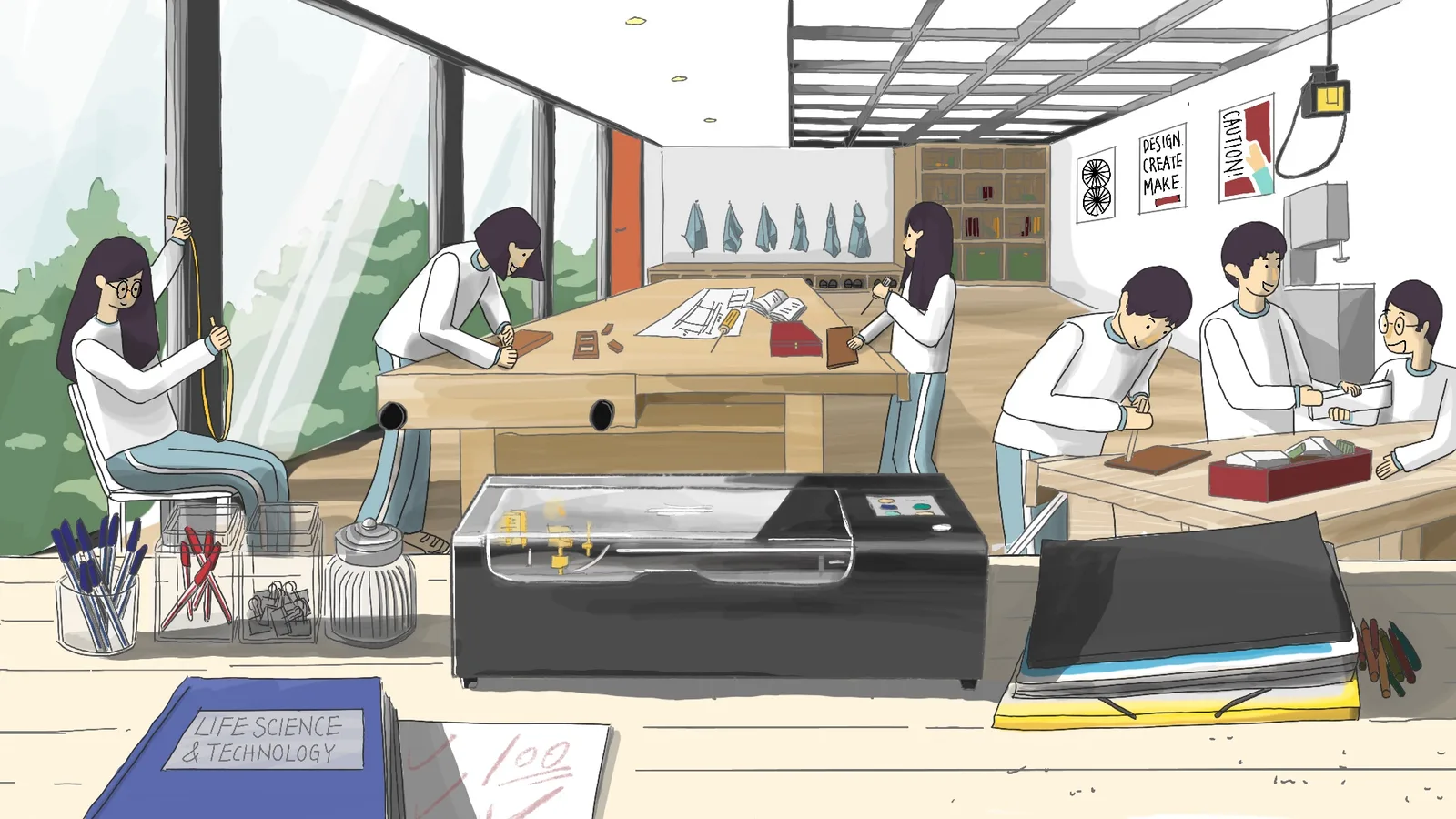
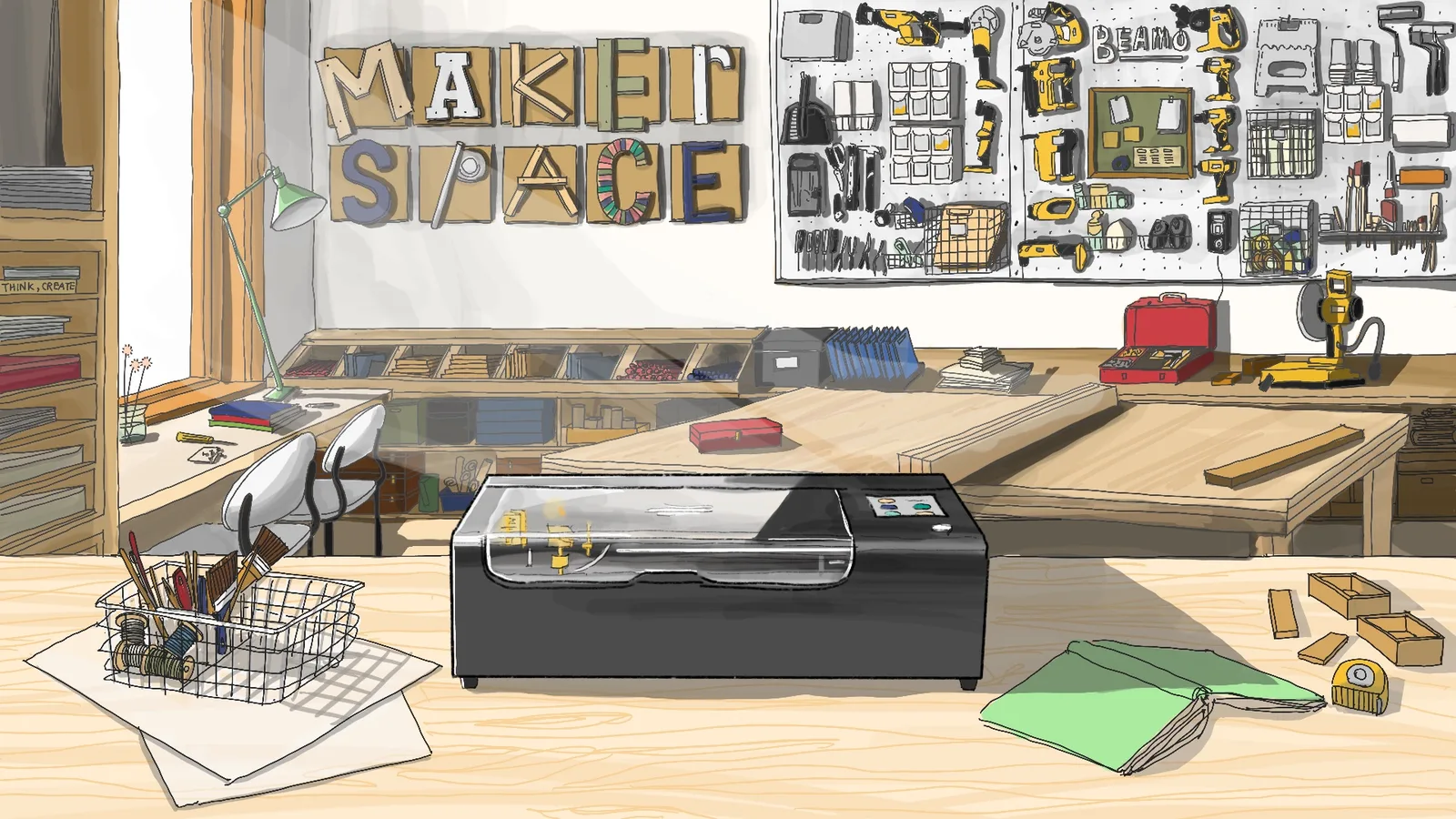
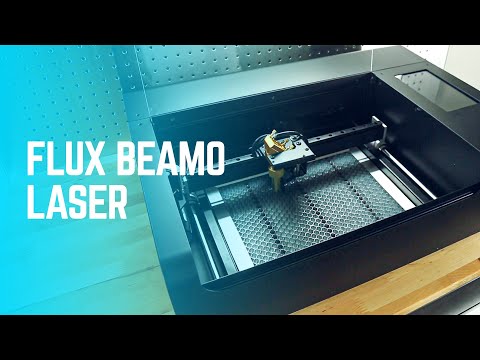
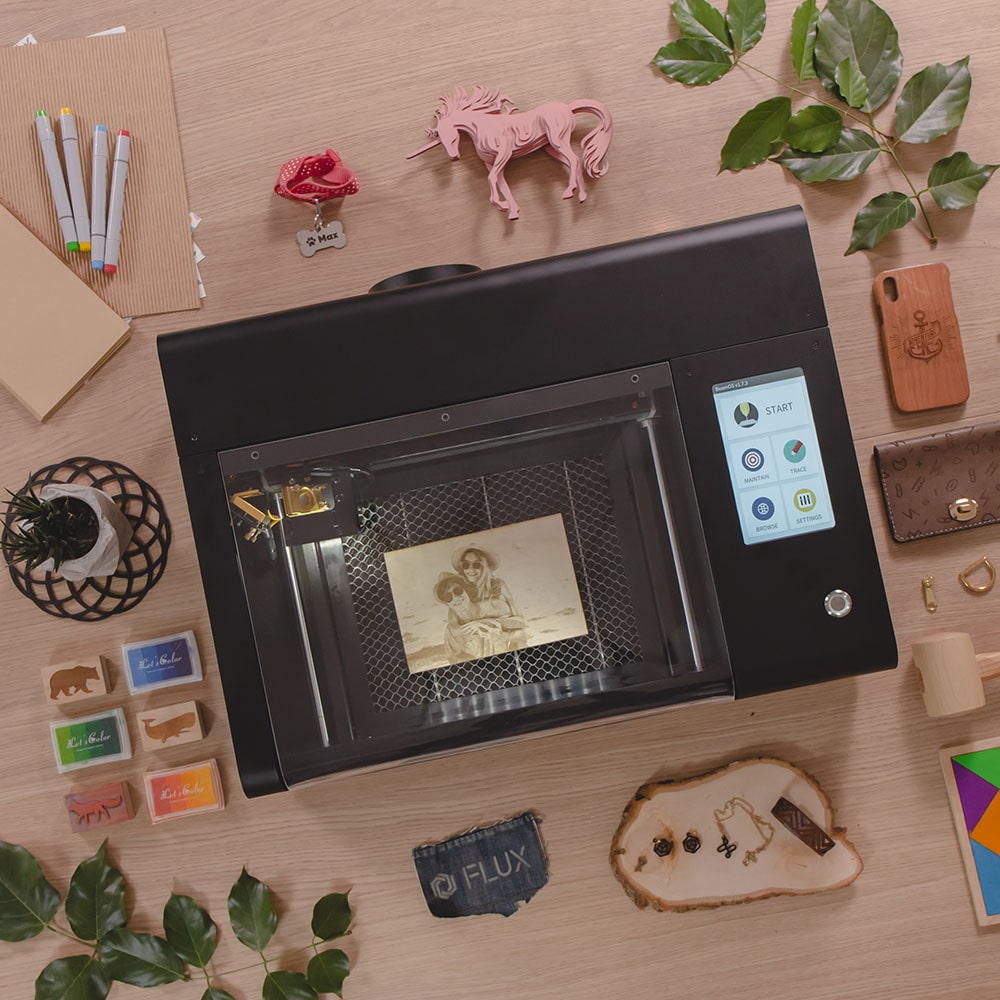
Sleek, modern and compact, beamo is designed to sit beautifully in any home, school or workshop space. The metal body and acrylic lid come pre-assembled at 24 by 17.5 inches. The modest build fits perfectly on any desk, while still allowing for a large cutting space of letter size (A4) for its powerful 30W CO2 laser.
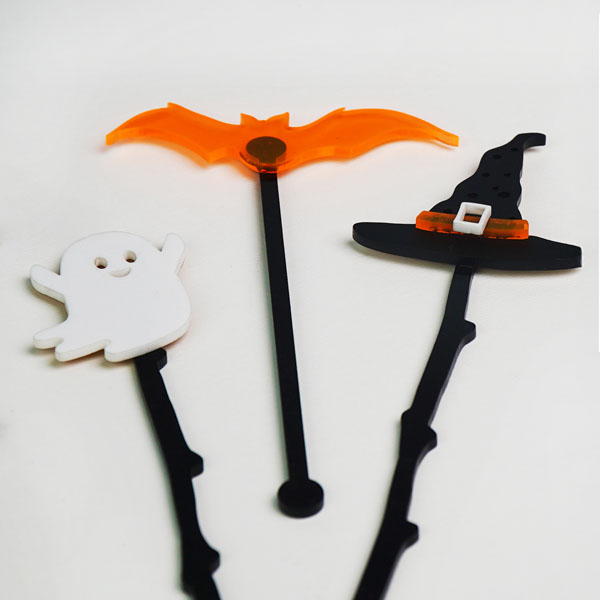
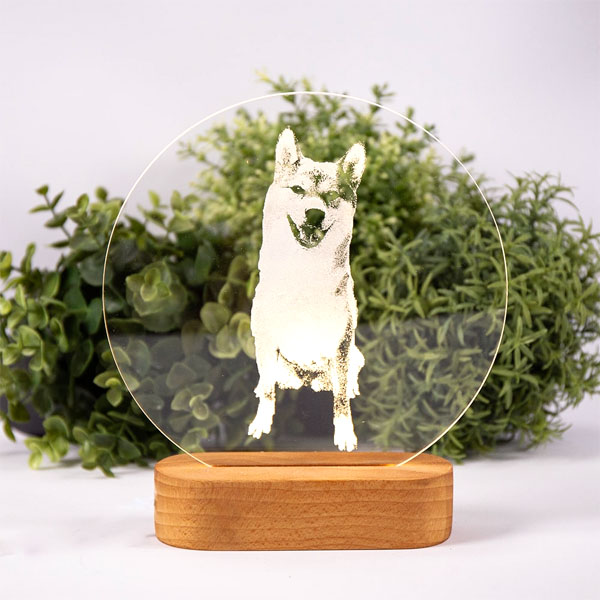
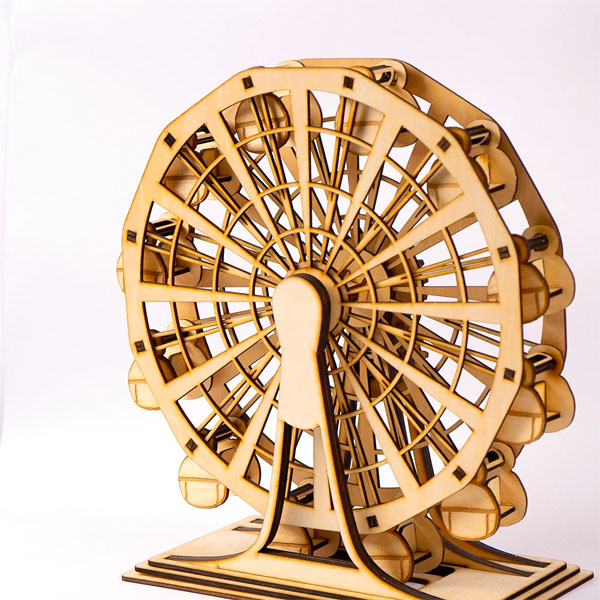
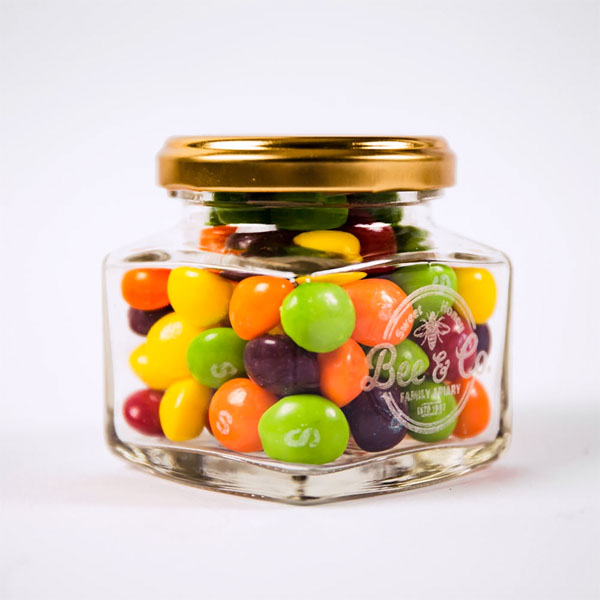
User Friendly Experience
Whether you’re a first time user or a more advanced professional, beamo’s straightforward, intuitive ecosystem makes it easy and hassle free to go from design to product.

さまざまな製品を自由な形やスタイルに加工できます。追加アクセサリーを使えば、スチールや円筒形の素材など対応範囲がさらに広がり、スモールビジネスにも最適です。
The beamo comes equipped with Beam Studio for PC and Mac and Beam Go for mobile. Our hassle-free software allows you to edit text and vector files and modify bitmap images in app. Easily auto align your designs in the center of your workpiece or equally distribute designs to cover your working object. Once you’re ready to engrave or cut, enjoy preset parameters for power and speed based on your choice materials.
Beam Studio について詳しく見る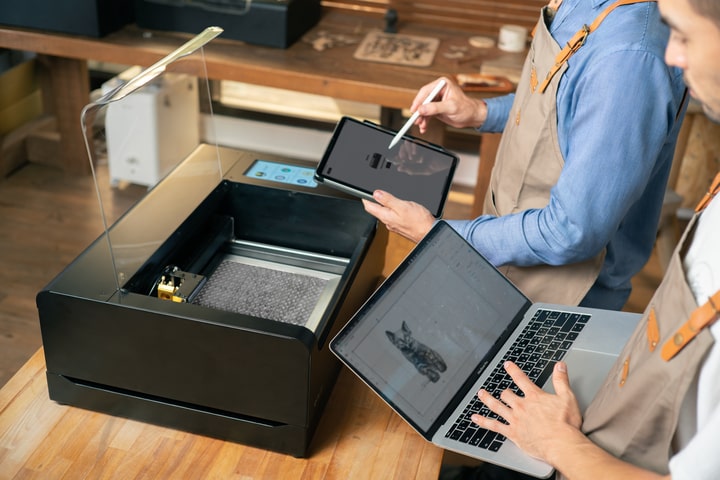
Beam Studio は Adobe Illustrator とスムーズに連携し、AutoCAD、Inkscape、CorelDRAW、Microsoft Word からのデザイン読み込みにも対応します。JPG、PNG、SVG、DXF の高品質なデータをアップロードできます。
 Adobe Illustrator
 Adobe Photoshop
 Affinity Design
 Autodesk AutoCAD
 SketchUp
 SolidWorks
 Sketch
 Corel Draw
 Rhinoceros
Unlock More Capabilities with the FLUX Ecosystem
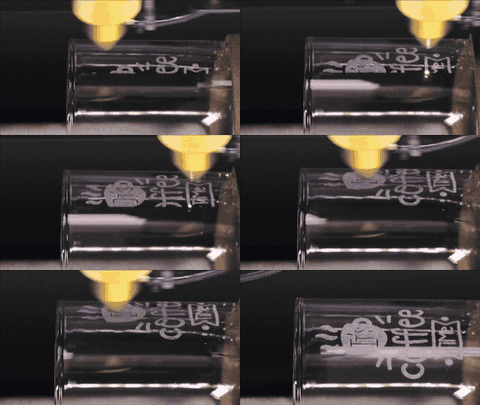
Engrave on cylinder shapes like thermoses, mugs, pens, wine bottles, glassware and more with the rotary module attachment. The add-on opens a whole new dimension of customization!
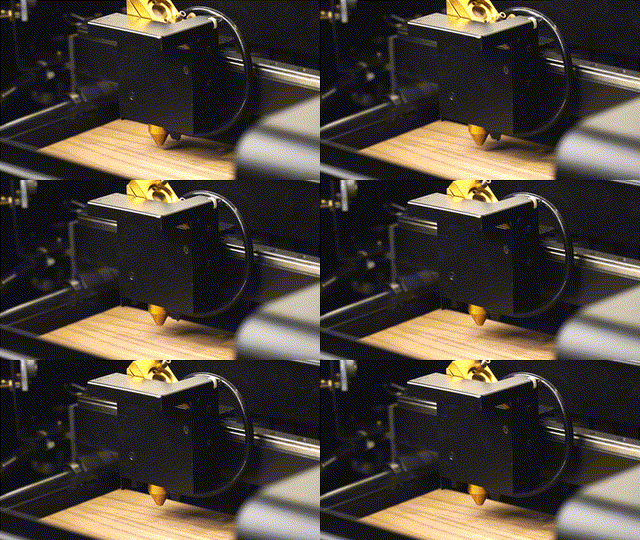
You don’t need prior laser experience to use beamo, the autofocus attachment will make any adjustments you need based on your materials. Enjoy a dependable cutting experience even on thicker materials.
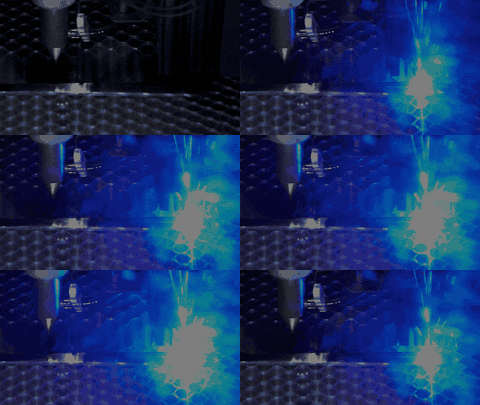
If you’re looking for advanced functionality, the Diode laser attachment is the perfect solution, allowing for faster cutting speeds and deeper penetration to cut or engrave through materials like steel.
Preview your design and drag and drop it to the exact position you want, or use auto alignment to get that perfect center configuration. The built in camera makes it easy to engrave, cut, and even flip and cut again without worrying about problematic placements. Just scan the bed, drag your design and start your cut or engraving!
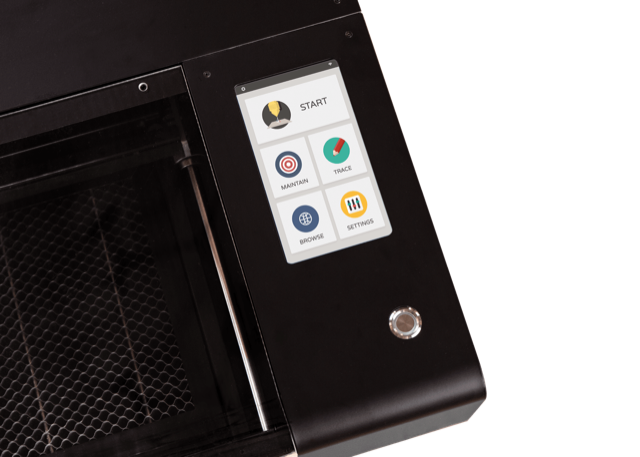
beamo comes fully equipped with Wi-Fi connectivity for a seamless workflow anywhere you are. Monitor work status, transfer files, or update settings plus when you download Beam Go app on mobile, you can transition from drawing, or photo upload to cut or engrave almost instantly.
 USB Supported
 Hard-Wire Supported
 Mobile Device Supported
The beamo is fully enclosed, and it automatically pauses if the lid is opened during a task. If an emergency occurs, you can shut down the machine immediately with a single switch.
beamo の設置面積はレターサイズ用紙4枚分、重量は50ポンド未満。デザインスタジオや作業机へ自然に収まります。
We believe in building powerful products that are easy for everyone to use. Take a look at some of the incredible feedback from our community, and watch how seamless your unboxing experience will be.
横へスクロールして全機種を比較
| 機種 | beamo | 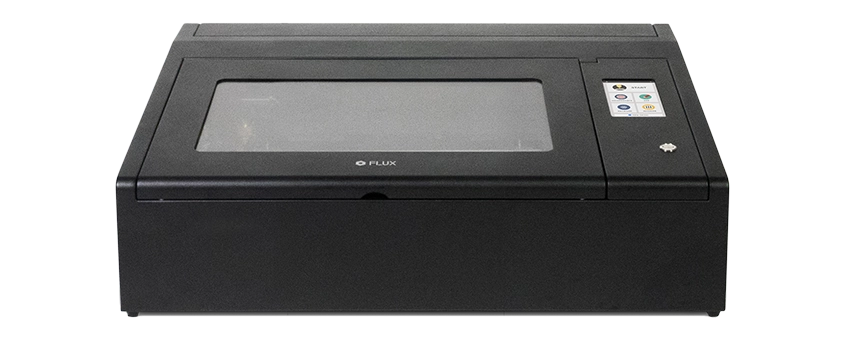 Beambox Beambox |  Beambox Pro Beambox Pro | 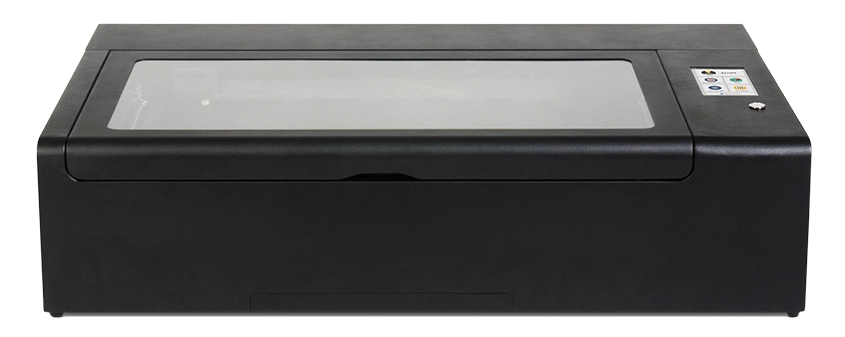 HEXA HEXA |
|---|---|---|---|---|
| 基本仕様 | ||||
| 外形寸法 | 615 x 445 x 177 mm | 800 x 670 x 250 mm | 990 x 670 x 250 mm | 1110 x 670 x 273 mm |
| 重量 | 22 kg | 40 kg | 48 kg | 58 kg |
| 加工エリア | 300 x 210 mm | 400 x 375 mm | 600 x 375 mm | 730 x 410 mm |
| 加工エリアの高さ | 45 mm | 80 mm | 80 mm | 125 mm(オートフォーカス:60 mm) |
| カメラプレビュー範囲 | 300 x 195 mm | 400 x 360 mm | 600 x 360 mm | 730 x 395 mm |
| 電源 | AC 110V/220V | AC 110V/220V | AC 110V/220V | AC 110V/220V |
| 速度 | 1-300 mm/s | 1-900 mm/s | ≤ 300 mm/s | 1-900 mm/s |
| タッチパネル | 1024 x 600 LCD | 1024 x 600 LCD | 1024 x 600 LCD | 1024 x 600 LCD |
| カメラ | HD CMOS | HD CMOS | HD CMOS | HD CMOS |
| 接続方式 | Wi-Fi / Ethernet / 直接接続用ネットワークケーブル | Wi-Fi / USB / Ethernet / 直接接続用ネットワークケーブル | Wi-Fi / USB / Ethernet / 直接接続用ネットワークケーブル | Wi-Fi / USB / Ethernet / 直接接続用ネットワークケーブル |
| レーザー | ||||
| レーザー | 30W CO2 レーザー | 40W CO2 レーザー | 50W CO2 レーザー | 60W CO2 レーザー |
| 波長 | 10640 nm | 10640 nm | 10640 nm | 10640 nm |
| 切断厚 | 0〜7 mm(素材により異なります) | 0〜12 mm(素材により異なります) | 0〜14 mm(素材により異なります) | 0〜21 mm(素材により異なります) |
| ソフトウェア | ||||
| モード | ベクター / グラフィック(モノクロ、グレースケール) | ベクター / グラフィック(モノクロ、グレースケール) | ベクター / グラフィック(モノクロ、グレースケール) | ベクター / グラフィック(モノクロ、グレースケール) |
| 対応 OS | Windows / macOS / Linux | Windows / macOS / Linux | Windows / macOS / Linux | Windows / macOS / Linux |
| ファイル形式 | JPG / PNG / SVG / DXF / AI / PDF | JPG / PNG / SVG / DXF / AI / PDF | JPG / PNG / SVG / DXF / AI / PDF | JPG / PNG / SVG / DXF / AI / PDF |
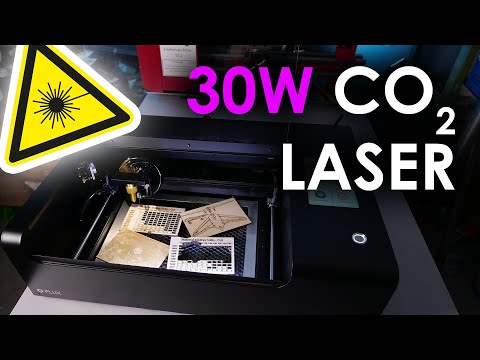
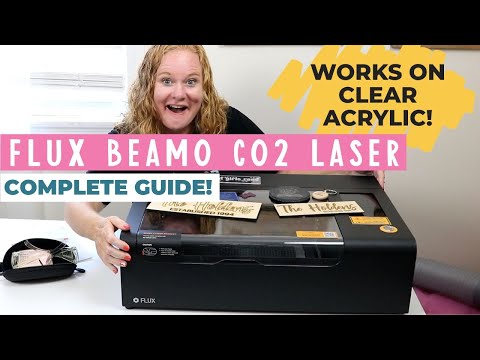
beamo is a small desktop CO2 laser cutter and engraver. It features a powerful 30-watt CO2 laser, that can cut and engrave on organic materials and even engrave select metal. With its revolutionary design and intuitive user interface, you’re just steps away from having fun making amazing things.
beamo supports file formats you’re familiar with, such as JPG, PNG, SVG, DXF, AI and PDF, and our software is very easy to use. With the included tutorial, you will be making things in no time!
You can easily find answers to the most common questions in our Help Center, which we update regularly. You can also contact our customer support online and our support team will be more than happy to help you.
We provide a 12-month warranty for beamo and 3-month warranty for the laser. If you’ve encountered an issue, please contact our technical staff, so we can determine a suitable fix. Parts and tutorials will be provided if needed, and for the cost of shipping.
beamo is equipped with an air pump and a powerful exhaust. The air pump prevents the material from catching fire while the exhaust extracts smoke and fumes.
The work area is 11.8” x 8.2” x 1.7“ (30 cm x 21 cm x 4.5 cm). There’s a honeycomb structure tray for materials that are up to 1.18” (3 cm) thick. The tray can be adjusted manually or removed to accommodate materials up to 3.15” (8 cm) thick.
Yes. The platform is manually detachable, freeing up an additional 22mm for materials when removed. With the beamo open-bottom kit, then there are no limits to the thickness of the materials.
The laser creates smoke and fumes when operating, so we recommend you pick a well-ventilated location and use the included exhaust hose for outdoor venting.
To ensure continuous quality laser engraving or cutting, check and clean the lenses and mirrors regularly. Usually once every week, but it depends on usage and frequency. Lubricate the rails and check the water level of the cooling tank regularly.
For general use, the CO2 laser tube lasts 6 months to 1 year. The lenses and mirrors lasts 1 year or more under regular maintenance. If replacement is necessary, you can refer to our tutorial to change the parts on your own. We’re still working on pricing and we will update this information as soon as possible.
beamo is equipped with a 30W CO2 laser tube operating at 10,640-nm on average.
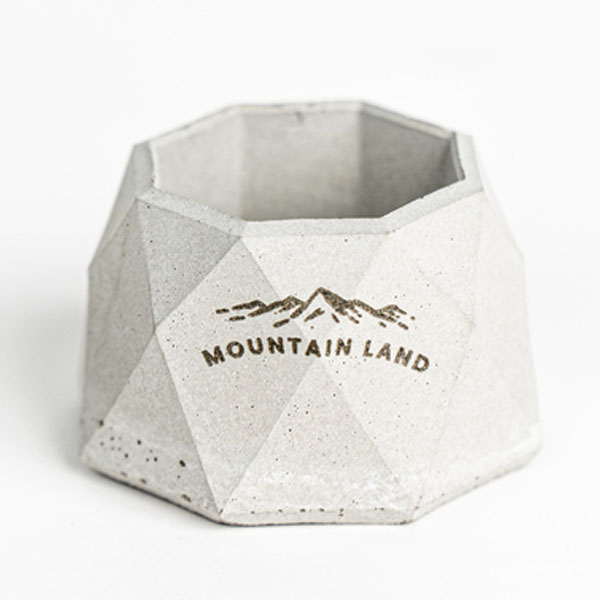
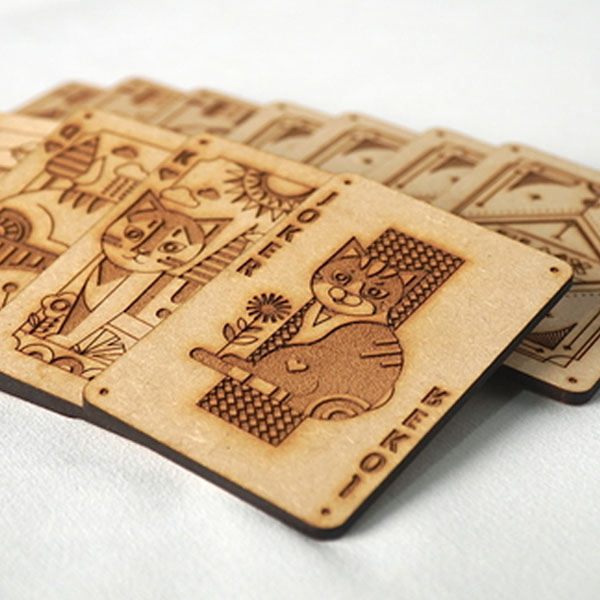
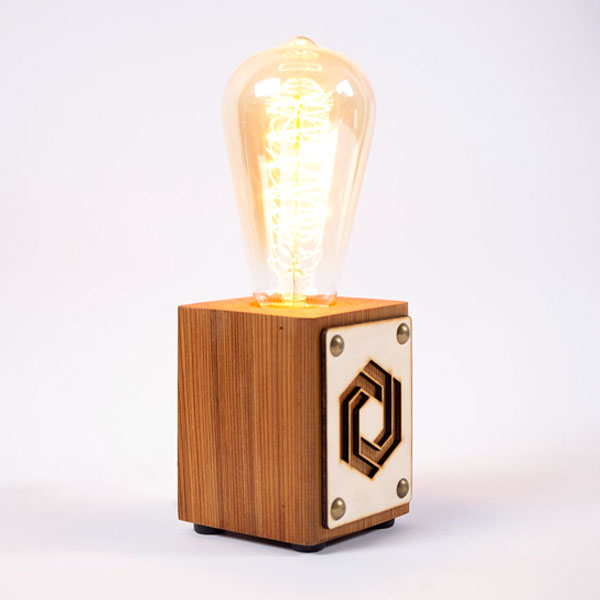
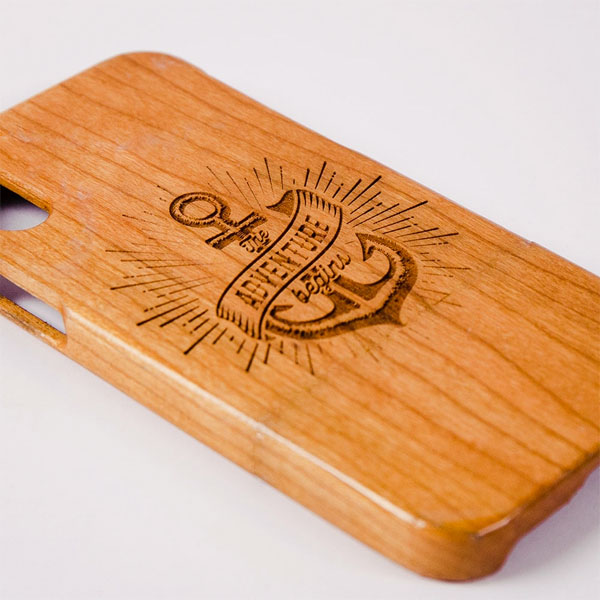
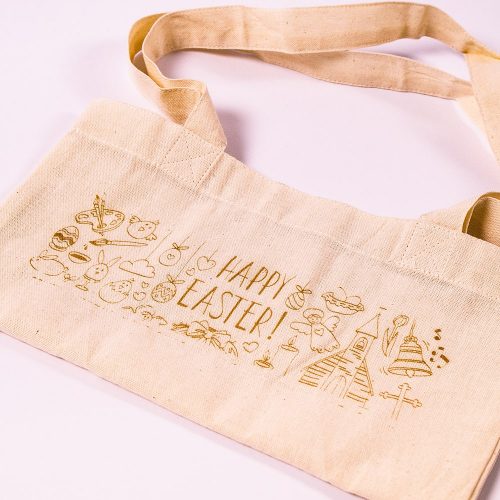
beamo can cut and engrave wood, leather, cardboard, acrylic, rubber, foods, and more. The maximum cutting thickness is up to 7mm (varies by material). beamo can also engrave on anodized aluminum and stainless steel, but the power levels are not enough to cut these materials.
If you slow down the speed or re-do the cut, you can cut thicker pieces.
Almost, the camera will miss the upper margin by 1cm. Please see the specs for the exact dimensions.
beamo is designed with various safety features, such as open lid detection and emergency shutdown. Nevertheless, it is best never to leave beamo unattended while it’s operating.
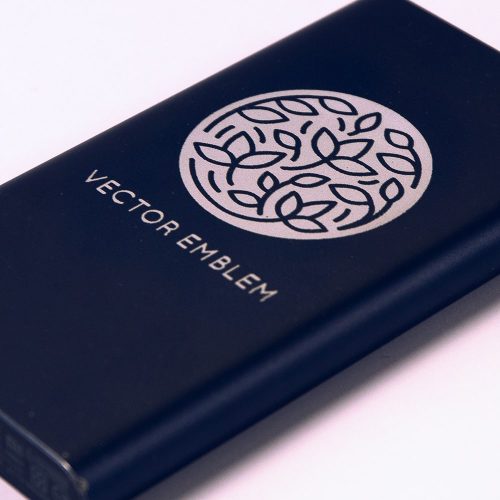
The power levels are not high enough to cut metal, but beamo can etch anodized aluminum and stainless steel with our specialized coating.
You can engrave on stainless steel with beamo only when it is coated with our specialized coating. Before you start, cover the material with the coating first for lasting results.
Yes, it is completely free. You’re more than welcome to download it even before receiving your beamo. We’d love to hear your feedback!
Beam Studio is compatible with JPG, PNG, SVG, and DXF file formats.
You can start, pause, and stop a task, control, and monitor your beamo’s status, all with a touch of a finger.
If you import the files to Beam Studio first, the files will be uploaded to beamo before starting the task, so you can disconnect your computer from beamo anytime after you start a task. You can also import files to beamo directly using USB or choose from the recent task list on the touch panel.
You can connect via Wi-Fi, Ethernet, or smartphone hotspot.
Beam Studio is compatible with Windows, macOS, Linux, and Chrome OS.
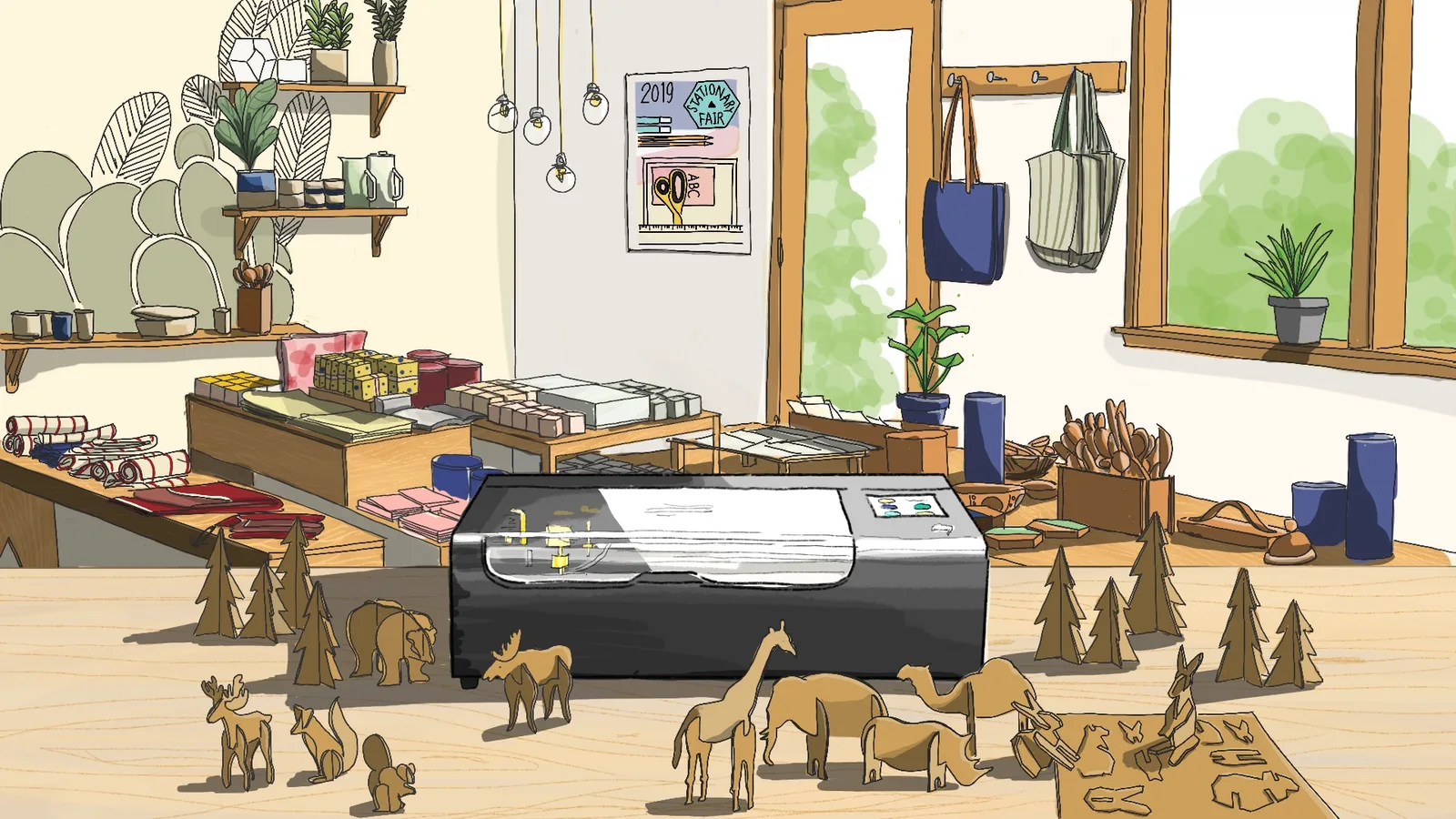
Turn the ideas in your sketchbook into custom gifts, useful objects, and projects that are unmistakably yours.
今すぐ購入